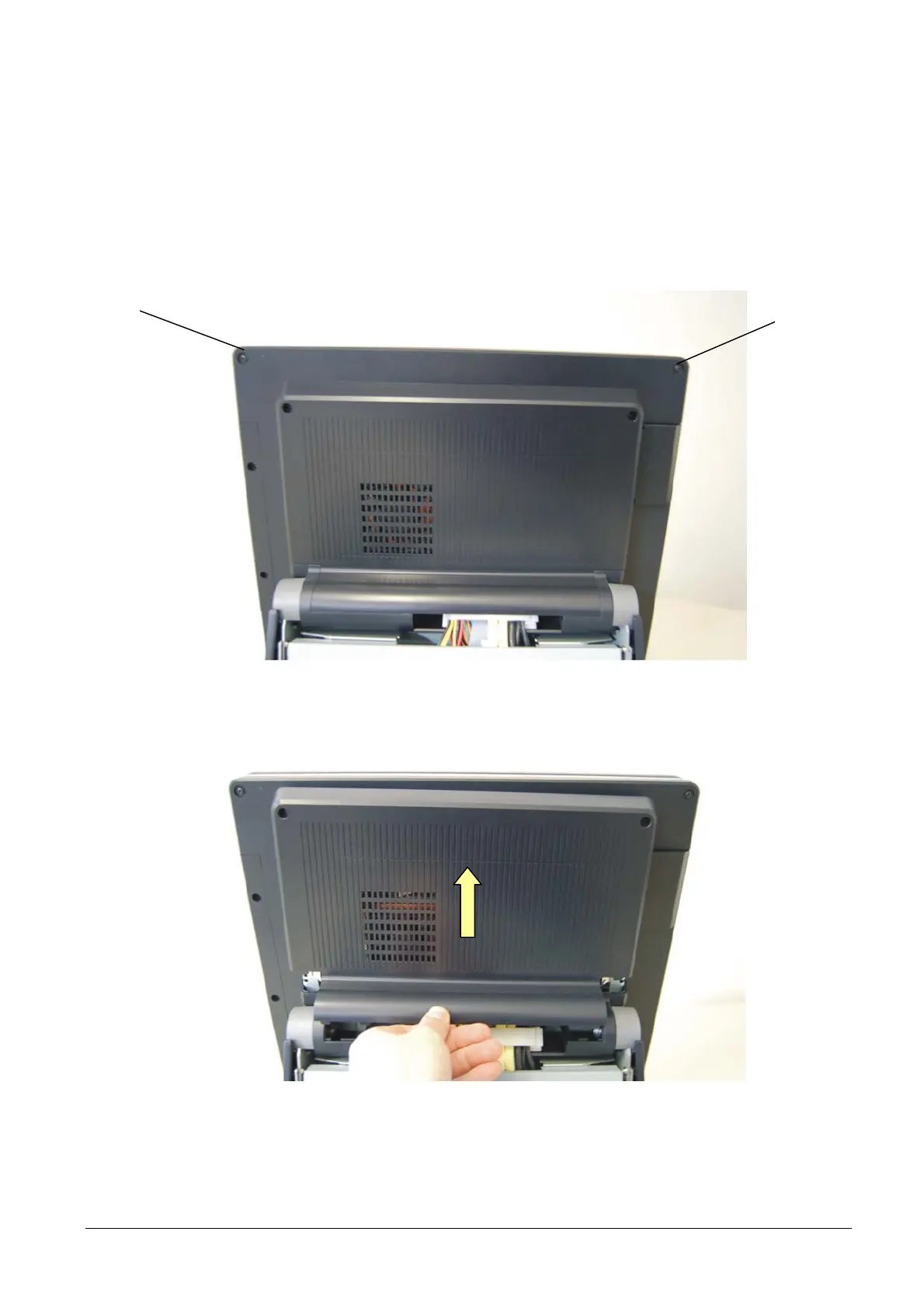
3.8 REMOVAL OF THE MOTHERBOARD COVER
To remove the cover of the motherboard proceed as follows:
• Remove the two screws A.
• Release and remove the cover come indicated in the Figure.
A
Figure 3-14
• For re-assembly, reverse the above operations.
XZAC4074 Service Manual 3-9



 To Next Page