3.3 REMOVAL OF THE REAR COVER
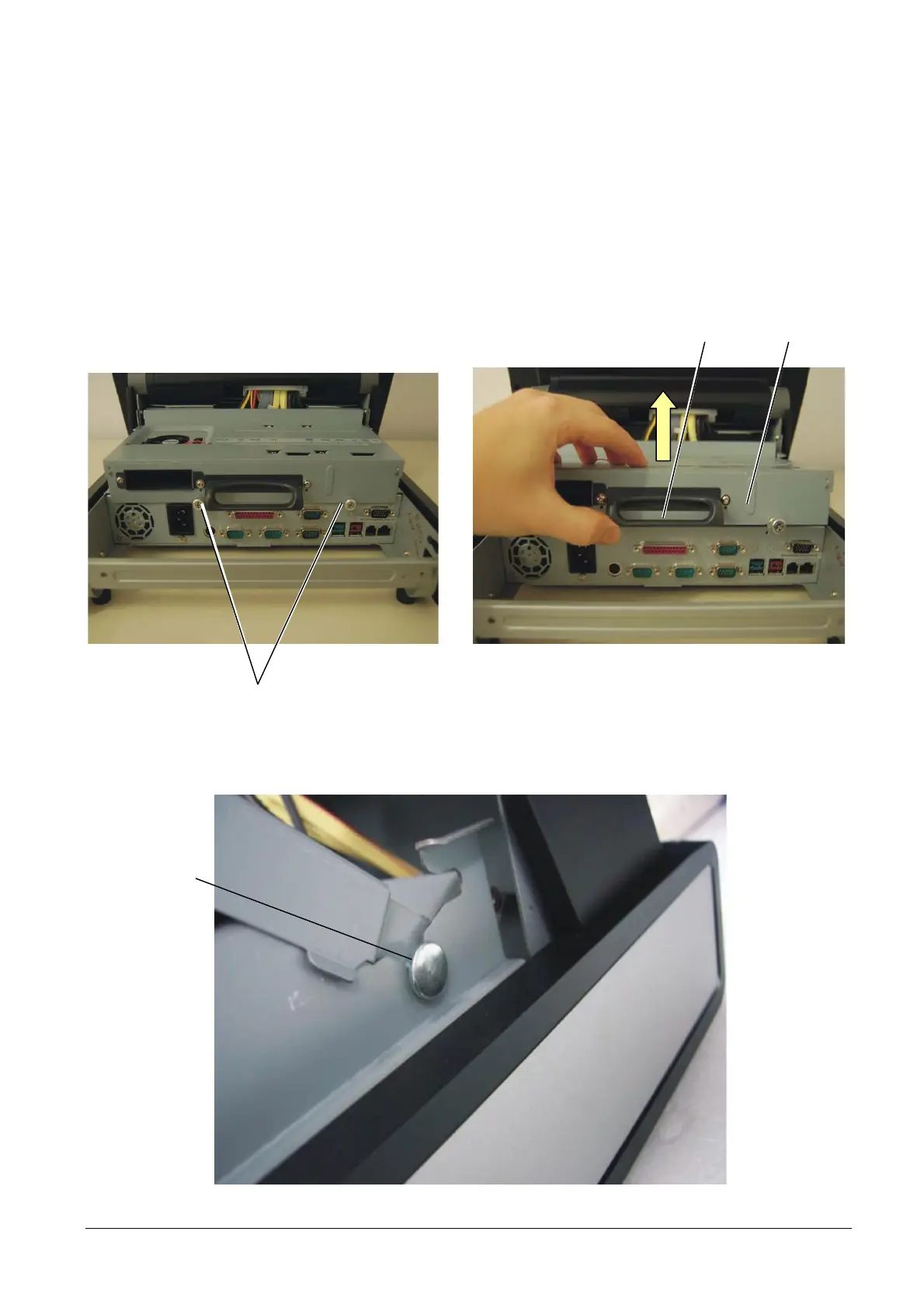
To remove the rear cover of the base module, proceed as follows:
• Remove the cable cover as described above.
• Loosen screws A.
• Using handle B, pull and lift cover C.
Figure 3-2
CB
A
• Position pins D as shown in the figure so that the cover remains raised.
D
Figure 3-3
XZAC4074 Service Manual 3-3



 To Next Page