XZAC4074 Service Manual 1-23
1.11 CONTROL PROCEDURES
1.11.1 Hard Disk control
FAULT ANALYSIS:
• The Bootstrap does not detect the Hard Disk or takes too long to detect it.
• Blue screen.
• The system switches off suddenly.
• The Hard Disk cannot be formatted
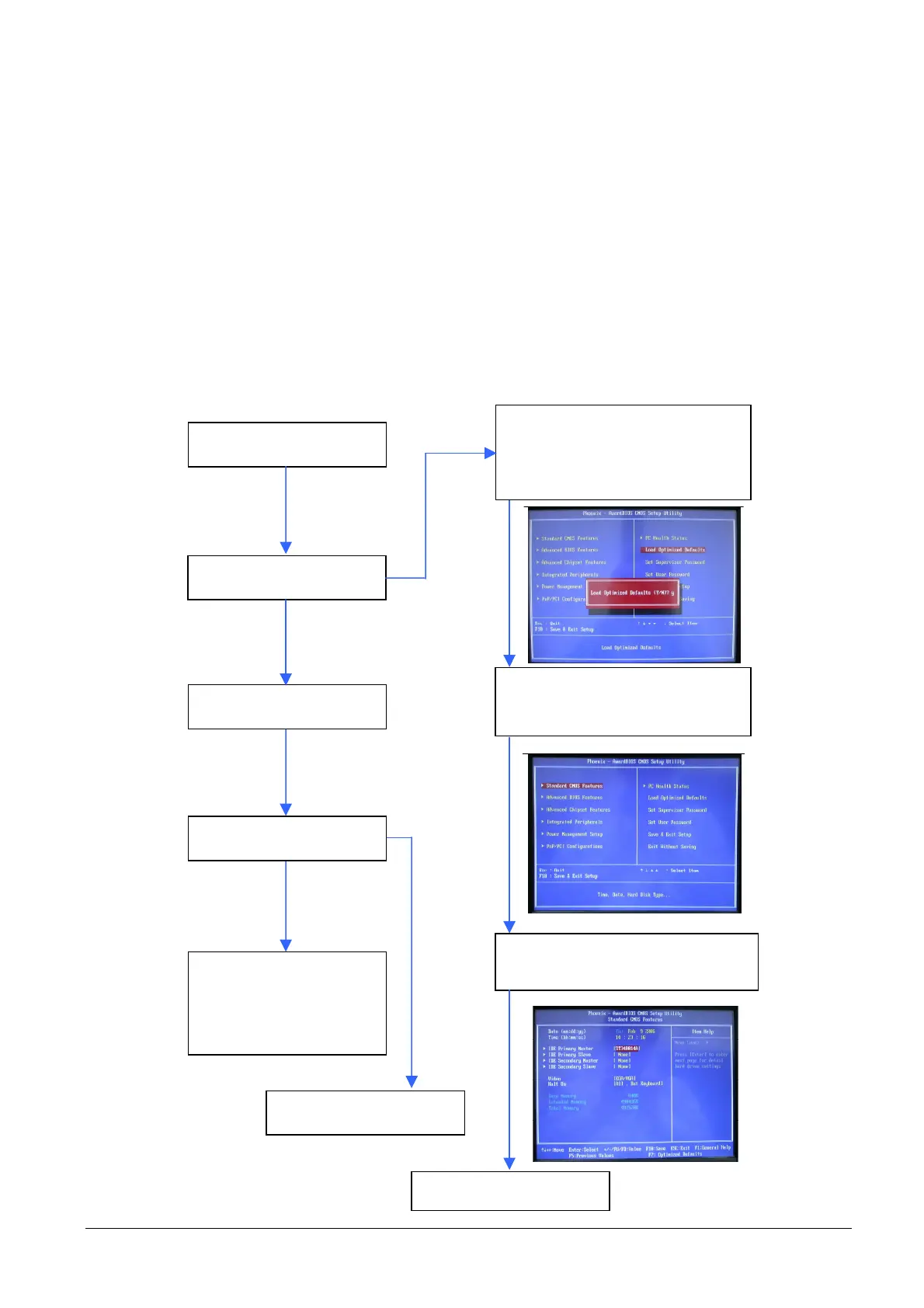
FLOW CHART:
YES
NO
NO
Power on the system
Positive bootstrap
Start Windows
The system stops
If possible, reinstall the
operating system or
replace the HDD
HDD OK
See procedure
Check that the IDE Primary
Master recognizes the Hard Disk
Select Standard CMOS Features
Press the “DEL” key to enter the
BIOS. Select “Load Optimized
Defaults” and then “Yes”.”.
YES



 To Next Page