3.16 REPLACEMENT OF THE I/O BOARD (FRONT)
Before disassembling the front I/O board, it is advisable to remove the front panel in order to facilitate the
operation.
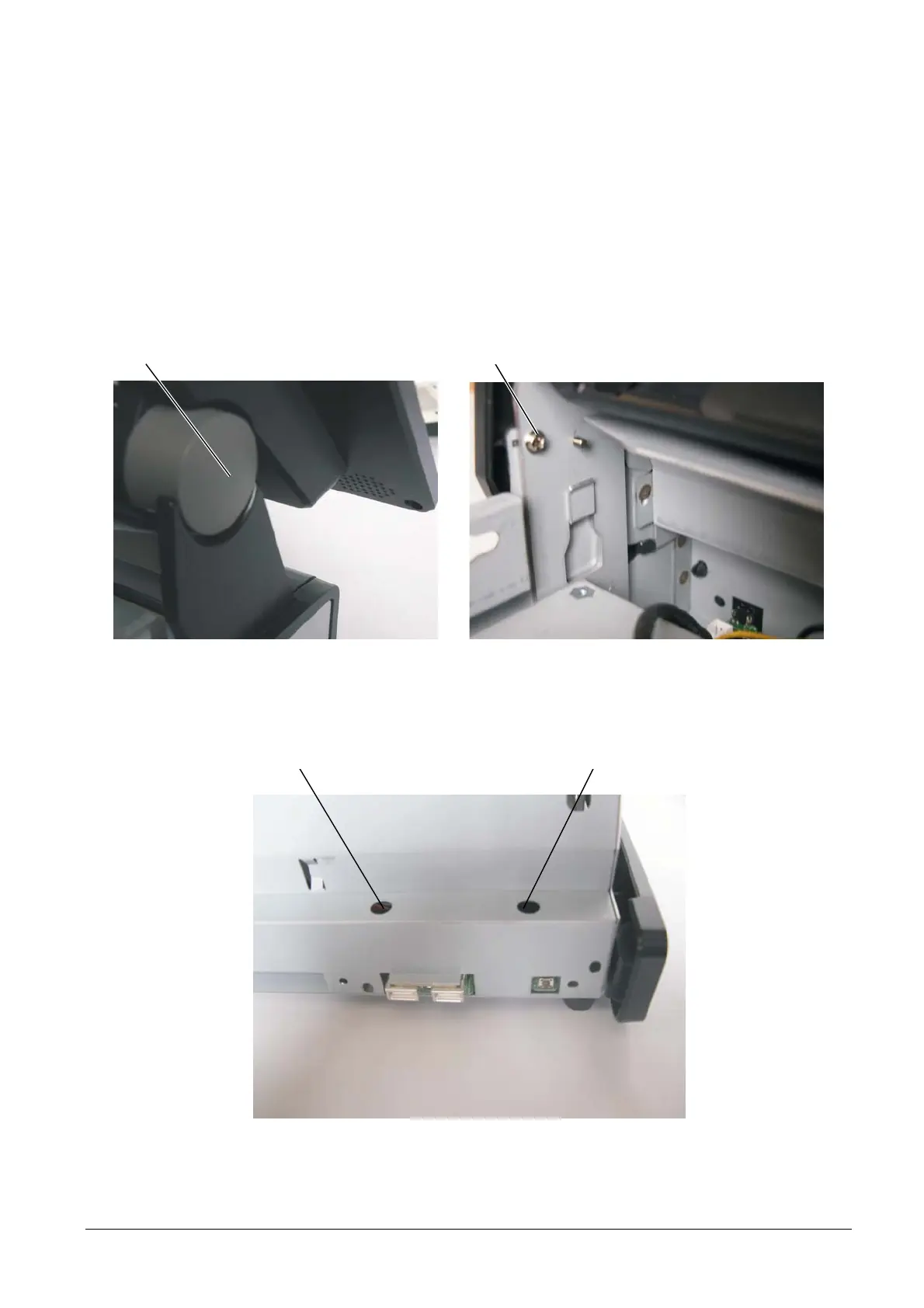
To remove the front panel, proceed as follows:
• Remove cover A (on both side).
• Remove screw B (on both side) to release the front panel.
A B
Figure 3-31
• In this way, it is possible to use holes C to access the lock screws of the front I/O board with the
screwdriver.
CC
Figure 3-32
3-20 XZAC4074



 To Next Page