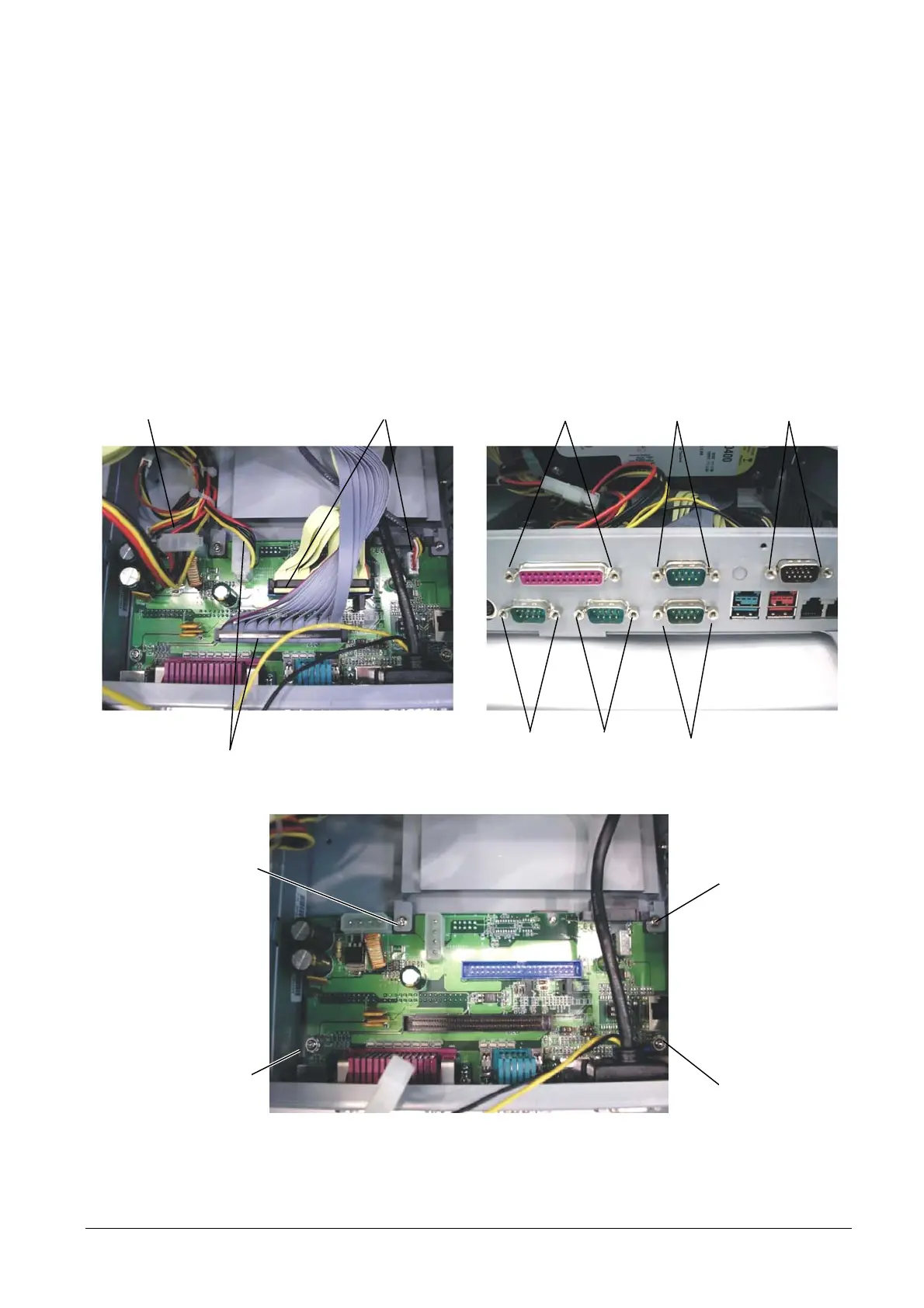
3.15 REPLACEMENT OF THE I/O BOARD (BACK)
To remove the board I/O (back), proceed as follows:
• Remove the cable cover as described above.
• Lift the rear cover as described above.
• Disconnect all the connections on the board
• Remove the twelve hex screws A.
• Back off the four screws B and remove the board.
A
Figure 3-29
DISCONNECT DISCONNECT
A
DISCONNECT
B
B
B
B
Figure 3-30
• For re-assembly, reverse the above operations.
XZAC4074 Service Manual 3-19



 To Next Page