2.7 BIOS
To avoid modifications by unauthorized personnel, it is advisable to set a password for operations on the BIOS
(on start.-up of the machine, press “CANC” to access the screen page and select the command “Set user
password”) .
2.8 INSTALLAZIONE DRIVER
The Explor@ system is equipped with the Microsoft Windows XP Professional Operating System which may
be pre-installed or not, as required by the customer.
If the operating system is pre-installed, it is not necessary to install any system driver on initial start-up of the
machine.
if the machine is not equipped with CD-ROM player, connect an external device.
2.8.1 List of available drivers
WARNING! To facilitate installation of system drivers, it is advisable to use a mouse and keyboard.
• Insert the “Drivers Bank V1.1” CD containing the drivers for the Explor@ series models in the optional CD-
ROM player or use an external player.
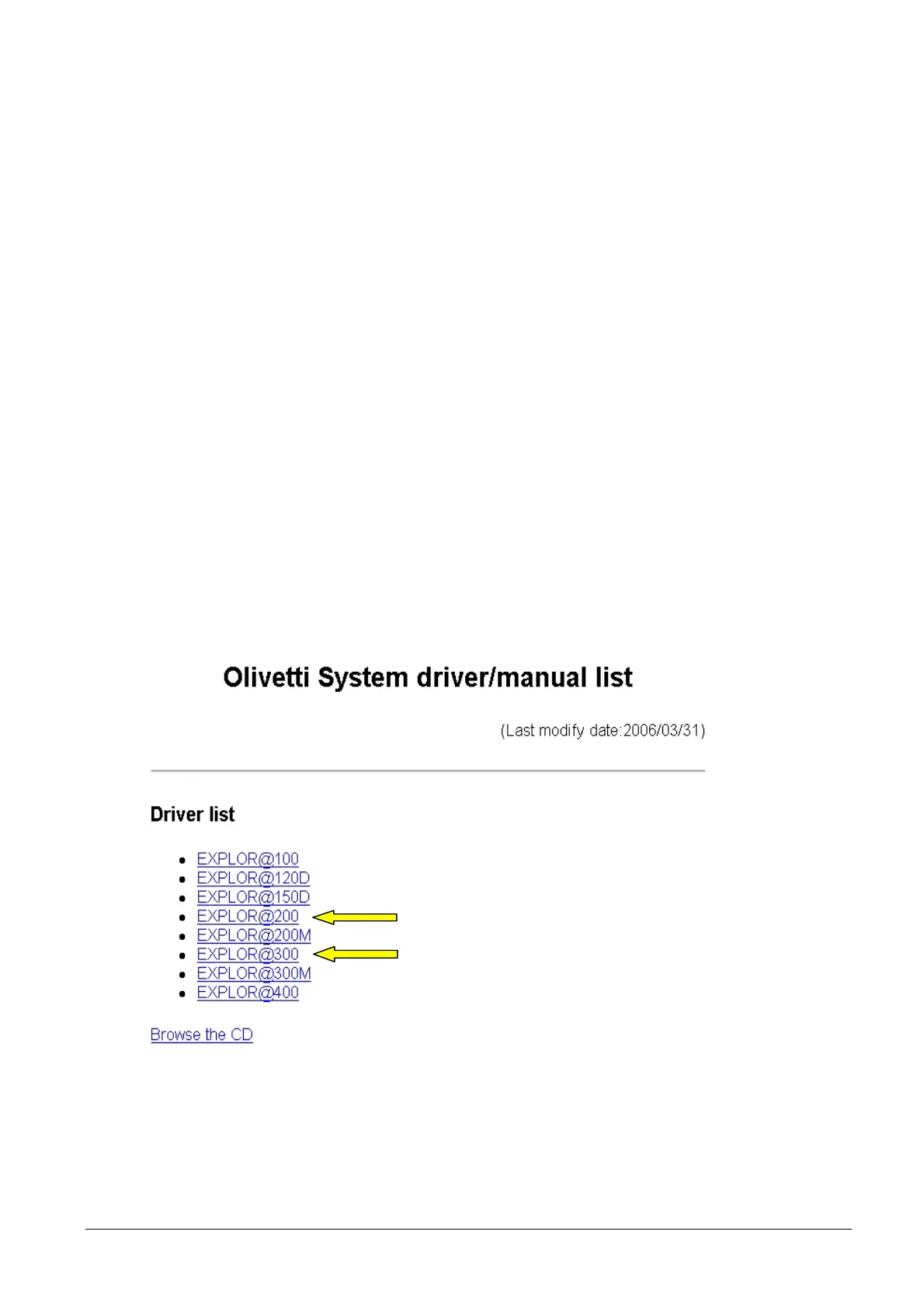
• The screen page containing the list of all the drivers available for Explor@ models will be displayed in auto-
run mode.
Figure 2-8
2-6 XZAC4074



 To Next Page