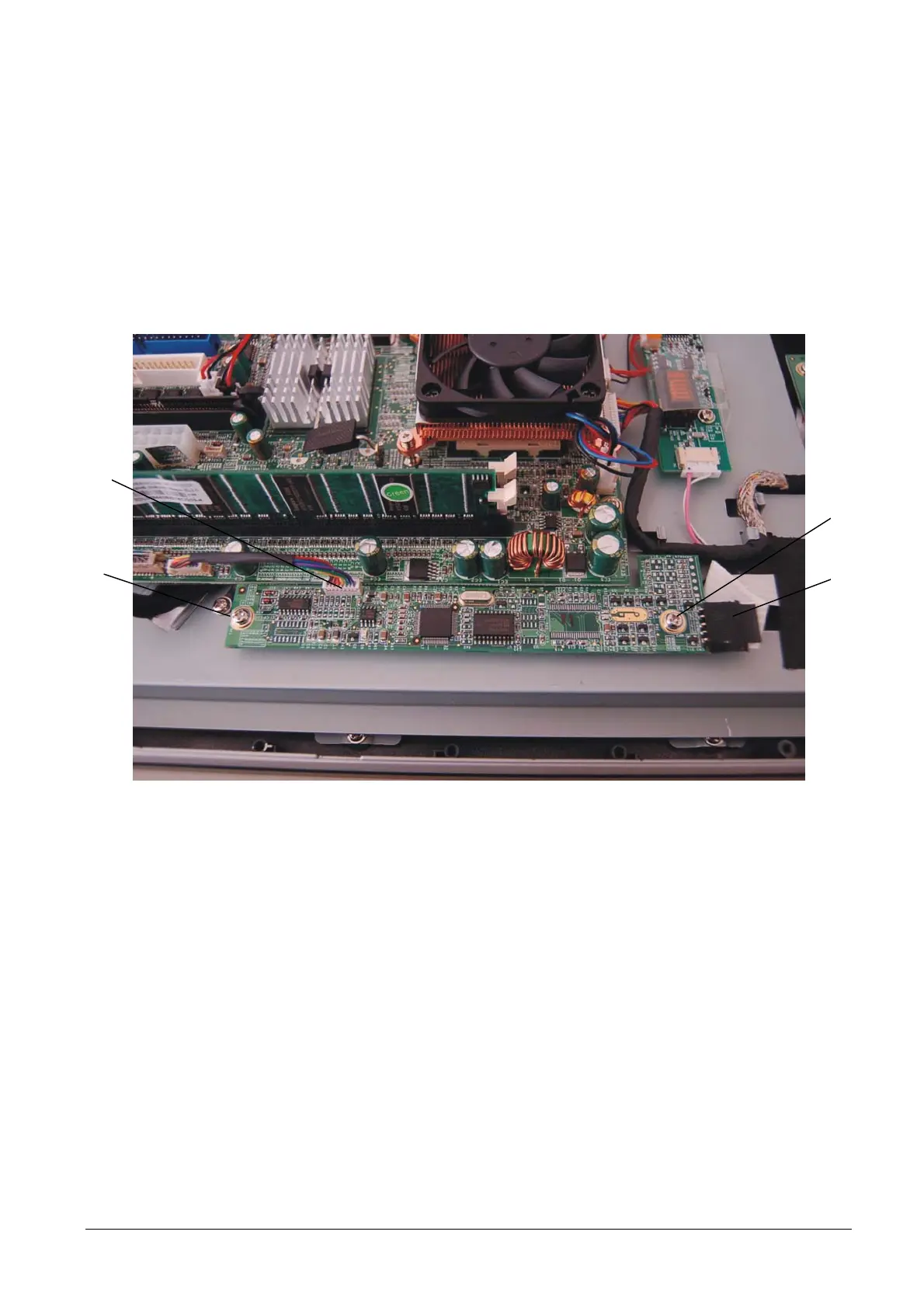
3.14 REPLACEMENT OF THE TOUCH SCREEN BOARD
To remove the Touch screen board, proceed as follows:
• Remove the motherboard cover as described above.
• Disconnect connections A and B.
• Back off screws C and remove the board.
C
A
B
C
Figure 3-28
NOTE: For reasons of space, for the Explor@ 200XS model the Touch screen board is fitted perpendicular to
the motherboard instead of parallel to this as shown in the figure.
• For re-assembly, reverse the above operations.
3-18 XZAC4074



 To Next Page