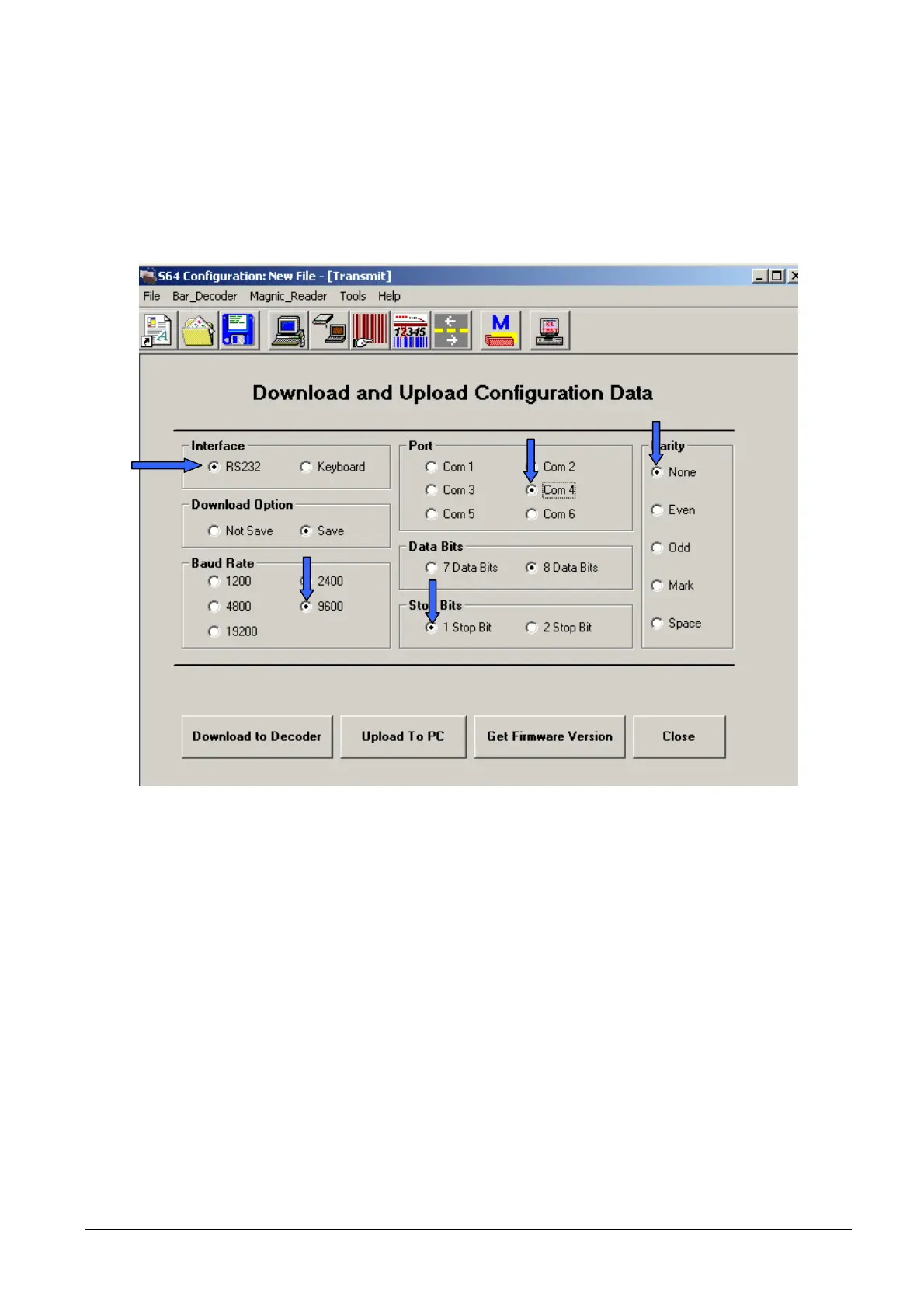
• Selecting the “RS232” option in the “Interface” area shown in the figure, it is possible, clicking on the
“Keyboard RS232 TEST” icon, to test the RS232 ports, for example via a bar-code reader. Configure the
parameters as required.
WARNING! On selecting the COM port, check that this is powered correctly setting the jumpers as
described on the previous chapter in order to power the device connected if necessary.
Figure 2-18
2-12 XZAC4074



 To Next Page