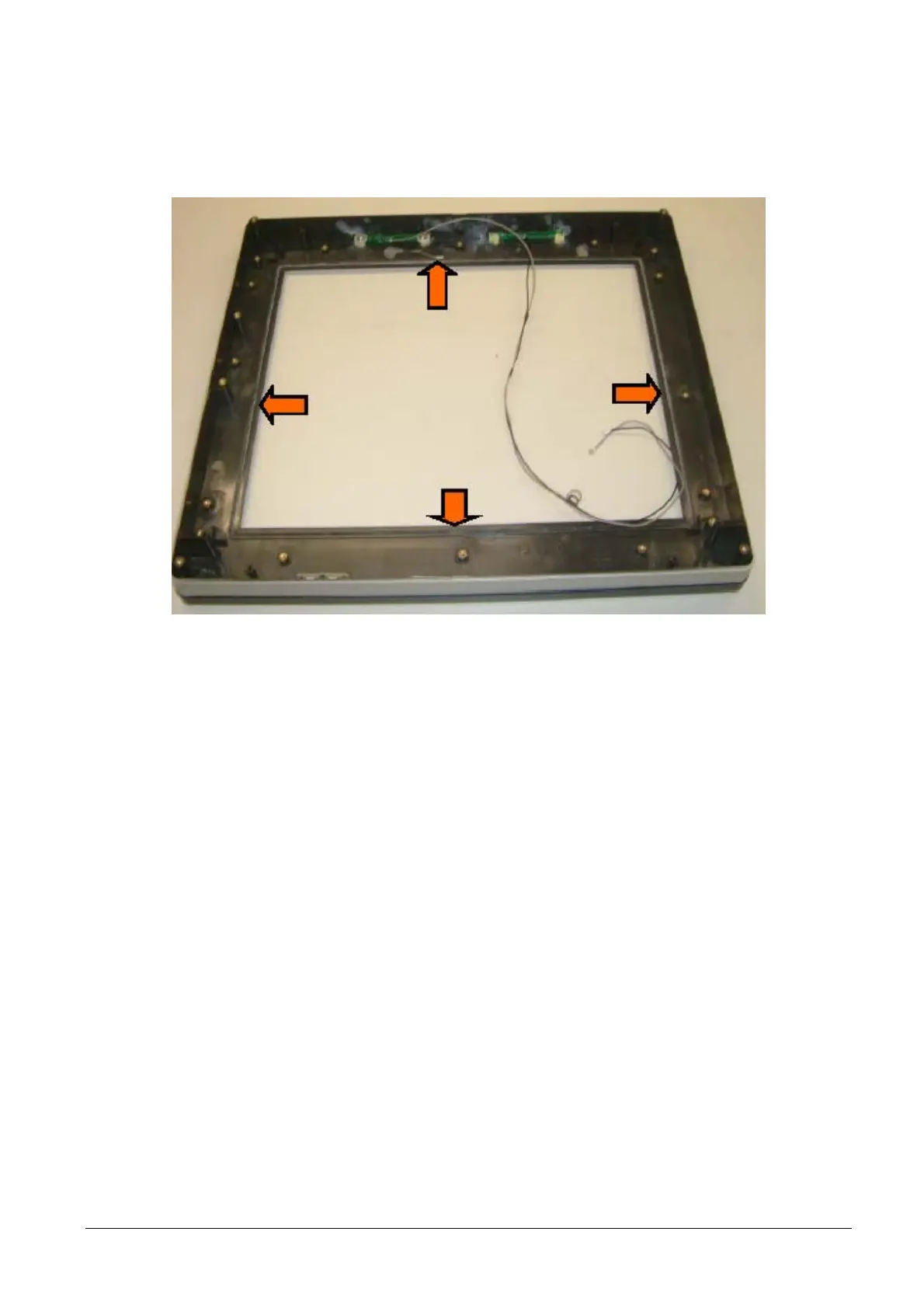
• Disconnect the Wi-Fi antenna cable from the Wi-Fi Mini PCI card, if present.
• Remove the touch screen.
Figure 3-41
• For re-assembly, reverse the procedure paying attention to positioning of the seal. Connect the Wi-Fi
antenna cable to the Wi-Fi Mini PCI card, if present.
XZAC4074 Service Manual 3-27



 To Next Page