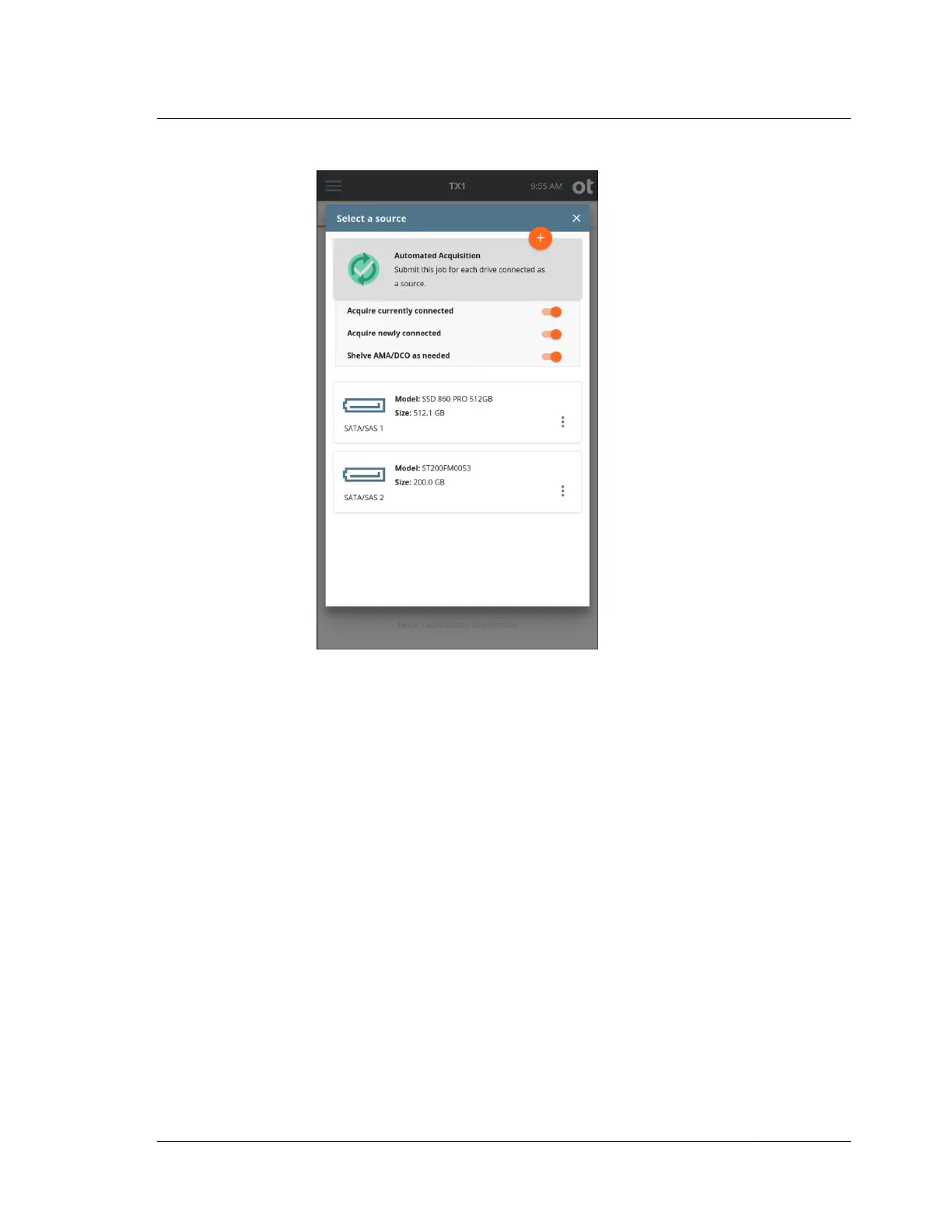
4. Your selection of Automated Acquisition mode will be confirmed by the
automated acquisition icon in the left side of the drive tile turning green with a
gray checkmark inside. Close the modal by tapping the X in the upper right
corner or by tapping outside of the modal.
5. To change or add the destination drive(s) tap the 3 or Destination(s) heading.
From the destination list modal that is displayed, select one or more drives from
the list.
4.3. Duplicating
ISTX240300-UGD-EN-1
User Guide
89



 To Next Page