C200 SOFTWARE
Instruction Manual C200 Part2 A1.doc
optek Danulat GmbH • D-45356 Essen • Germany
page 30
View Logbook
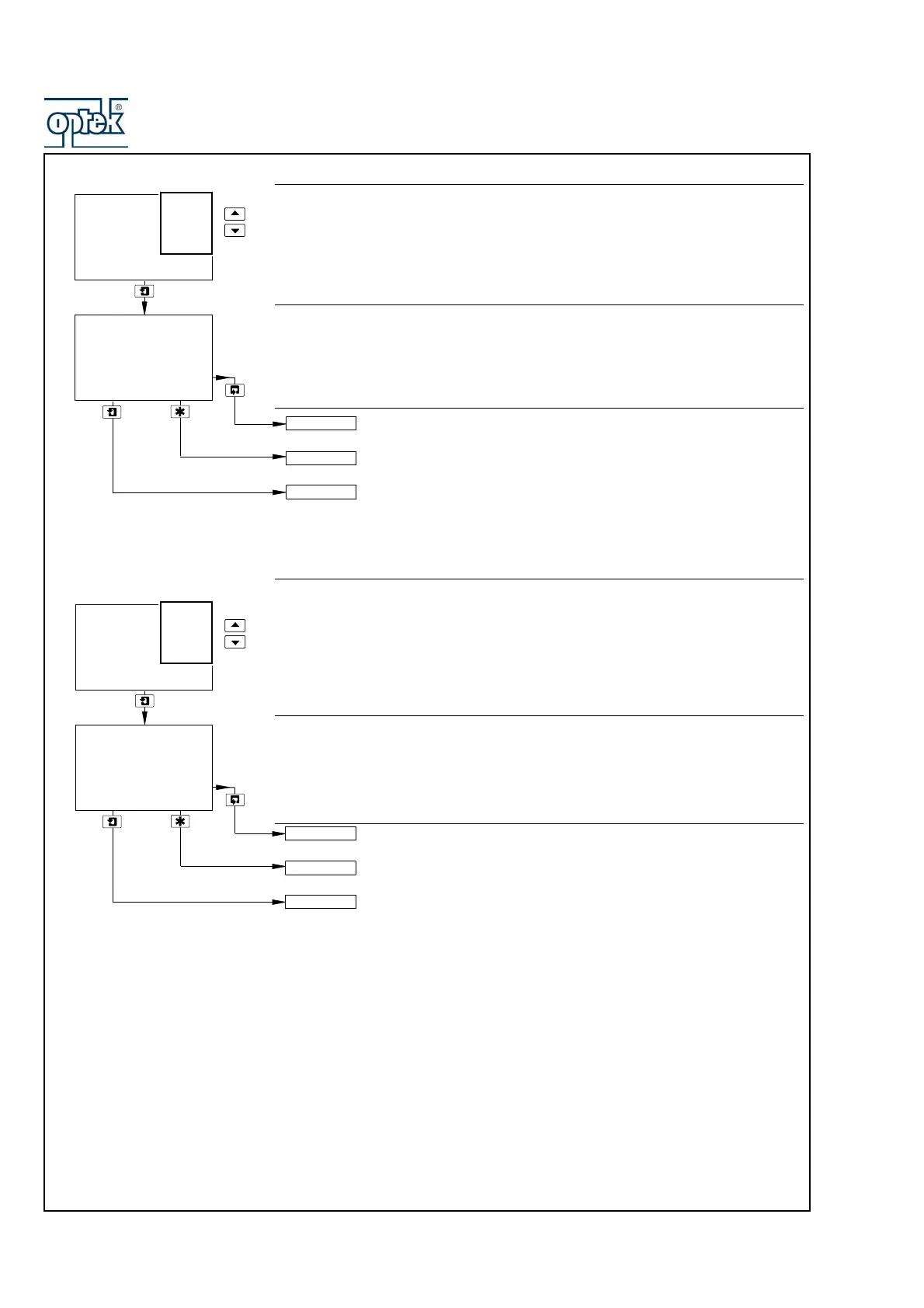
Use the and keys to access the Errors logbook.
Note. If no entries are stored in the Errors logbook, the display shows No More
Entries.
Errors
The Errors logbook contains up to 5 entries (entry 1 is the most recent), each
comprising the sensor letter, error number and the date/time of the occurrence.
Option board fitted and analog features enabled (Section 6.2.3) – see
Section 3.2.6.
See Section 4.2.
Advance to entries 2 to 5.
Note. If no more entries are stored, the display shows No More
Entries.
View Logbook
Use the UP and DOWN keys to access the Power logbook.
Note. If no entries are stored in the Power logbook, the display shows No More
Entries.
Power
The Power logbook contains up to 2 entries (entry 1 is the most recent), each
comprising the power state (On or Off) and the date/time of the occurrence.
Option board fitted and analog features enabled (Section 6.2.3) – see
Section 3.2.6.
See Section 4.2.
Advance to entry 2.
Note. If no more entries are stored, the display shows No More
Entries.
-----
-----
25:03:03 11:34
VIEW CLOCK
SENSOR CAL.
Sen.A
VIEW LOGBOOK
Errors
1
Sen.A
Pt100
Alarms
Cals
Power
Errors
-----
01:02:04 11:34
VIEW CLOCK
SENSOR CAL.
2
-----
VIEW LOGBOOK
1
Off
Errors
Alarms
Cals
Power
2



 To Next Page