C200 SOFTWARE
Instruction Manual C200 Part2 A1.doc
optek Danulat GmbH • D-45356 Essen • Germany
page 58
Automatic Time
If required, set a time period between 1 and 6 hours, in 30 minute increments, for
which the outputs are held when Hold Outputs is set to Auto.
At the default setting of None, changes in relay action and analog outputs are
inhibited during sensor calibration and released automatically at the end of the
procedure.
If a time is set, changes in relay action and analog outputs are inhibited during
sensor calibration, but if the calibration is not completed within the set time, the
calibration is aborted, the display returns to the Operating Page and CAL.
ABORTED is displayed.
Continued below.
See Section 6.1.3.
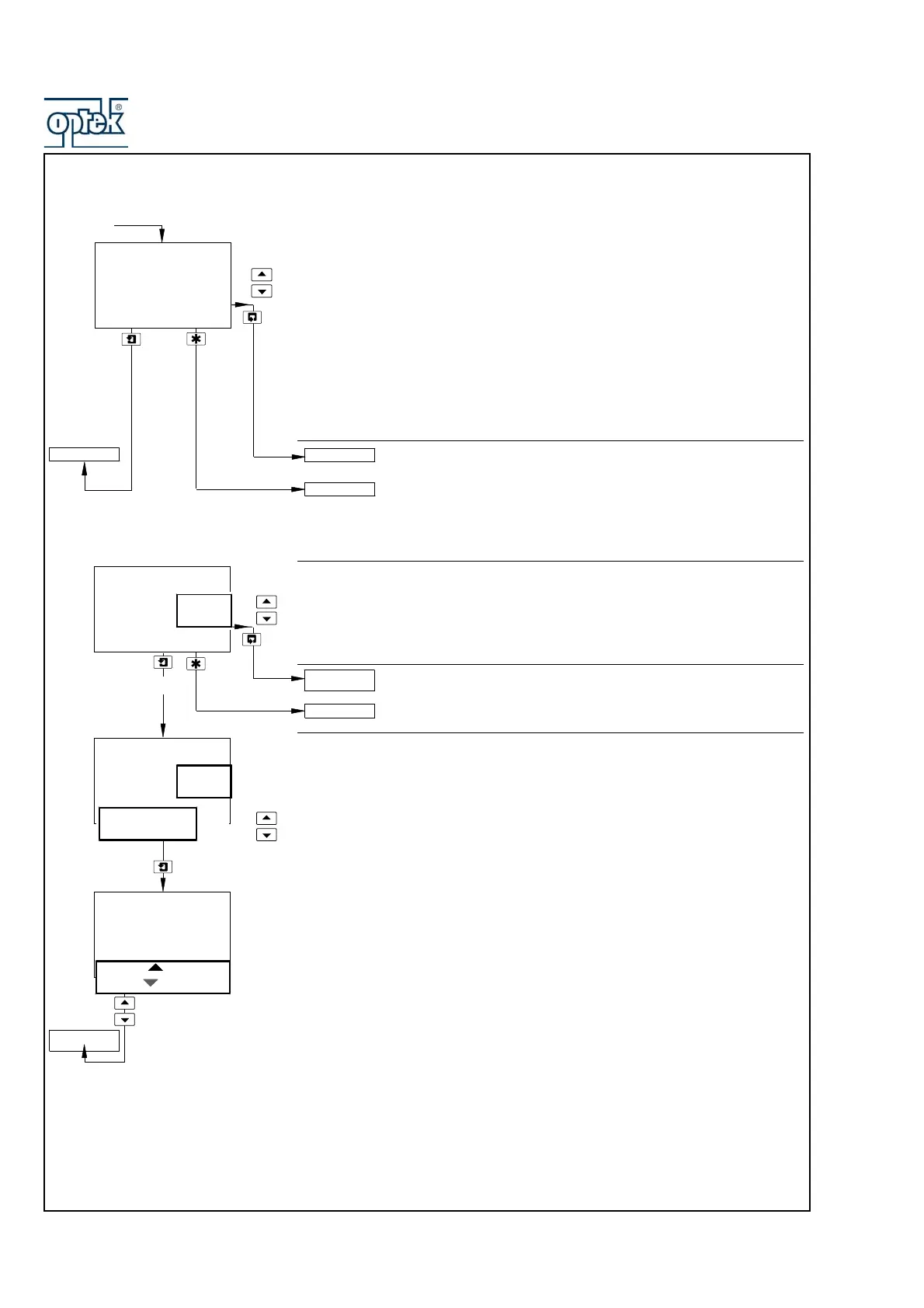
Load/Save Configuration
Select whether a configuration is to be loaded or saved.
Note. If No is selected, pressing the key has no effect.
Return to main menu.
See Section 6.1.3.
Load User/Factory Configuration
Note. Applicable only if Load/Save Config is set to Yes.
Factory Config. – resets all the parameters in the Configuration Pages to
the Company Standard.
Save User Config. – saves the current configuration into memory.
Load User Config. – reads the saved user configuration into memory.
User Config. and Factory Config. are displayed alternately if a User
Configuration has been saved previously. Use the
UP and DOWN keys to make
the required selection.
Press
UP to Set and Press DOWN to Abort are displayed alternately on the
lower display line.
Press the appropriate key to load/save the configuration or abort the changes.
Load/Save Config
-----
-----
Yes
No
Load
Save
User Config.
Factory Config.
-----
Press To Set.
Press To Abort
TEST/MAINTENANC
E
Yes
FACTORY SETTINGS
TEST/MAINTENANC
E
Automatic Time
Hrs
30
Mins
FACTORY SETTINGS
Load/Save Config
Maintenance
1
Hold Outputs
set to
Auto.



 To Next Page