C200 SOFTWARE
Instruction Manual C200 Part2 A1.doc
optek Danulat GmbH • D-45356 Essen • Germany
page 76
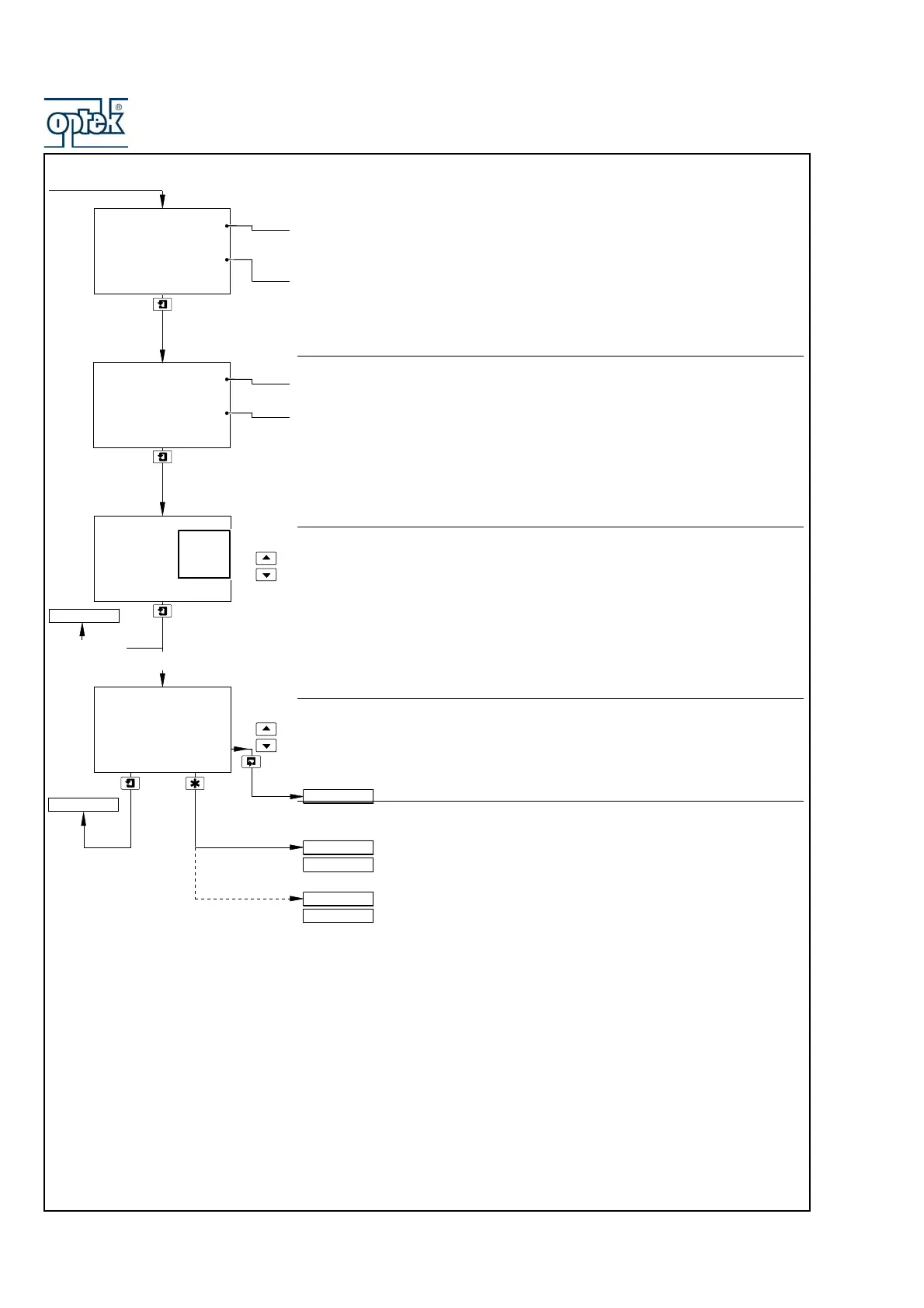
Span Value
mS/cm and Adjust are shown alternately on the upper display line. Use the UP
and
DOWN keys to adjust the displayed reading to the required span value – see
Table above.
Zero value.
Note. If A: Analyzer Type is set to Conc, the displayed units are those set in the
A: Concentration or A: User Units parameters – see Section 5.2.3.
Zero Value
Span value.
mS/cm and Adjust are shown alternately on the center display line. Use the and
keys to adjust the displayed reading to the required zero value – see Table
above.
Note. If A: Analyzer Type is set to Conc, the displayed units are those set in the
A: Concentration or A: User Units parameters – see Section 5.2.3.
Default Output
Select the system reaction to failure:
Off – Ignore failure and continue operation.
On – Stop on failure. This drives the analog output to the level set in the
Default Val frame below.
Hold – Hold the analog output at the value prior to the failure.
Default Value
The level to which the analog output is driven if a failure occurs.
Set the value between 0.00 and 22.00mA.
Output 2 configuration (and Outputs 3 and 4 if option board fitted
and analog features enabled) is identical to Output 1 configuration.
Option board fitted and analog features enabled – see Section 5.2.6.
Option board fitted and Serial Communications feature enabled –
see Suppl. Manual PROFIBUS Datalink Description (IM/PROBUS).
Single input analyzer and option board not fitted – see Section 5.2.7.
Dual input analyzer and option board not fitted – see Section 5.2.8.
AO1: Zero Value
100.0
uS/cm
0.0
mS/cm
AO1: Default
-----
mA
Hold
On
Off
AO1: Default Val
22.00
mA
AO1: Span Value
100.0
mS/cm
0.0
uS/cm
Config. Output 1
Config. Output 2
CONFIG. SERIAL
CONFIG. CLOCK
CONFIG. SECURITY
CONFIG. CONTROL
Config. Output 1
On
Off or Hold



 To Next Page