146
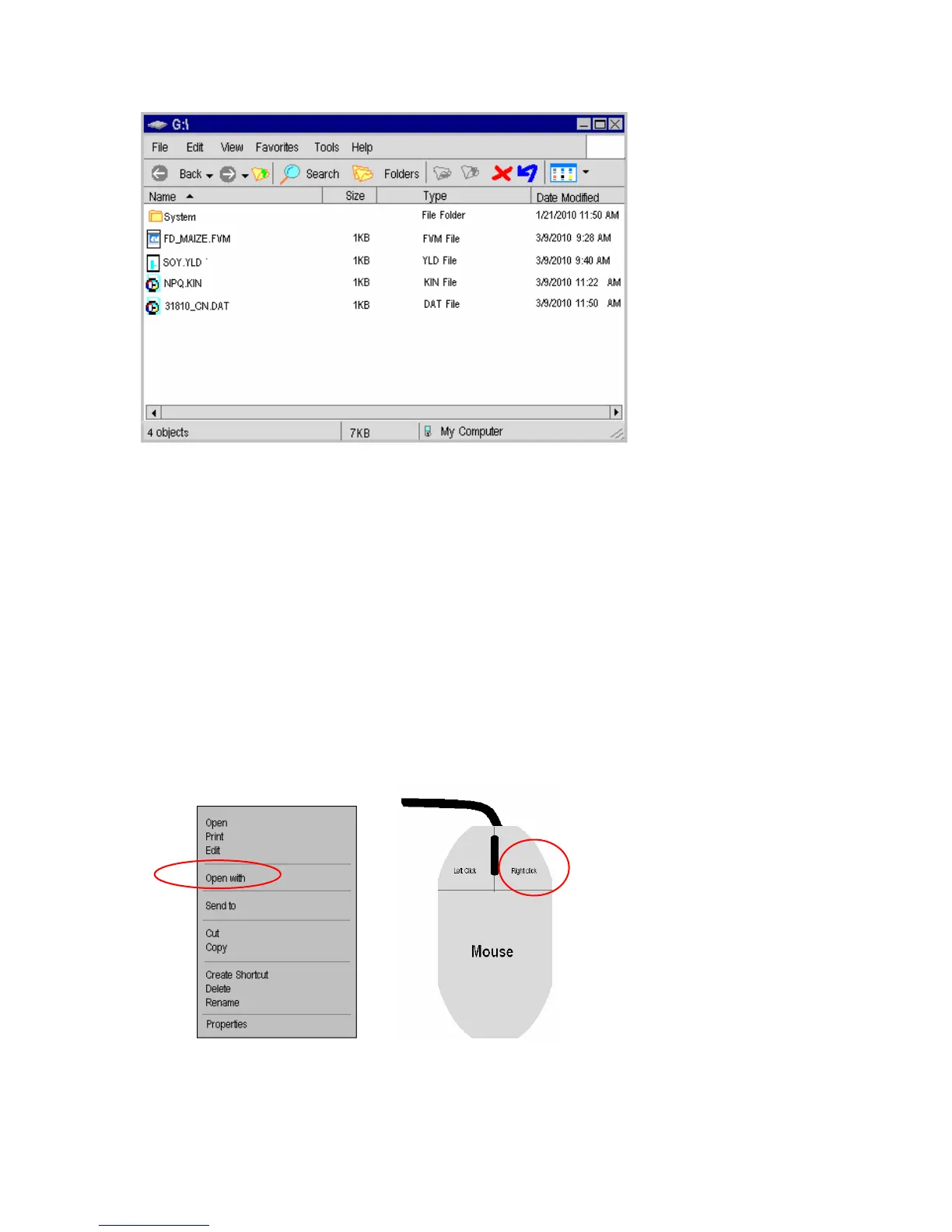
Microsoft Windows Screen on a PC
From this window, the various files may be opened using Excel for viewing, analysis or
graphing. (The “System” folder is the software that is used to run the fluorometer. If
updates become available this window can also be used to update software with an
e-mailed link. Special instructions are available Update software. Call 603-883-4400)
Do not manipulate or change the system file or the system file name.
Files that end in .DAT are data measuring files. Files the end in FVM, YLD, KIN, or
some other suffix are measuring recipes.
If the file will not open in Excel, highlight the file of interest using a mouse, and right
click the file. A small window will appear like the one below. Select the option
“Open with…”, and select Excel (It is also recommended that the file be saved on the PC
as an Excel file).
Microsoft Windows Screen on a PC
If the removable drive window shown above does not appear on
your screen, then follow the directions listed below.



 To Next Page