MECH-23
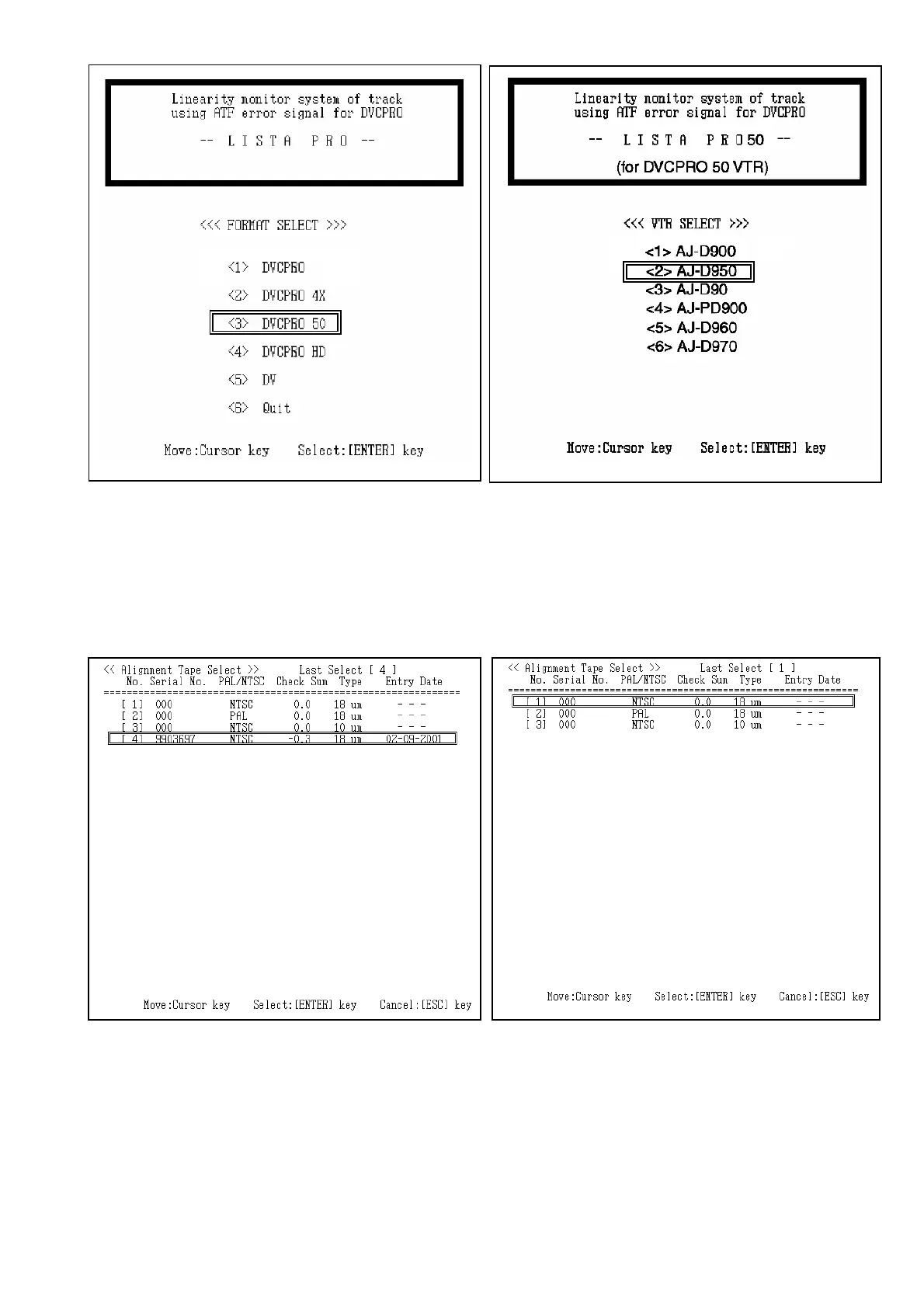
6. Select the Serial number of the Alignment tape on the screen. If LISTA software does not have alignment tape
data registered, data entry is needed. Press the ESC key, then main menu is displayed on the screen. And
select the item “<4> Alignment Tape” to enter the data on the attachment sheet which is enclosed with
alignment tape.
7. If LISTA software has the data of alignment tape, select the serial number of Alignment tape, then message
“ok?(y/n)” appears on the screen. And press “ Y ” or “ ENTER ” key so that LISTA main menu is displayed on
screen.
<< In case Alignment Tape data is already registered >>
<< In case Alignment Tape data is not registered >>














 To Next Page