MECH-35
Adjust within specification
Sens. Value : 101.58mV/um
Sens. 1 : 104.72mV/um
Sens. 2 : 98.44mV/um
3-37. PB Head LISTA Sensitivity Adjustment and Sensitivity Detection
(50M Mode)
SPEC.
Sensitivity 100±10 (mV/µm)
MODE
SERVO Adjustment Menu “A17 : PBL GAIN 25”
! ATF (PB-L) TP6701 RF/CUE
" H SW (PB-L) TP232 SERVO (F1)
TEST POINT
# GND TG6001 RF/CUE
ADJUSTMENT
SERVO Adjustment Menu: “A16 : PBL GAIN 50”
TAPE
NTSC: VFM3581KM or VFM3581KL(LISTA)
(PAL: VFM3681KM or VFM3681KL(LISTA))
1. Open the Service Menu and select “A16: PBL GAIN 50” in the “SERVO ADJUST” menu. Set the Lista software
in 50M mode.
2. Playback a LISTA alignment tape (VFM3581KM or VFM3581KL).
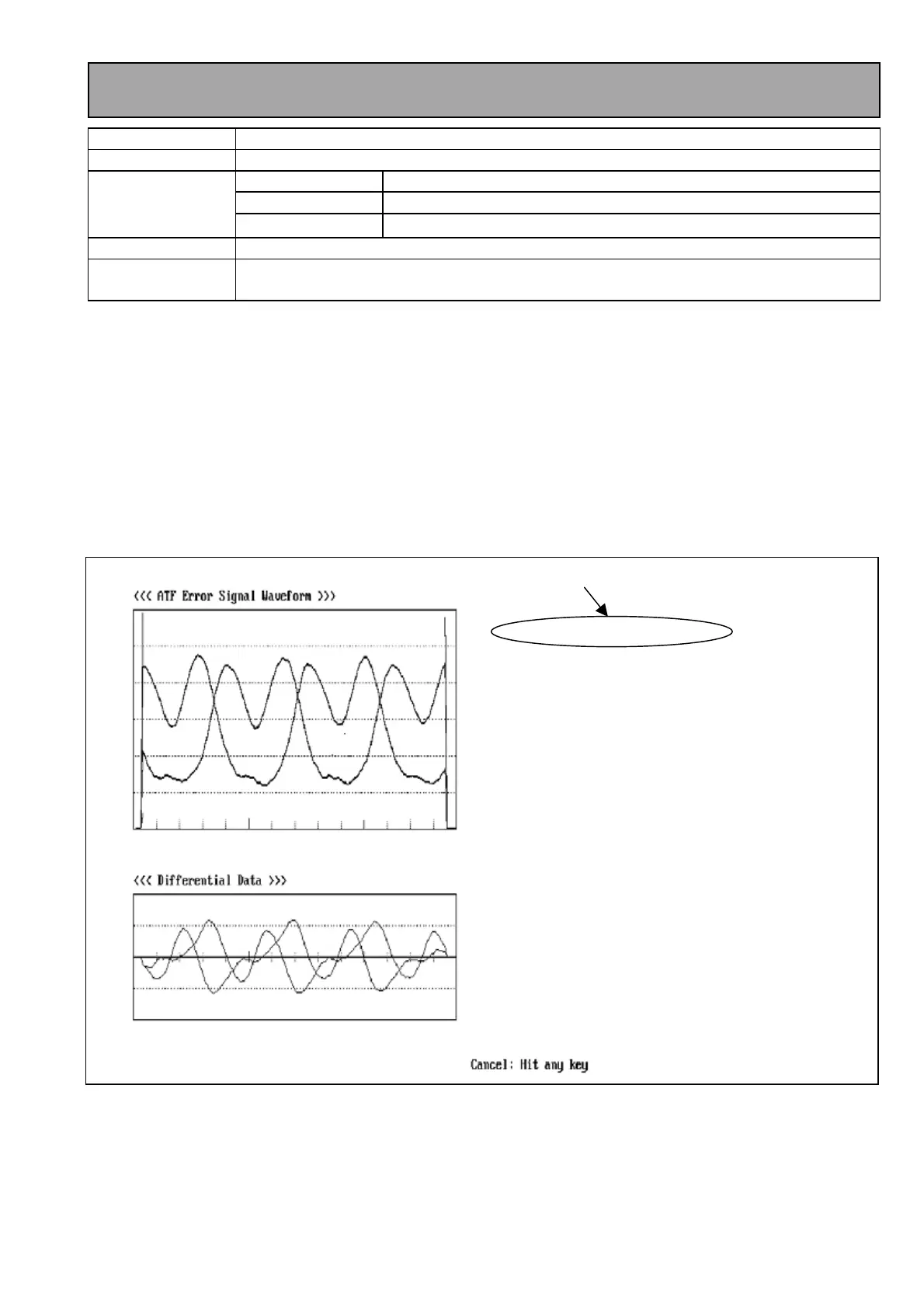
3. Select the LISTA Main Menu “(6) ATF Error Signal Monitor” so that the screen of <ATF Error Signal monitor>
appears. Then press Enter to start the software.
4. When the picture is appeared as shown in figure 3-37-1, adjust ATF Gain (A16: PBL GAIN 50) so that the “Sens.
Value:” is in the Specification.
5. After finishing the Adjustment, press ESC key to return the main menu.
6. Select the Lista Main Menu “(1) Sensitivity Measurement” so that the screen of <ATF Error Signal monitor>
appears.
7. Playback a Lista alignment tape and press “ENTER” to start the Sensitivity measurement.
8. Confirm that the sensitivity value is within the specification. (refer to figure 3-37-2).
9. If it is out of specification, return to item 3.
Figure 3-37-1














 To Next Page