INF-33
13-2. DEFAULT Operation
* RF adjustment (B00)
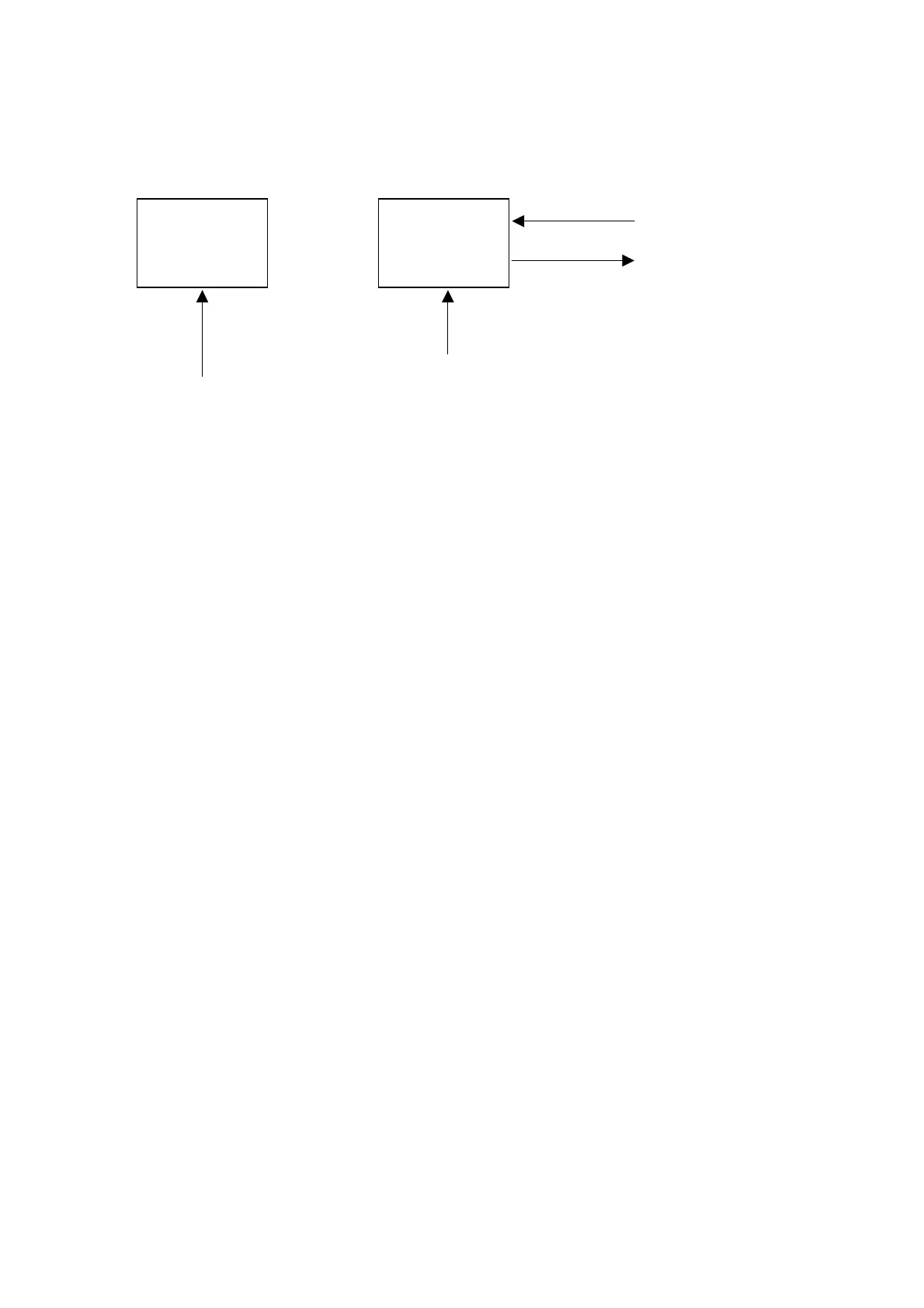
The VTR have two memory area for the adjustment value as indicated below.
* Operating procedures
1. Move the cursor “ * ” onto the “P-4/Q-4/R-5 : DEFAULT”.
2. press the “SET” button on the front panel.
3. Select the objective item by rotating Search Dial “ * ” onto the objective item.
SAVE : The present setting is saved to MEM 2 as the factory adjustment.
LOAD : The saved backup value can be loaded to MEM 1 as the current setting.
INIT LOAD : The default value is loaded to MEM 1.
The default value is different from the factory adjustment value.
4. Press the “SET” button on the front panel. Then, the selected operation is carried out, and then, the item
setting screen is displayed again.
MEM1 MEM2
(FACTORY)
MEM 2 has factry adjustment value.
MEM 1 is always renewed in accordance with the adjustment value on the RF and EQ adjustment menu.
SAVE
LOAD














 To Next Page