INF-13
8. ERROR RATE DISPLAY
Condition : 1) Set to Service menu.
2) Set the TCG SW to INT REGEN or INT PRESET.
The error rate is displayed on the AUDIO LEVEL METER in the Service menu mode.
(When enters in the Service menu mode, the AUDIO LEVEL METER changes into the error display mode
automatically.)
1. DVCPRO 50 PB HEAD
DVCPRO 25 PB HEAD
DV RP HEAD
Figure 8-1
2. DVCPRO 50 / DVCPRO 25 : RP HEAD
1) Enter into the RF adjustment menu and select RP HEAD.
2) The error rate is displayed on the AUDIO LEVEL METER.
3. Specification of Error Rate
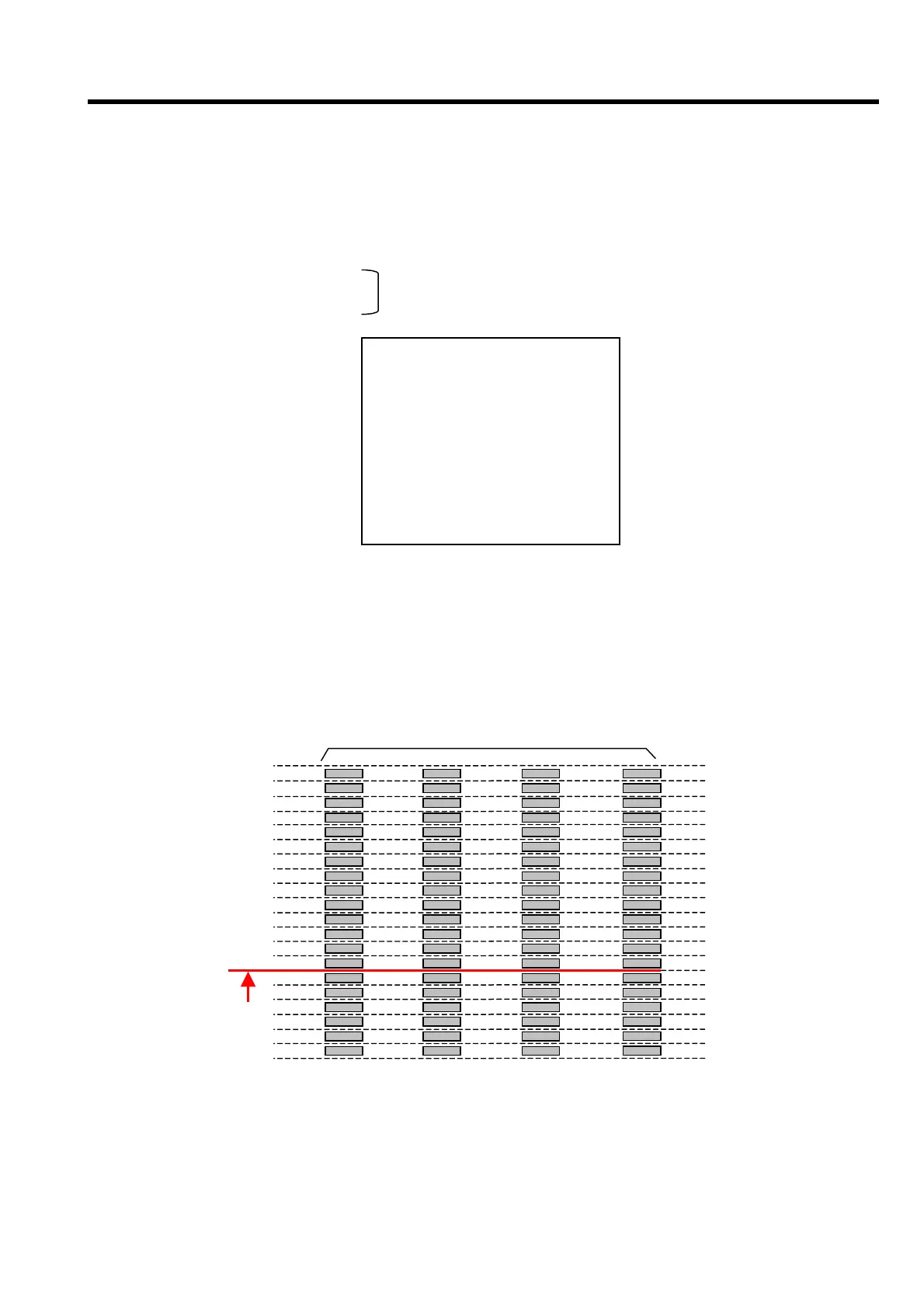
Figure 8-2
The error rate is displayed and measured on the AUDIO
LEVEL METER at the first page (main screen) of Service
menu mode (refer to figure 8-1)
SERVICE-MENU
NO. AOO
* A00 : SERVO ADJUST
B00 : RF ADJUST
F00 : VIDEO ADJUST
G00 : AUDIO ADJUST
H00 : OTHER ADJUST
IOO : BACKUP RAM INIT
END
ERROR RATE
CH 1
-3
-2
-1
0
1
2
3
4
dB
CH 2 CH 3 CH 4
-4
A














 To Next Page