INF-12
7-1-C. PLD Software Version Display
1. Perform the previous steps and display the Version of the Microcomputer Software.
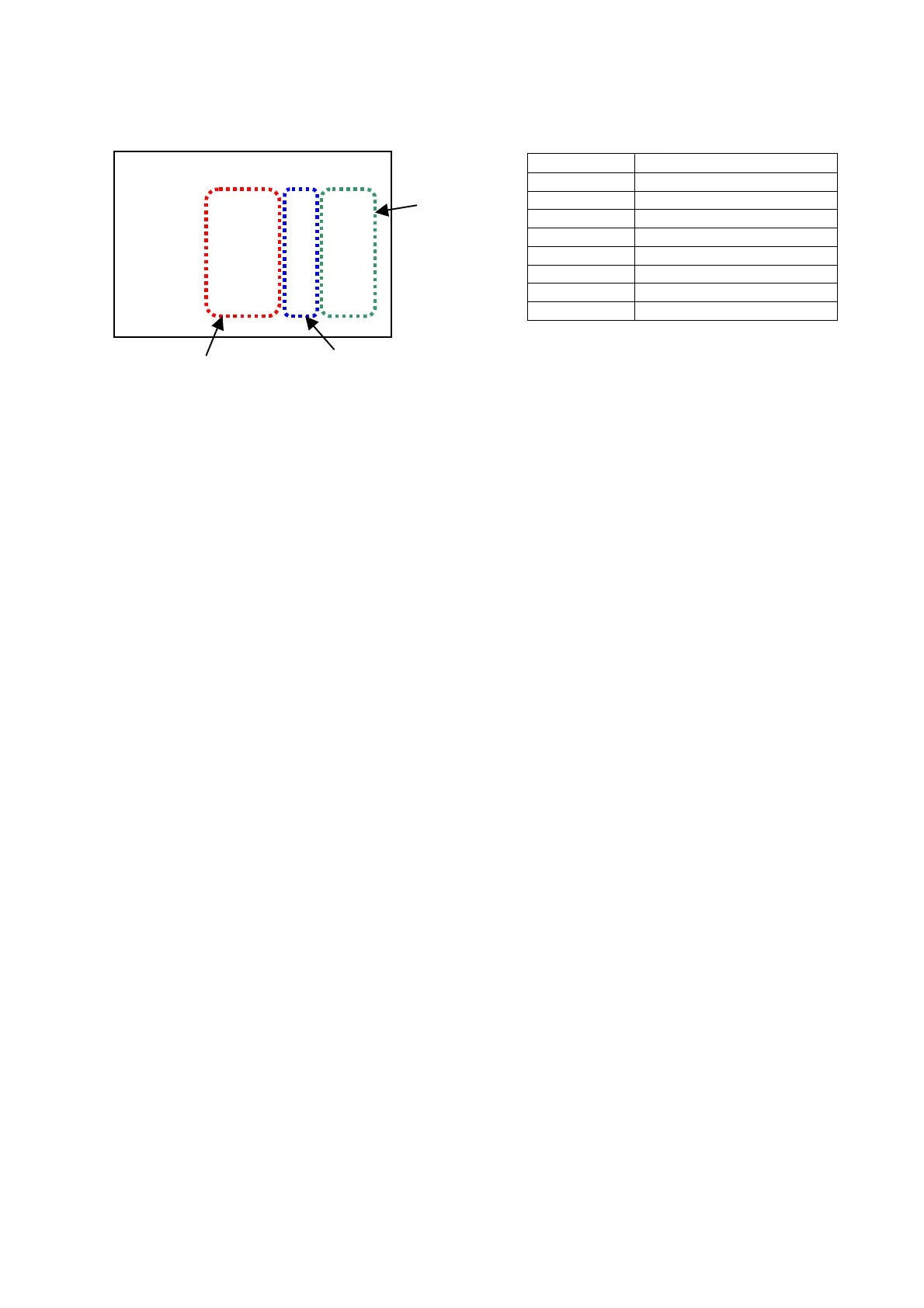
2. Press the SERCH button so that the Software of the PLD (FPG) is displayed as shown below.
MONITOR TV
SOFTWARE FRONT DISPLAY
SERVO SV 4319A
AVMON MN 4323B
DVPRC DP 4322B
AVPRC AP 4321C
D-I/F DI 4324B
AVIO IO 4326B
SDI SI 4327A
3. Move the cursor (*) by using the Joy Stick (↑↓) so that the PLD version is displayed on the Front Panel as
shown the above.
Note: If the optional boards AJ-YA93 and AJ-YA94G are not installed, the monitor TV shows
“AVIO -----------“ and “SDI -------------“.
DIAG-MENU PLD VERSION
Ser F4TRA0001 - P
* SERVO VSI4319A -1-0
AVMON VSI4323B -1-4 2829
DVPRC VSI4322B -1-1 D7F8
AVPRC VSI4321C -1-0 F0C0
D-I/F VSI4324B -1-0 B042
AVIO VSI4326B -1-3 6207
SDI VSI4327A -1-0 DCD3
Check Sum
Factory Control Number
Software Number














 To Next Page