Chapter 5 Operations — Using the web control function
ENGLISH - 221
Descriptions of items
4
3
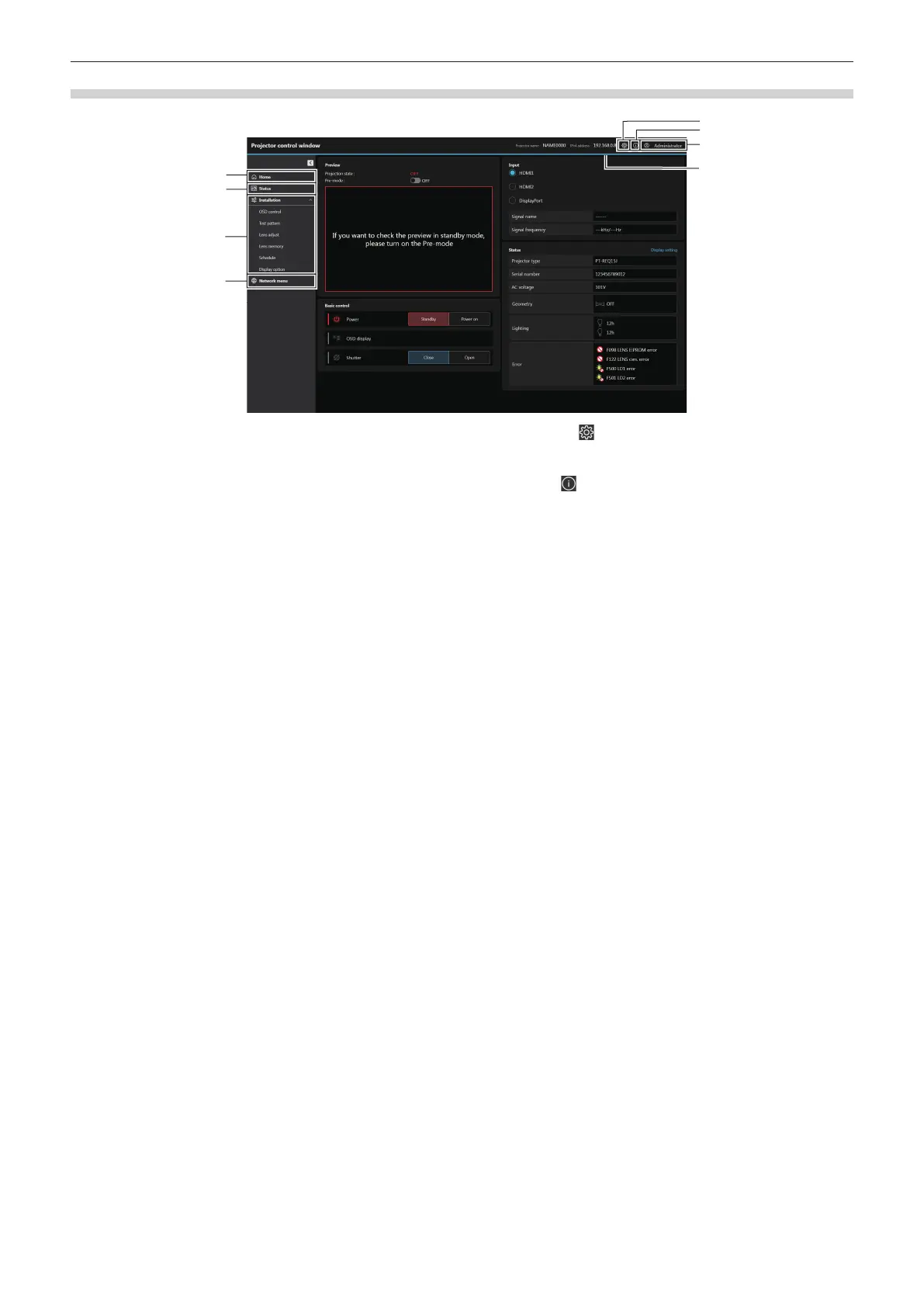
1 [Home]
Operate the basic control and check the basic status.
2 [Status]
Check the various status information of the projector.
3 [Installation]
Set and adjust various functions of the projector.
4 [Network menu]
Set the network functions of the projector.
5 Web setting ( ) button
Click to congure the web account and web security settings
and to customize the web interface.
6 Web info ( ) button
Click to display the Open Source Software License download
page.
7 Account type
Display the type of the current login account (administrator
account or standard user account).
8 Menu bar














 To Next Page