Chapter 5 Operations — Using the web control function
220 - ENGLISH
f Click [Download license] to display the download page of the open source software license. You can also download the license by clicking
the Web info ( ) button in the upper right corner of the web control screen after logging in.(x page 232)
f Screenshot of a computer
The size or the display of the screen may be dierent from this manual depending on the OS or the web browser, or the type of computer in
use.
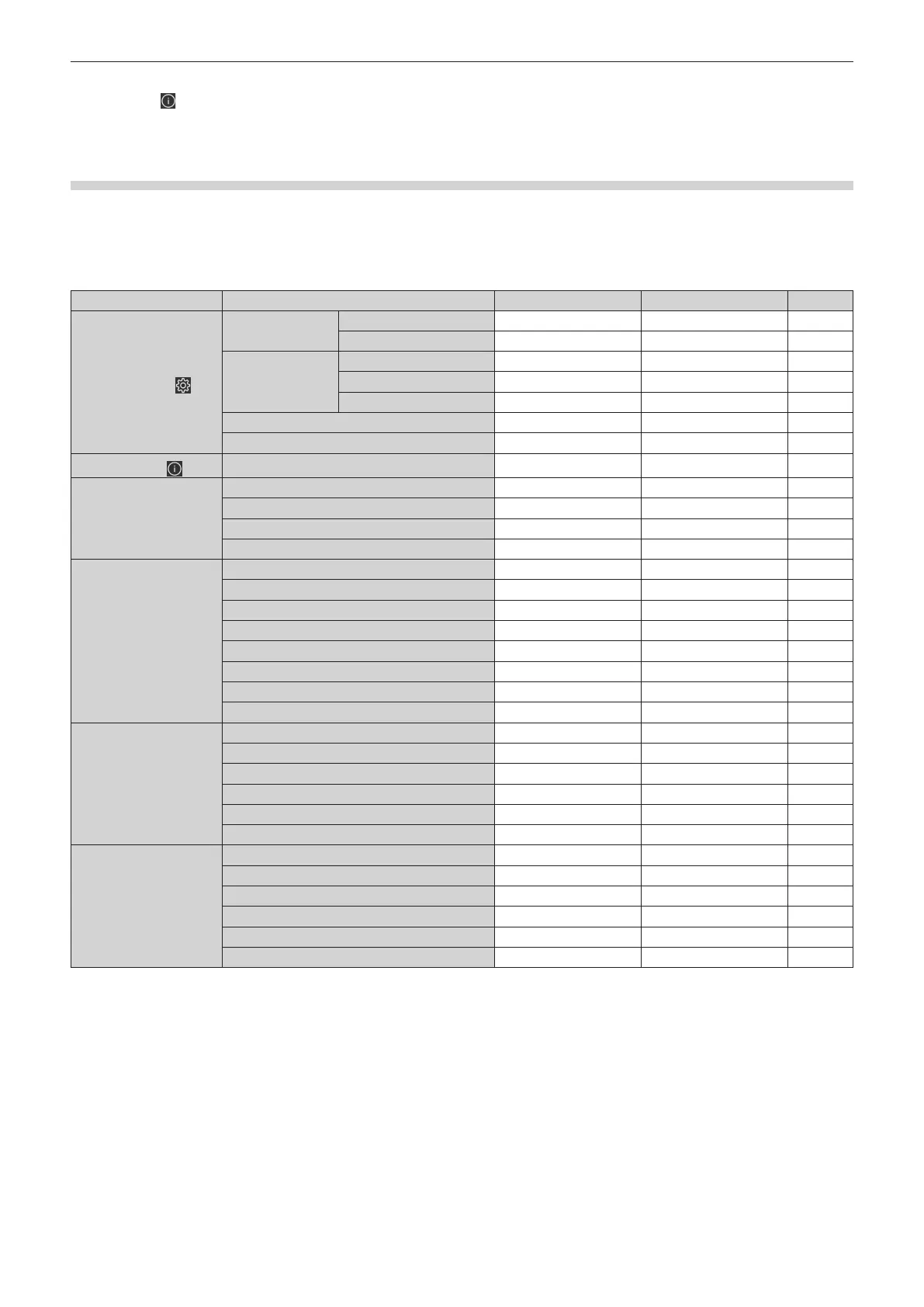
Rights for each account
The administrator account can use all functions. The standard user account has limits on the functions it can use.
Select the account to use depending on the purpose.
The function that has l in the administrator / standard user column indicates that it can be operated with that
account.
Item Function Administrator Standard user Page
Web setting (
)
[Account]
[Administrator account]
l
― 222
[User account]
l l
223
[Web secure]
[Certicate]
l
― 224
[HTTPS]
l
― 230
[Access error log]
l
― 231
[Language / Color-mode]
l l
231
[Menu bar]
l l
232
Web info (
)
License download page
l l
232
[Home]
[Preview]
l l
*1
233
[Basic control]
l l
234
[Input]
l l
234
[Status]
l l
235
[Status]
[Basic status]
l l
237
[Lighting]
l l
237
[Temperature]
l l
237
[Network status]
l l
237
[Projector status]
l l
237
[Angle monitor]
l l
237
[Input]
l l
237
[Error]
l l
237
[Installation]
[OSD control]
l
― 238
[Test pattern]
l
― 238
[Lens adjust]
l
― 240
[Lens memory]
l
― 241
[Schedule]
l
― 242
[Display option]
l
― 243
[Network menu]
[Network congs]
l
― 245
[Adjust clock]
l
― 247
[Network secure]
l
― 248
[Mail set up]
l
― 249
[PJLink setting]
l
― 253
[Crestron tools]
l
― 254
*1 Available only when accessed by administrator account and [Account] → [User account] → [Display setting] → [Remote preview] is set to [Enable].
When [Disable] is set, the remote preview function cannot be used with the standard user account. (x page 223)














 To Next Page