Chapter 5 Operations — Using the web control function
226 - ENGLISH
2) Click [Perform].
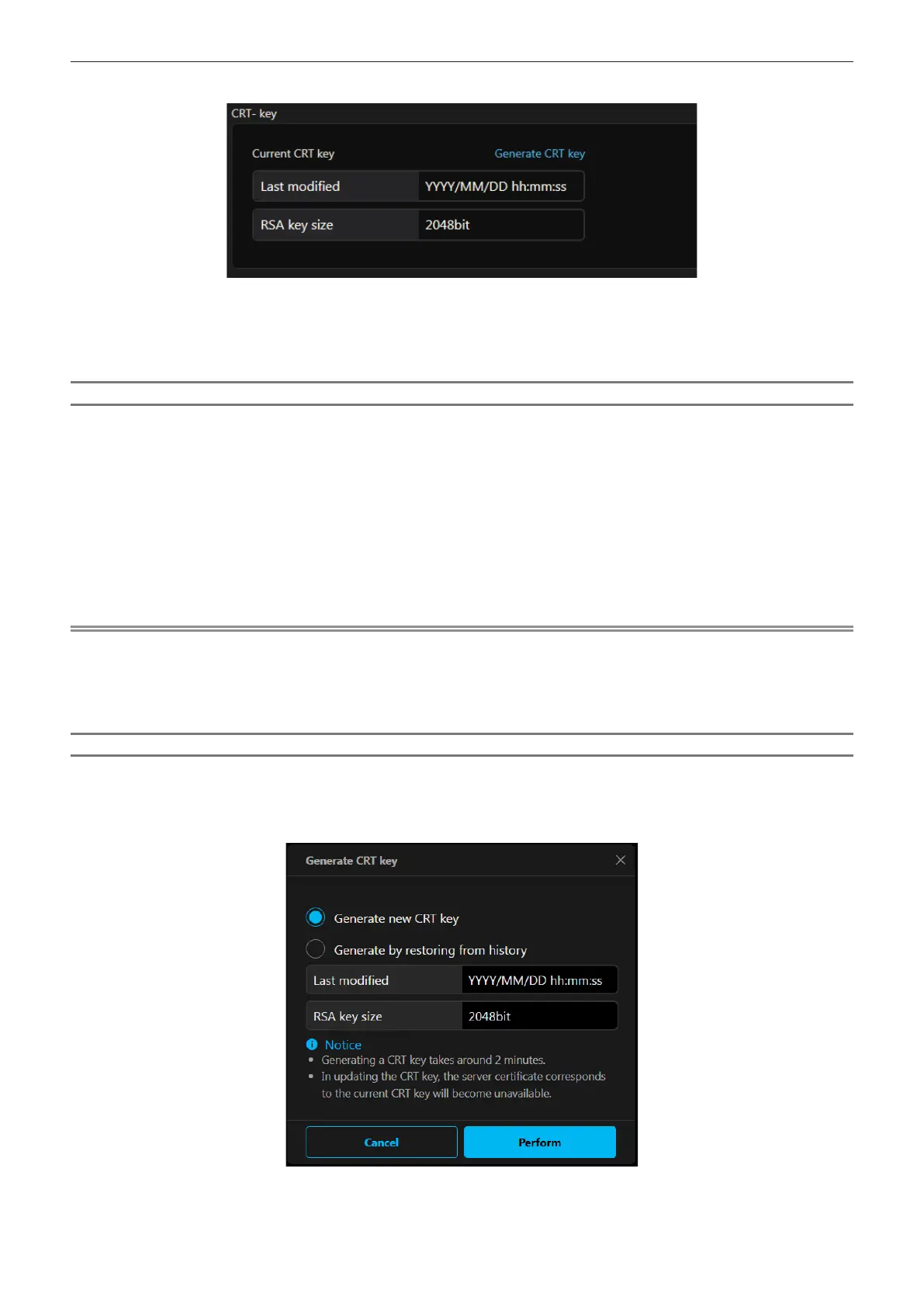
f Conrm the key size and generation date and time of the current CRT key with the [Last modied] and
[RSA key size] of [Current CRT key].
f When generating the CRT key for the second time or later, refer to “Regenerating the CRT key”
(x page 226).
Regenerating the CRT key
1) Click [Certificate] → [CRT- key] → [Generate CRT key].
f The conrm screen to regenerate the CRT key is displayed.
"Regenerate the CRT key?"
2) Click [Perform].
f Conrm the key size and generation date and time of the current CRT key with the [Last modied] and
[RSA key size] of [Current CRT key].
f The previously generated CRT key will be moved to the history. To return to the previous CRT key, refer to
“Generating the CRT key from history” (x page 226).
Note
f [RSA key size] is xed to [2048bit]. The server certicate may not be issued depending on the certication organization to apply if the key
size is 2048-bit.
f Generation of the CRT key may take up to approximately two minutes.
f When the CRT key is updated, apply for the server certicate or generate the self-signed certicate again using that CRT key. A certicate
linked to the CRT key is required.
Generating the CRT key from history
It is possible to return to the previously generated CRT key only once even if the CRT key is updated.
1) Click [Certificate] → [CRT- key] → [Generate CRT key].
f The [Generate CRT key] screen is displayed.
2) Select [Generate by restoring from history].
f Conrm [Last modied] and [RSA key size] of the CRT key to restore.














 To Next Page