Chapter 5 Operations — Using the web control function
246 - ENGLISH
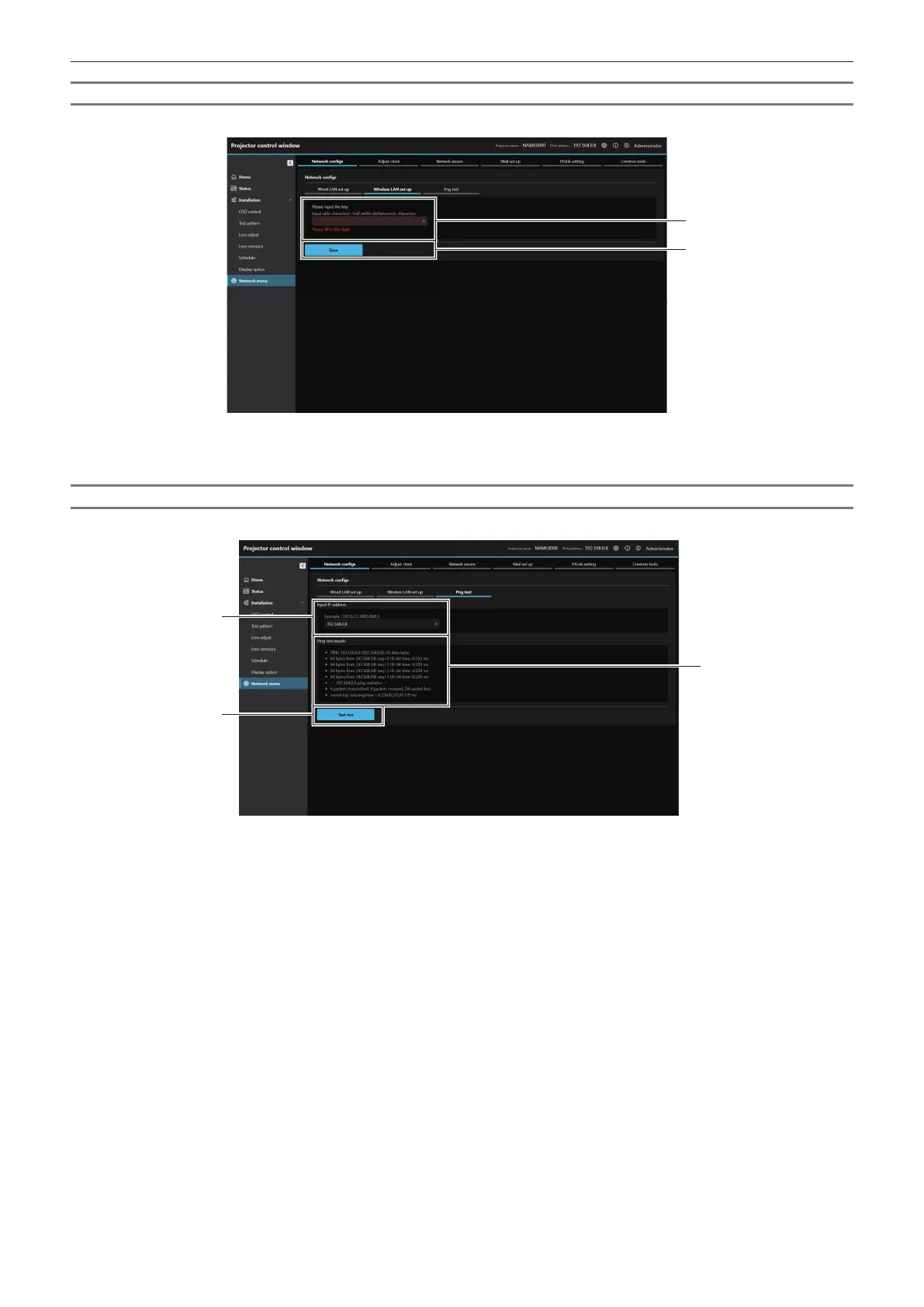
For wireless LAN connection
(Available only when the Wireless Module is attached to the projector)
1 Key input box
Set the connection key.
Enter 8 to 15 characters of single-byte alphanumeric.
2 [Save]
Update the setting.
[Ping test]
Check whether the network is connected to the E-mail server, POP server, DNS server, etc.
1 [Input IP address]
Enter the IP address of the server to be tested.
2 [Test run]
Execute the connection test.
3 [Ping test results]
Displays the results of the connection test.
Ping test results are displayed only after the test run has been
excuted.














 To Next Page