54
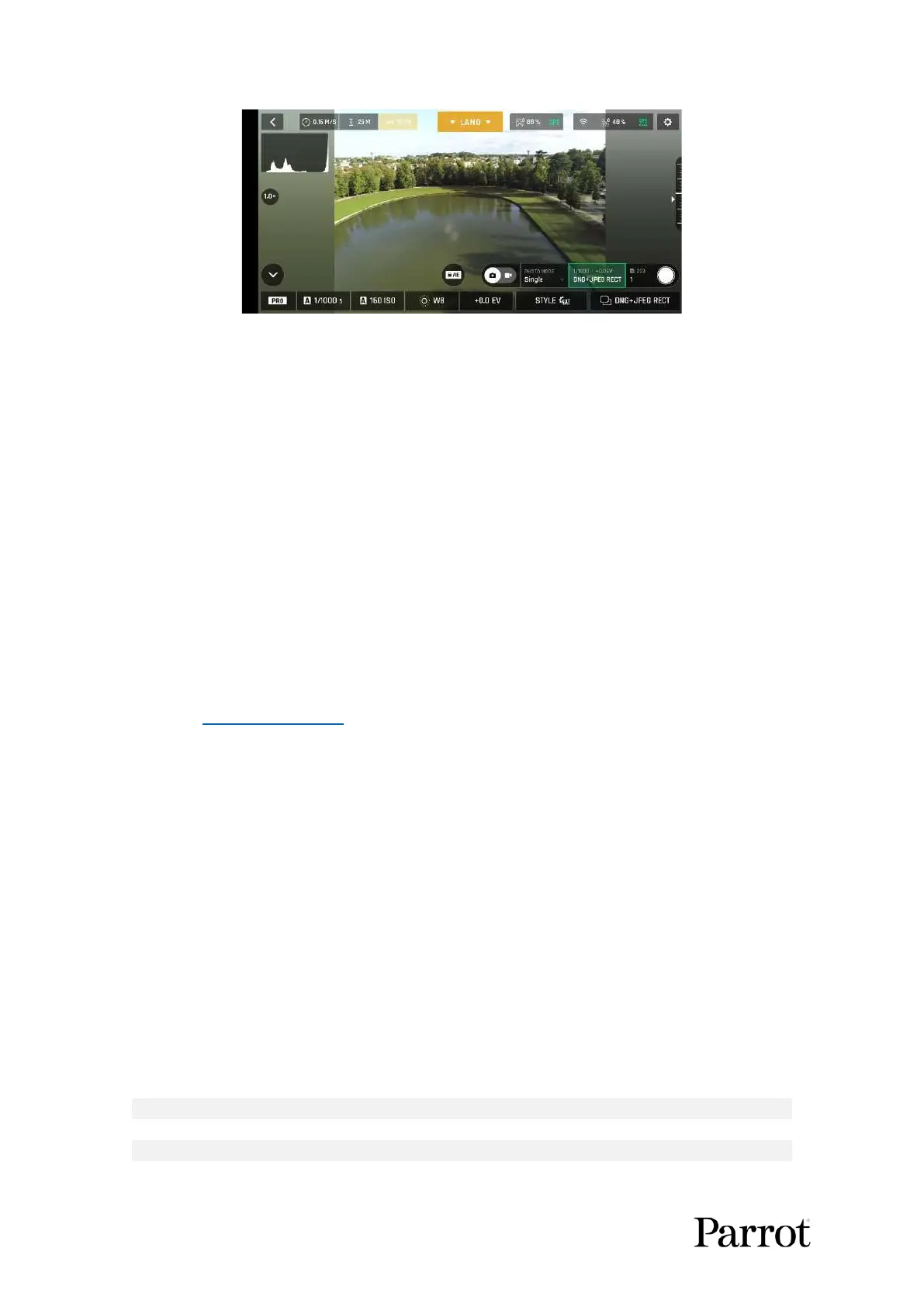
Android photo formats: DNG+JPEG RECT
In Single mode, the screen flashes white then freezes briefly in black and white to confirm a picture
has been taken. The number to the left of the soft shutter button (the number of media on the microSD
card) of the HUD is increased by 1.
In Burst mode, the screen flashes white then freezes briefly in black and white to confirm 14 pictures
have been taken in the span of 1 second. The number to the left of the soft shutter button of the HUD
is increased by 14.
In Bracketing mode, the screen flashes white then freezes briefly in black and white to confirm 3, 5 or
7 pictures have been taken. The number to the left of the soft shutter button of the HUD is increased
by 3, 5 or 7, depending on your option choice.
In Timer mode, the countdown is displayed (from 3, 5 or 10 seconds) at the center of the HUD, the
timer of the soft button also countdowns, then the screen flashes white and freezes briefly in black
and white to confirm a picture has been taken. The timer of the soft shutter button resets. The number
to the left of the soft shutter button of the HUD is increased by 1.
Refer to the “Creating Panoramas” section of this guide for more information on the Panorama mode.
In Timelapse mode, the screen flashes white then freezes briefly in black and white to confirm a picture
has been taken. 5 to 120 seconds later, depending on your option choice, the drone takes another
photo, and so on until you press the shutter button again to stop the Timelapse. Between each shutter
action, a green progress bar, at the bottom of the screen, serves as a countdown. At the end of the
Timelapse, the number to the left of the soft shutter button reflects the total number of medias on the
microSD card of the drone.
In GPS Lapse mode, the screen flashes white then freezes briefly in black and white to confirm a picture
has been taken. Control and move ANAFI U SA: when the drone reaches any point on a 5 to 200-
meter bubble around the initial photo, depending on your option choice, the drone takes another
photo, and so on until you press the shutter button again to stop the GPS Lapse. Between each shutter
action, a green progress bar, at the bottom of the HUD, lets you estimate the distance the drone must
cover before the next shot. At the end of the GPS Lapse, the number to the left of the soft shutter
button reflects the total number of medias on the microSD card of the drone.
ANAFI USA photo formats



 To Next Page