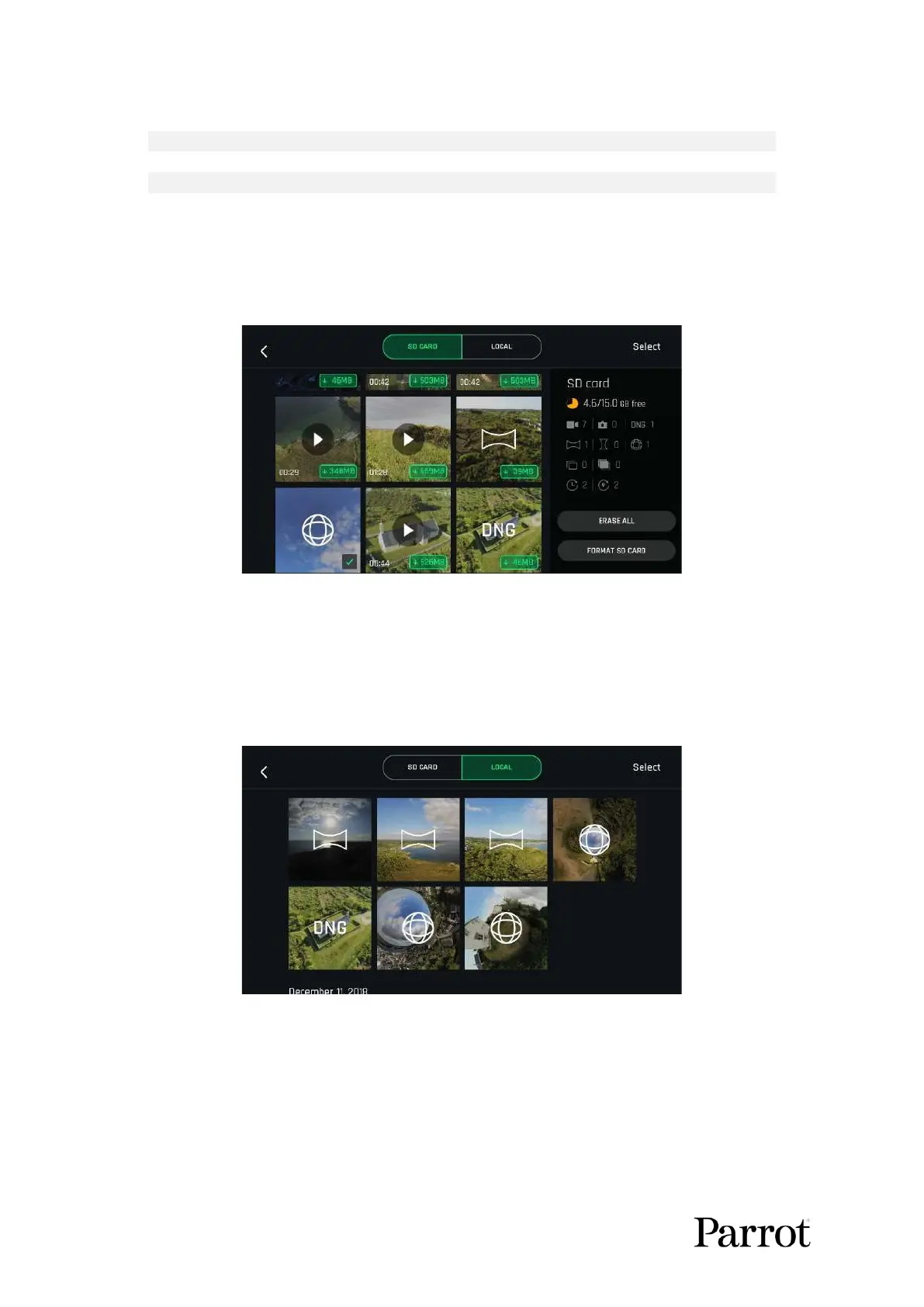
To download the Panorama pictures to your device, land ANAFI USA, access the homepage of
FreeFlight 6 USA and tap the SD CARD box or the Gallery box to display the media present on your
microSD card. Like other media, Panoramas are marked with their distinct icon and a green download
box, which shows the size of the corresponding series of pictures.
MicroSD card gallery
Tap the green box of the Panorama you want to generate to start downloading the corresponding
series of pictures to your device. When the download is complete, FreeFlight 6 USA displays a page
from where you can delete the downloaded photos. Tap Yes to keep the originals on the microSD card.
Tap No to delete them. FreeFlight 6 USA displays the Local (device) gallery, which contains only the
media you have downloaded from ANAFI USA’s microSD card.
Local (device) gallery



 To Next Page