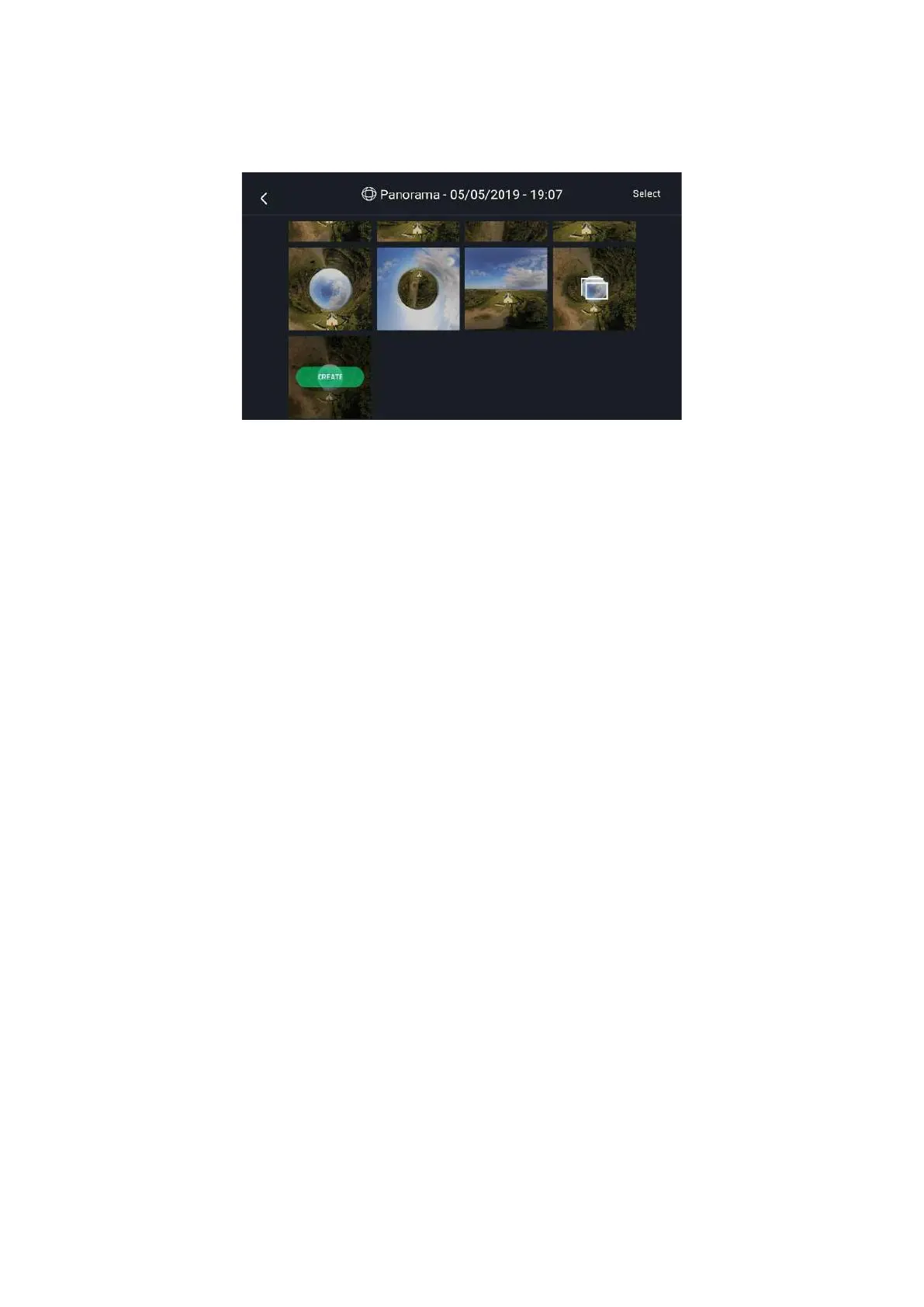
Finally, select the panorama you want to generate from your Local gallery. FreeFlight 6 USA displays
the following screen:
Android panorama generation page
Tap CREATE to generate the panorama (or tap the other icon to access the series of individual pictures.
Depending on the power of your device, FreeFlight 6 USA may display one or two resolution options,
up to 32 MP. Select the option you want to launch the generation. The time this process takes also
depends on your device’s power. For the highest quality 360 panorama (32 MP), it can take several
minutes.
When the panorama creation is complete, FreeFlight 6 USA displays the panorama and gives you the
option to delete the original files.
For each Vertical or Horizontal panorama capture, you will be able to generate one panorama only.
For each 360 capture, you can generate three different preset panoramas (Sphere, Little Planet, and
Tunnel) and a potentially infinite number of custom panoramas, through the 360 editor.
When you create a custom panorama, the direct rendering is a preview only. For each custom
panorama you decide to create, FreeFlight 6 USA completely reprocesses the data to minimize stitching
issues and discrepancies.



 To Next Page