60
The following screen appears.
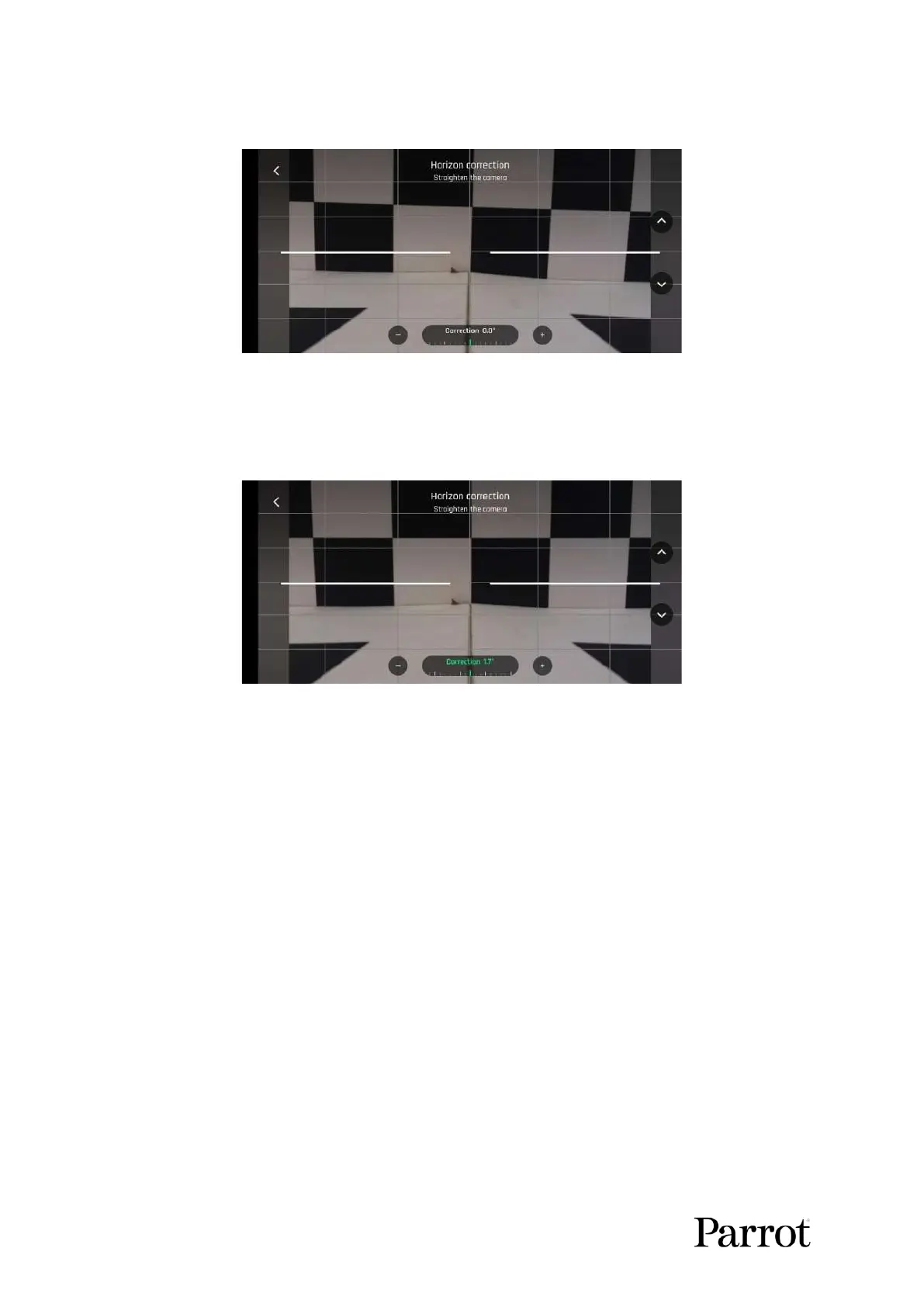
Gimbal/camera calibration: before (Android)
Tap + plus or - minus until the artificial horizon of ANAFI USA matches the horizon reference facing
the drone. Do not worry about vertical lines: as you can see from the screenshots, they do not appear
straight or parallel on the gimbal calibration screen.
Gimbal/camera calibration: after (Android)
When you have straightened the tilt of the camera, tap the < Back on the top left of the screen to
confirm your setting and exit camera calibration.
Gimbal calibration
Use this option to perform a gimbal calibration, similar to that which occurs after ANAFI USA is
powered on.
Note: FreeFlight 6 USA may require you to carry out this procedure (as it may require you to perform
a drone magnetometer calibration) before allowing you to fly ANAFI USA.



 To Next Page