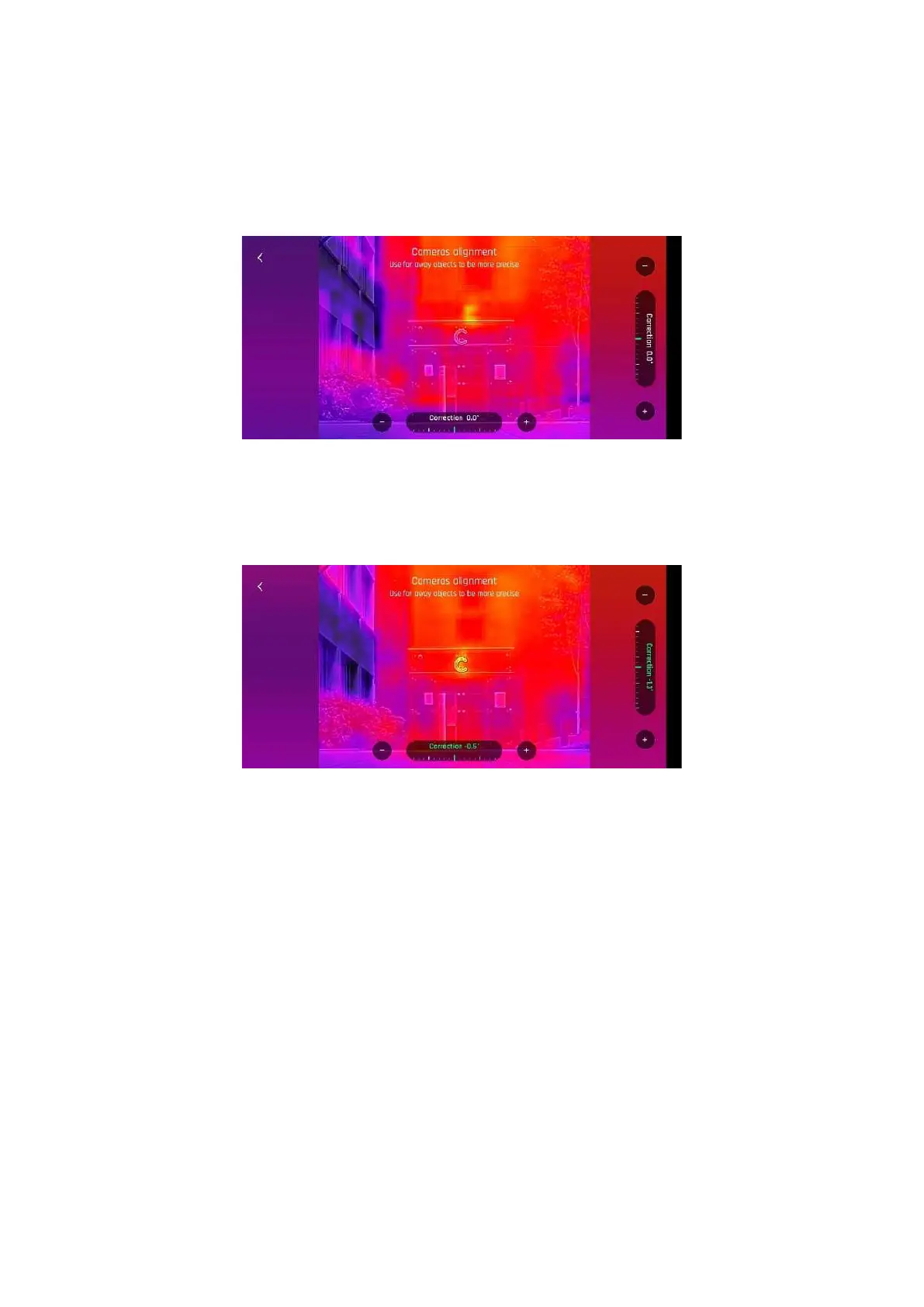
Cameras alignment (exceptional procedure)
Use this option to align the images of your visible and thermal spectrum cameras.
As the interface advises, due to cameras parallax, use the farthest possible object as your alignment
reference, ideally, at least 16.3 m (53.5 ft).
ANA F I USA: Camera alignment, before (Android)
Note: You can activate the zoom (right) trigger to magnify the view of your reference.
Tap + plus or - minus on each axis to align visible and thermal views.
ANA F I USA: Camera alignment, after (Android)
Tap < back on the top left of the screen to exit the interface and confirm your settings.



 To Next Page