140
Shooting Functions
4
1
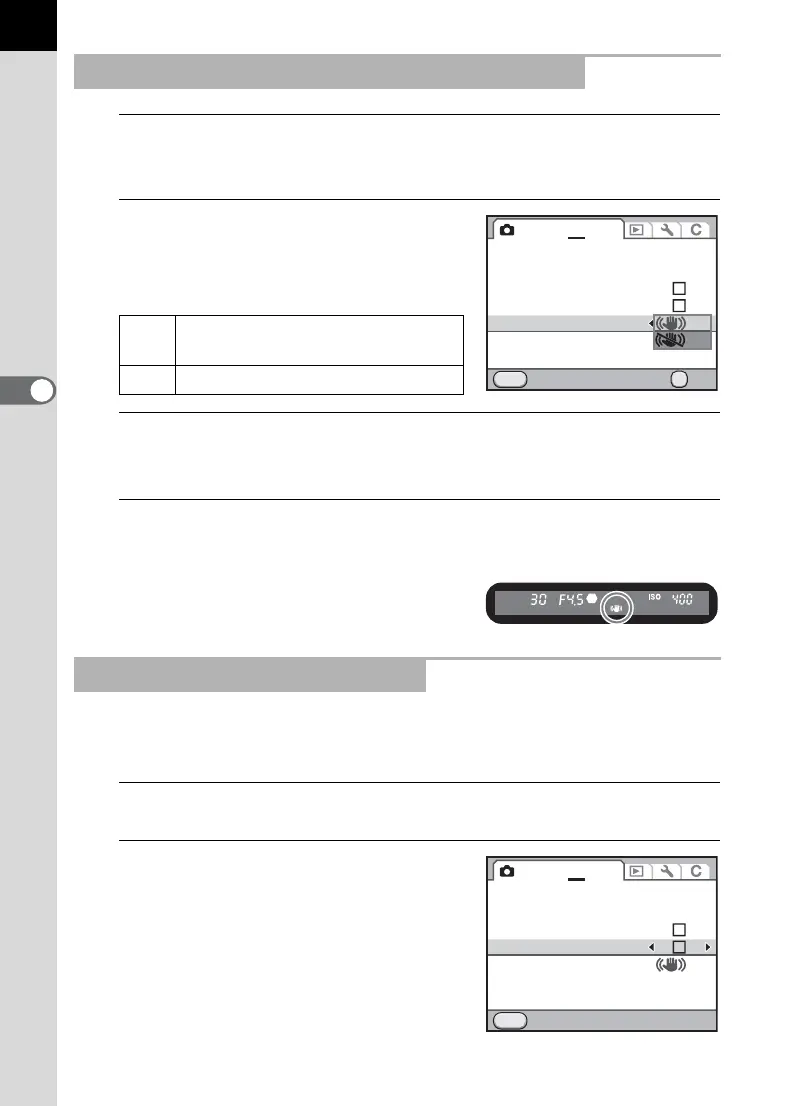
Select [Shake Reduction] in the [A Rec. Mode 4] menu
and press the four-way controller (5).
2
Use the four-way controller (23)
to select k or l and press
the 4 button.
3
Press the 3 button.
The screen that was displayed before selecting the menu appears again.
4
Aim the camera at the subject and press the shutter
release button halfway.
k appears in the viewfinder and the
Shake Reduction function is activated.
When an image is tilted, it can be corrected up to a maximum of ±2
degrees.
1
Select [Horizon Correction] in the [A Rec. Mode 4] menu.
2
Use the four-way controller
(45) to select O or P.
Reducing Vertical and Horizontal Camera Shake
k
Uses Shake Reduction. (default
setting)
l Does not use Shake Reduction.
Correcting the Tilt of the Images
Movie
Live View
Electronic Level
Horizon Correction
Shake Reduction
Input Focal Length
Cancel OK
OK
MENU
1234 5
Movie
Live View
Electronic Level
Horizon Correction
Shake Reduction
Input Focal Length 35mm
Exit
MENU
1234 5



 To Next Page