15192 Triton Lane
Huntington Beach, CA 92649
Office Tel: 714-892-3400
Hotline Tel: 714-891-6533
www.ppedm.com
This document is the property of PPedm Corp. and contains proprietary and/or patented information and may not be reproduced in
part or in whole without the express written permission of the company. Perfect Point logo, Perfect Point
TM
and E-Drill
®
are
trademarks of PPedm, Corp. US and worldwide patents pending.
Note: The electrode may need to be advanced out of the device to make access
easier. If this is necessary, then simply depress the trigger until the electrode is
fully advanced.
Occasionally, when the electrode is depleted during a collar cutting operation
(flashing green light) the electrode may still not be advanced enough. In this case
the retract button should be pressed momentarily, then the trigger may be
depressed and the electrode will advance completely.
If the cutting electrode is being changed because of a change of fastener type,
then it may be saved and used again later. If the electrode is indicated as needing
replacement, then it should be discarded. Attempts to keep using a worn-out
electrode could damage the mechanism.
3.
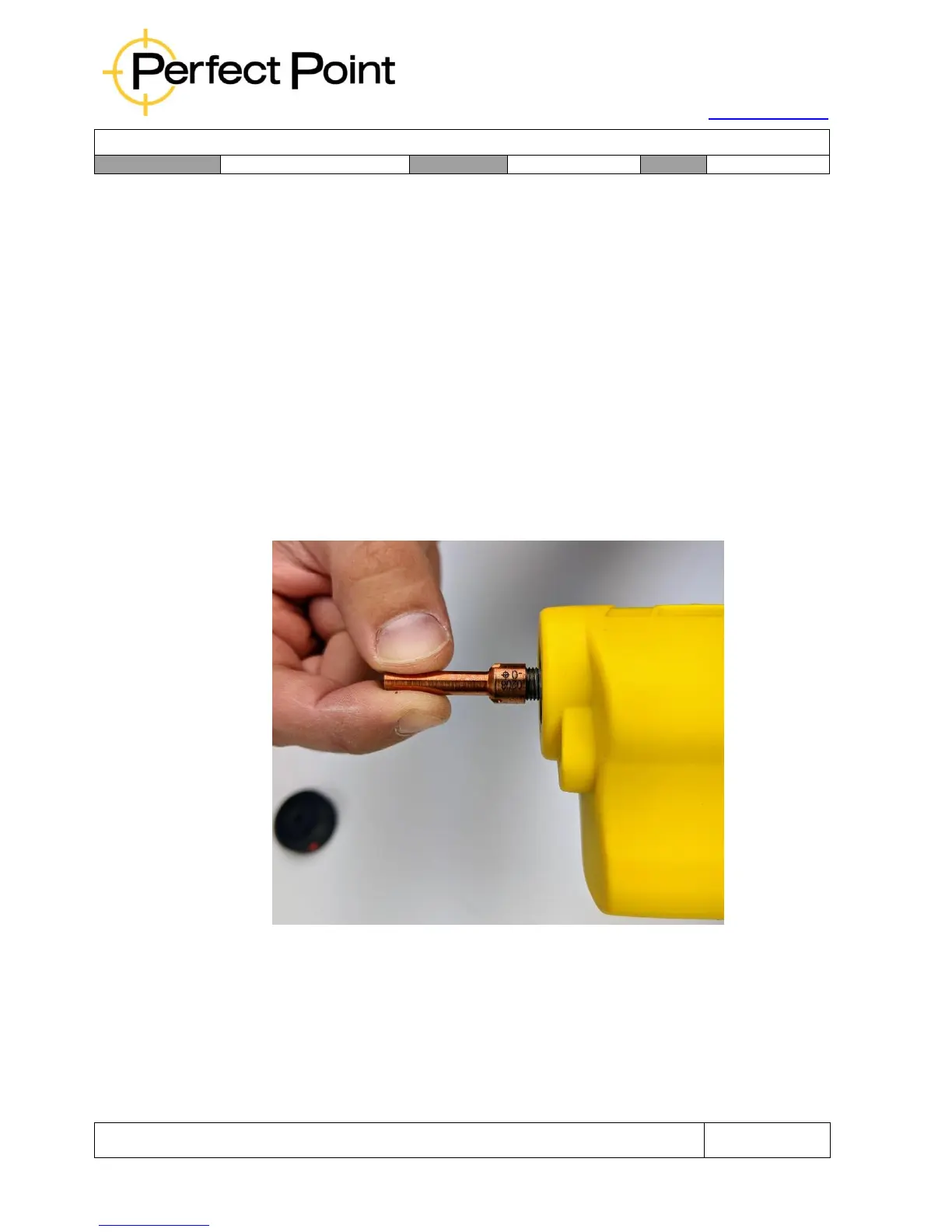
Check that the threads are clean on the front of the hand-tool and screw the
replacement electrode hand-tight but firmly on to the front of the E-Drill.



 To Next Page