7–3
Power Button ( ) - 1
• System on / off
Press button 1 to switch on the unit.
Press button 1 more than 2 seconds to
switch off the power.
Mode Button (MODE) - 1
Press MODE button 1 to select the mode of
radio, USB and BT music. The selection is in
the following sequence:
►
BT MUSIC USB
(CYCLIC OPERATION)
►
FM1 FM2
►
FM3
►
►
AM
►
►
SEL Button (SEL) - 2
• Audio mode selecting
During system is on, press SEL button 2 to
change the audio mode through bass, mid,
treble, balance and fader function. When
mode has not been adjusted, display returns
to normal radio.
During non EQ mode (“MANU”), press SEL
button 2 to select audio mode in the following
sequence:
►
“PREVIOUS MODE”
(AM/FM/USB/BT MUSIC)
►
BASS MID
►
TRE
►
BAL FAD
►
►
During EQ mode (“CLEAR”/“BASS”/“LOUD”),
press SEL button 2 to select audio mode in
the following sequence:
►
“PREVIOUS MODE”
(AM/FM/USB/BT MUSIC)
►
BAL FAD
►
Mute Button (MUTE) - 3
Press MUTE button 3 to mute the audio
sound. Press again to restore the previous
volume level.
EQ / CLOCK Button (EQ) - 4
• EQ Selecting
Press EQ/CLOCK button 4 to select “clear”,
“bass”, “loud” (Prefix 3 pattern of tone) and
“manual” (Non-prefix tone).
►
►
CLEAR BASS
►
LOUD
►
MANU
►
• Selecting the time
Selecting the EQ/CLOCK button 4 more than
2 seconds to enter the hour adjustment mode
with hour display blinked.
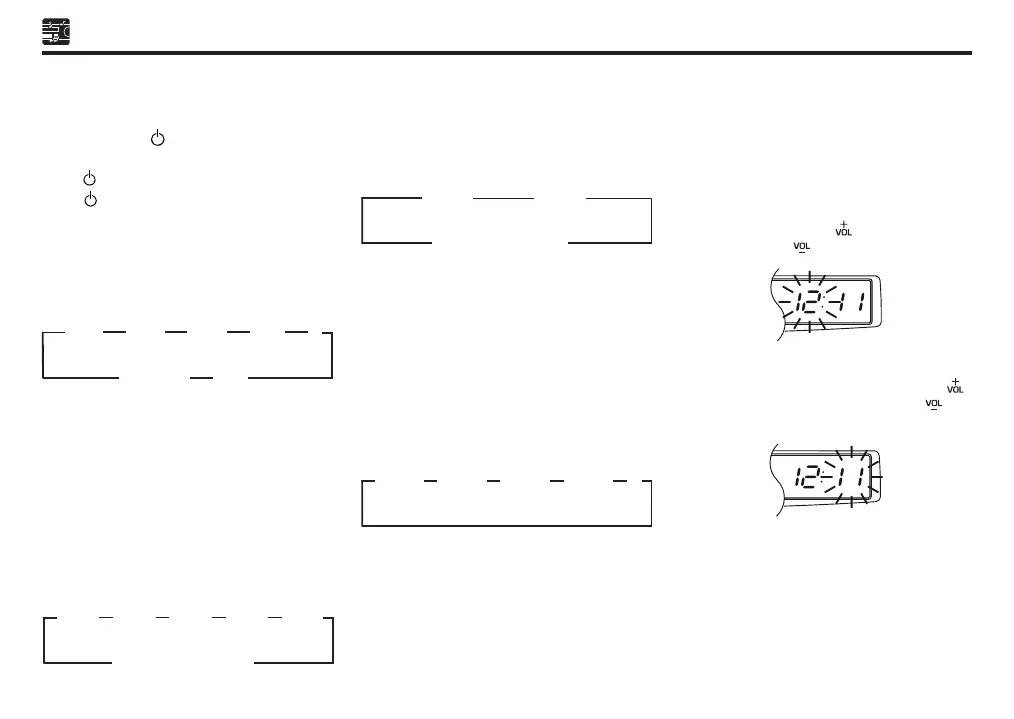
Adjust the desired hour by pressing VOLUME
button 5. Press the [ ] to increase the
hour. Press the [ ] to decrease the hour.
Press EQ/CLOCK button 4 again to enter
the minute adjustment mode. Press the [ ]
to increase the minute. Press the [ ] to
decrease the minute.
Sect 07_EN D42L.indd 3 25/10/2019 11:45 AM



 To Next Page