Installation of Wireless Infrastructure
84
Installin
the Instrument
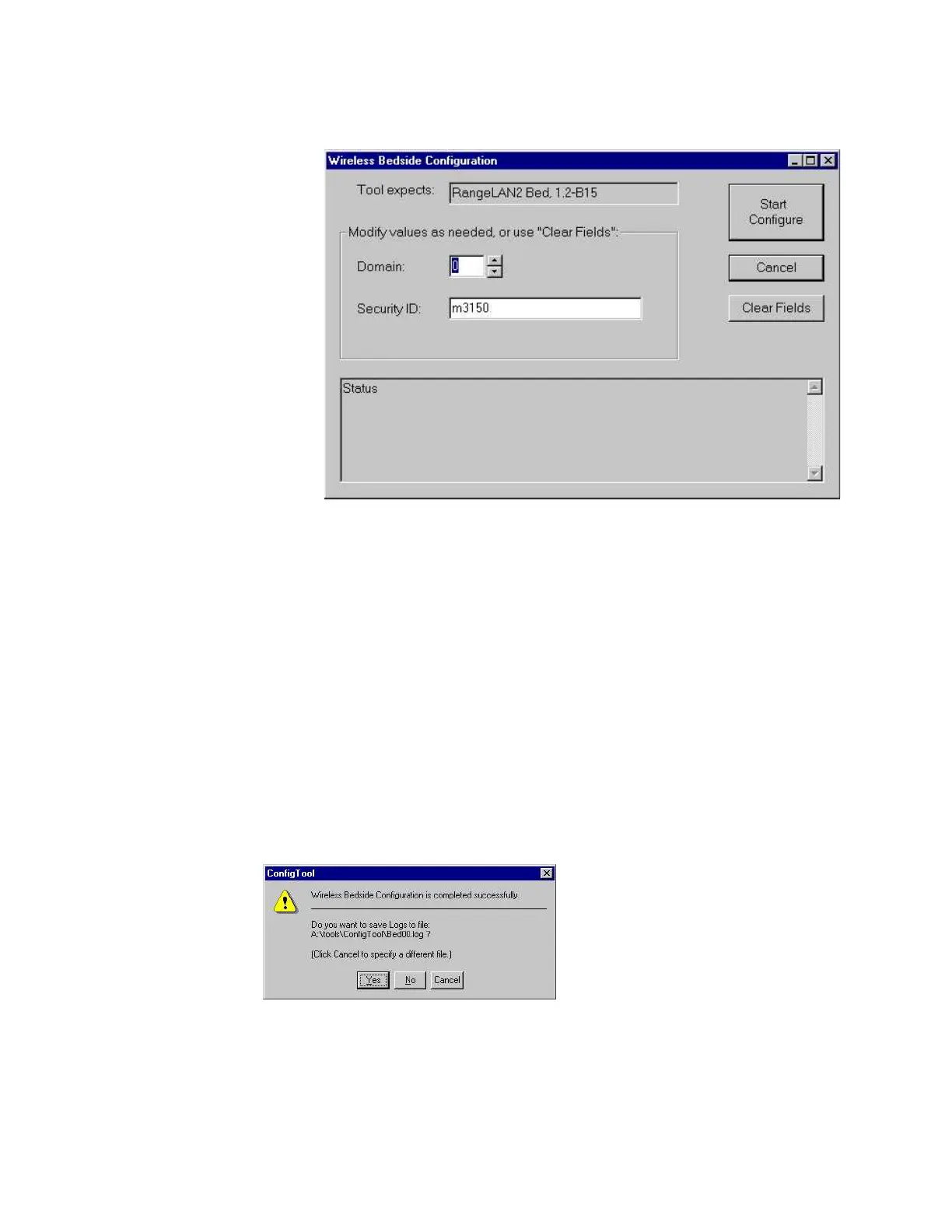
Step 14 Click OK to open the Wireless Bedside Parameters window:
Step 15 Modify the “domain” field according to your design requirements. Refer to
Appendix A of the M3185A IntelliVue Clinical Network Service Manual for the
appropriate wireless configuration worksheets.
NOTE Security ID: Keep the default entry m3150.
If an error message appears, see Troubleshooting in the Access Point section.
This configuration process takes about 1 minute. During configuration, status messages will
be displayed in the field at the bottom of the Wireless Bedside Parameters window as the
tool resets the configuration to factory default values, sets the configuration parameters, and
then resets the Wireless Adapter.
When the tool has successfully completed the configuration, the Wireless Bedside
Configuration is completed successfully window is displayed:
The configuration tool will write the configuration dialog and summary information to a file
if you wish. It will create a Log file name by combining Bed and the 2 digits of the Domain
entered in the Wireless Bedside Parameters window.











 To Next Page