Mounting Options for the Local Recorder
Installin
the Instrument
111
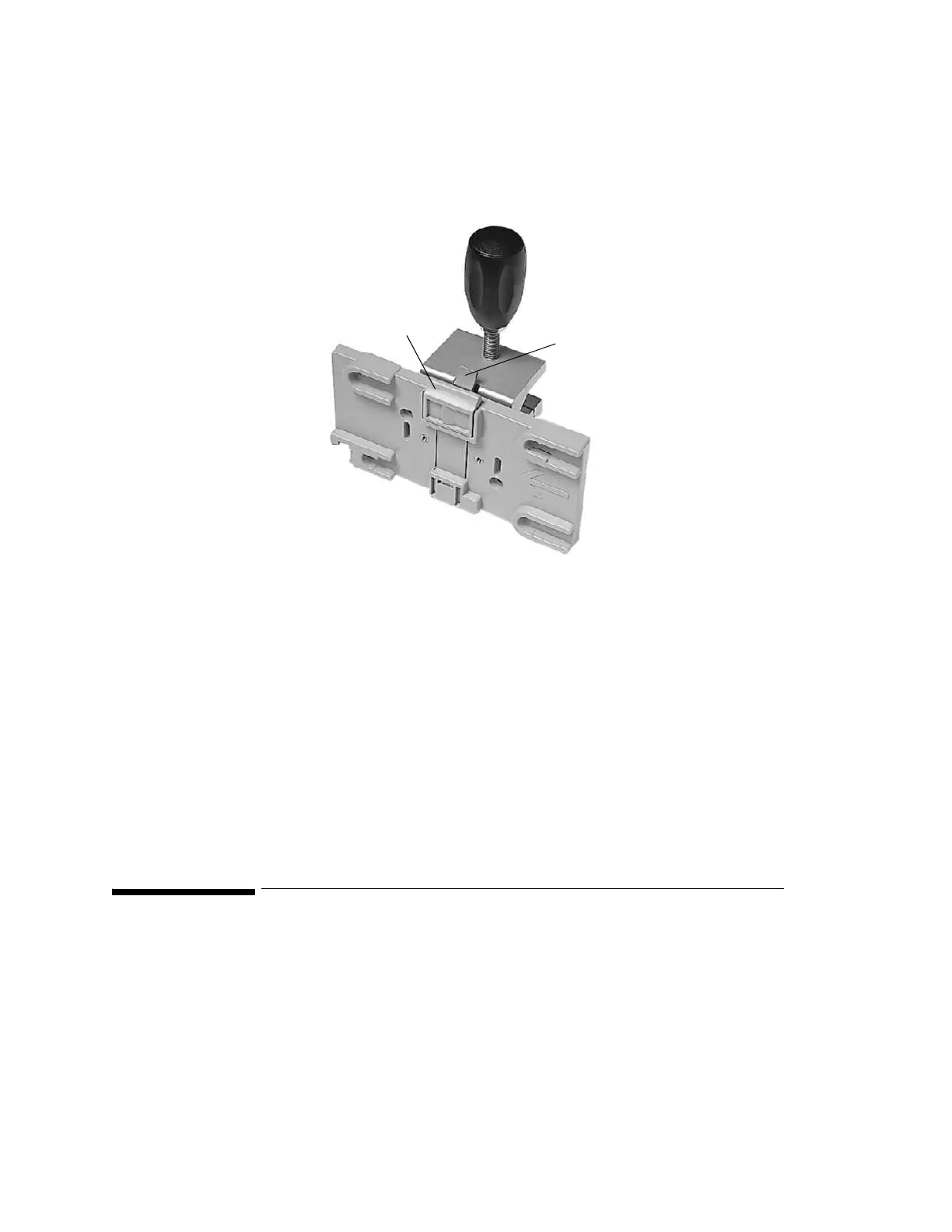
Server Mounting Plate (M3080A #A02)
This option is used for mounting the Server on a rail or pole. The rotatable clamp gives 4
fixed positions. It is delivered ready-to-use and does not require installing.
Step 1 Unpack the assembly and check all parts are available.
Step 2 If applicable, fit the MSL cable clamp to the mounting plate, using the supplied
Torx T-10 screw, as described for the server mounting plate (M3080A #A02)
starting on page 108 (steps 2 to 5).
Step 3 Secure the clamp to a pole or rail.
The Server snap-fits onto the plate. To release the Server, press and hold the latch (in the
middle at the top of the mount) away from the Server and slide it out. To rotate the plate,
press and hold the lever on the clamp away from plate while rotating the plate.
Mounting Options for the Local Recorder
Two mounting solutions are available for the optional XE-50p strip chart recorder:
• Roll Stand including Down-Pole (M3080A #A30)
• Wall Mount (M3080A #A31)
Please refer to the installation instructions that accompany the mounting hardware for details
of how to mount the recorder.
Latch
Lever











 To Next Page