Disassembly Procedures for the M3015A Measurement Server Extension
Re
airin
the Instrument 235
Removing the CO
2
Scrubber
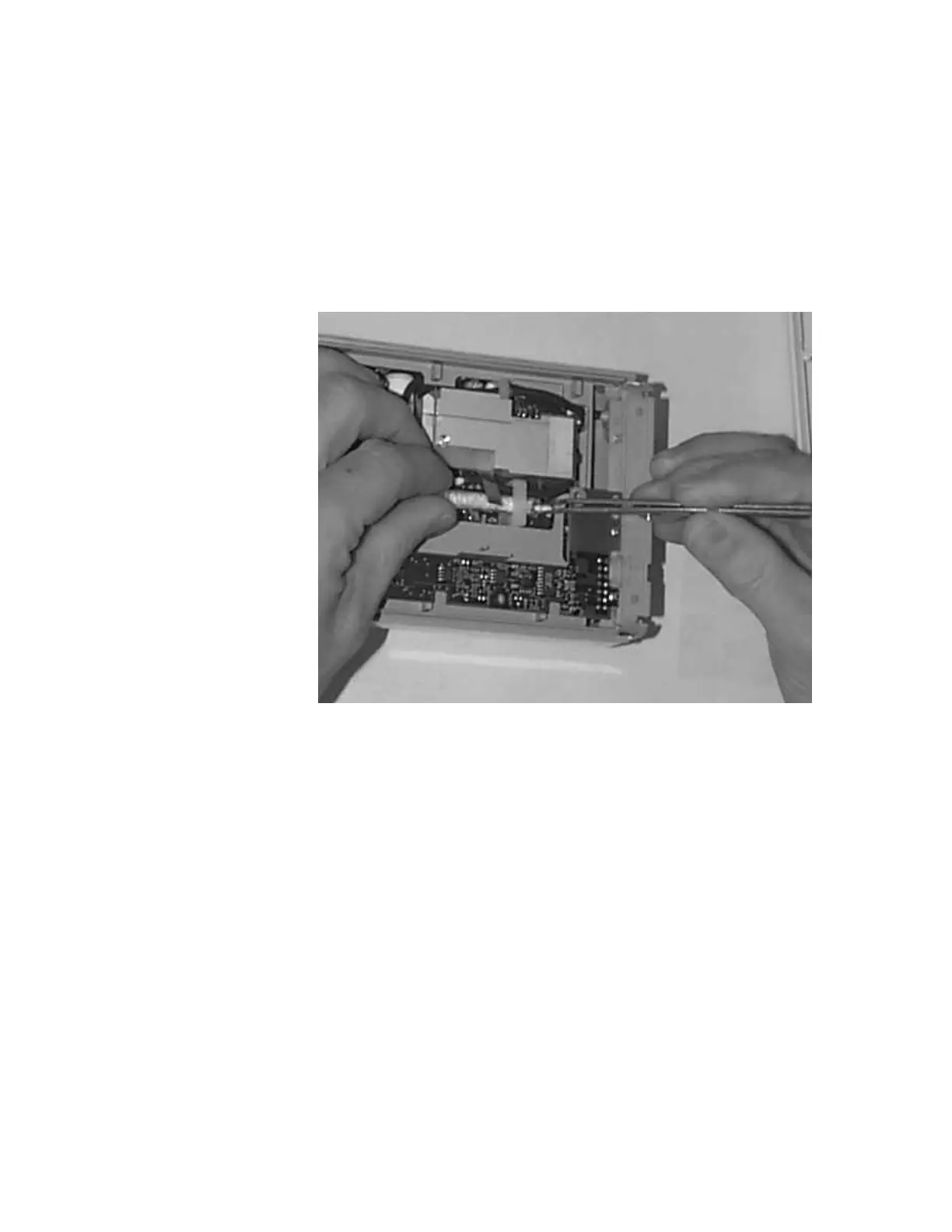
To remove the CO
2
Scrubber, do the following:
Step 1 Locate the CO
2
Scrubber in the Extension.
Step 2 Being careful not to touch anything else in the Extension, use tweezers to pull the
body of the CO
2
Scrubber out of the bracket
.
Step 3 Holding the body of the CO
2
Scrubber with your fingers, carefully disconnect the
Extension intake tube from the scrubber end and remove the CO
2
Scrubber from the
Extension.
Step 4 Dispose of the CO
2
Scrubber according to local legal requirements for low volume
chemical waste.











 To Next Page