Connecting the Measurement Server...
Installin
the Instrument
71
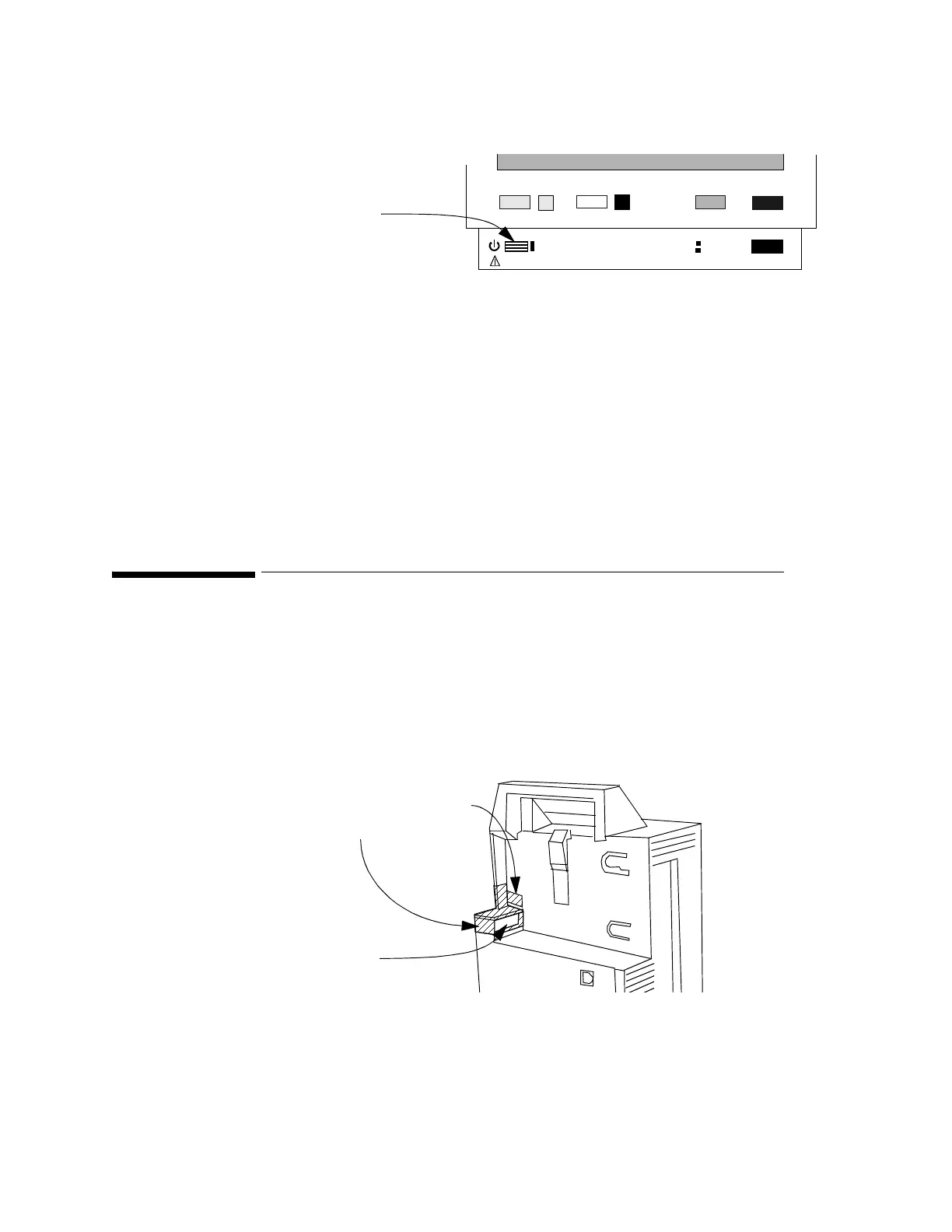
Switch the Monitor on using the On-Off/Standby button:
Making the Altitude Setting
A correct altitude setting is important to ensure accurate CO
2
readings.
Step 1 Enter Config Mode and press the Setup key.
Step 2 Select Altitude
Step 3 Select the value from the list which is closest to the altitude of the hospital.
Connecting the Measurement Server...
...with the Measurement Server directly on the Monitor
You can connect the Measurement Server to the Monitor by mounting it directly on the
Monitor:
Step 1 Make sure that your Monitor has a link bar:
If your Monitor does not have a link bar:
a.Position the link bar as shown in the diagram above.
Make sure that the guide is in the slot under the plug (which connects to the
Measurement Server).
b.Press the Link Bar into position until it clicks.
Silence
Reset
Suspend
Setup
Main
Screen
On
Off/Standby
AC Power
Battery
On-Off/Standby
Link Bar
Plug to
Measurement Server
Latch











 To Next Page