Disassembly for the Monitor
228 Re
airin
the Instrument
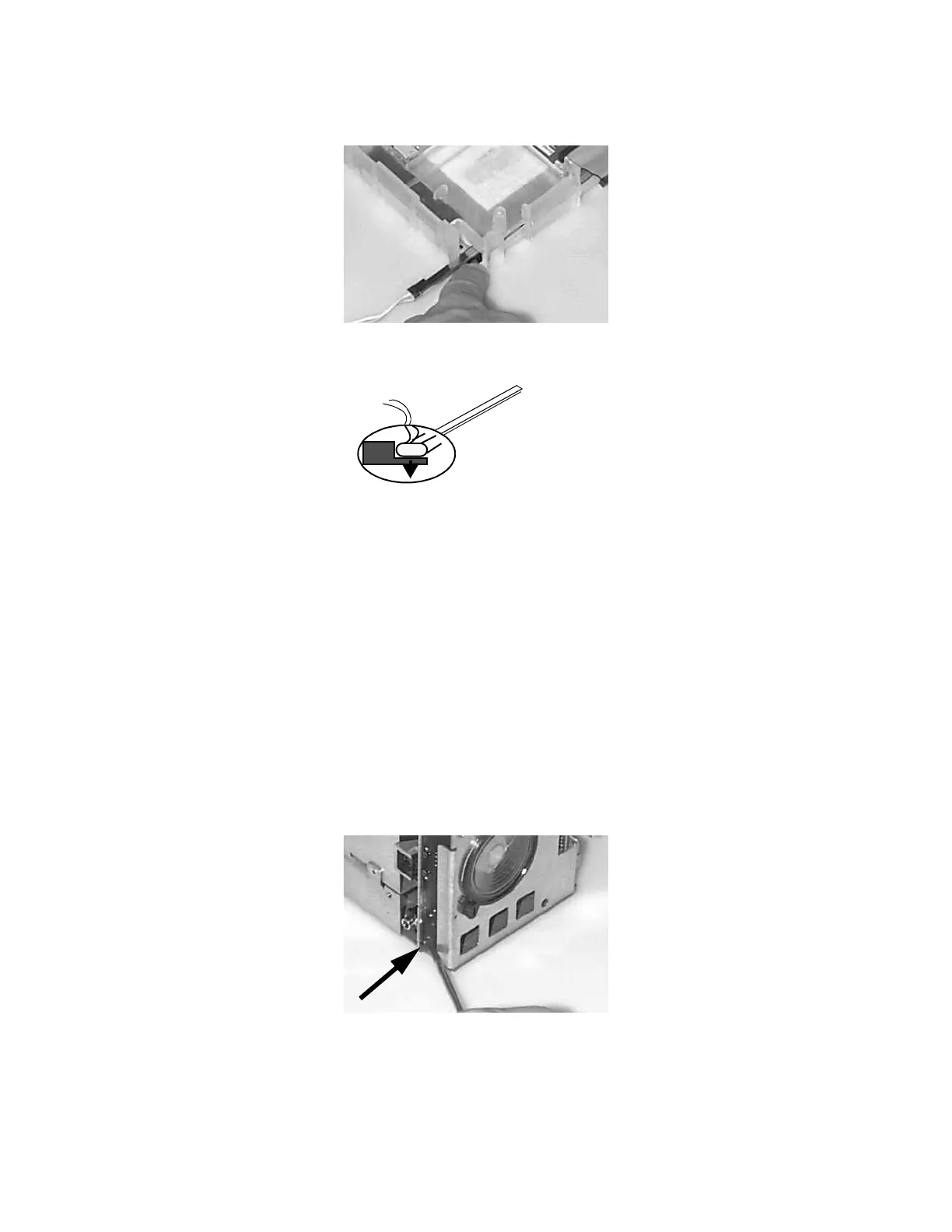
Step 7 Press down the retaining lever to release the backlight tube:
Step 8 Slide out the tube and repeat for the second tube.
Removing the Connector Board
To remove the Connector Board, do the following:
Step 1 Remove the chassis as described previously in this chapter.
Step 2 Remove the Power Supply as described previously in this chapter.
Step 3 The Connector Board (VGA) is fixed with a screw and can no longer be taken out
by removing the Connector Board cover and pulling the Connector Board out. The
Plastic Housing must be completely removed to allow the Connector Board to be
unscrewed from the side of the Monitor:
Backlight Tube
Press Lever Down to Release











 To Next Page