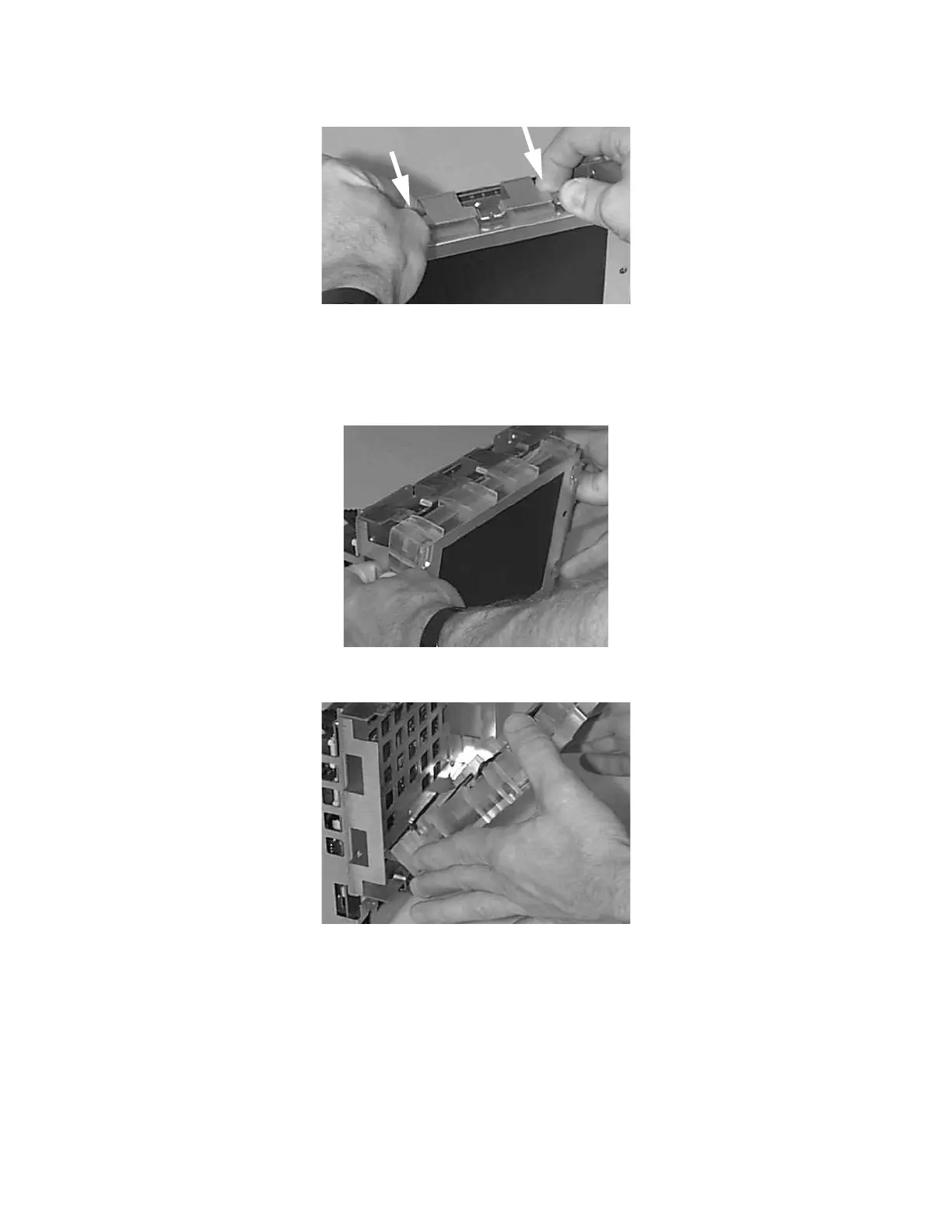
Disassembly for the Monitor
Re
airin
the Instrument 227
Never touch the front of the display assembly (the screen), or the backlight tubes, with your
fingers. Doing so can reduce the lifetime of the parts.
Step 4 Then push from the sides:
Step 5 Lay the LCD display on a flat, scratch-free surface:
Step 6 Unplug the backlight tube cables.











 To Next Page