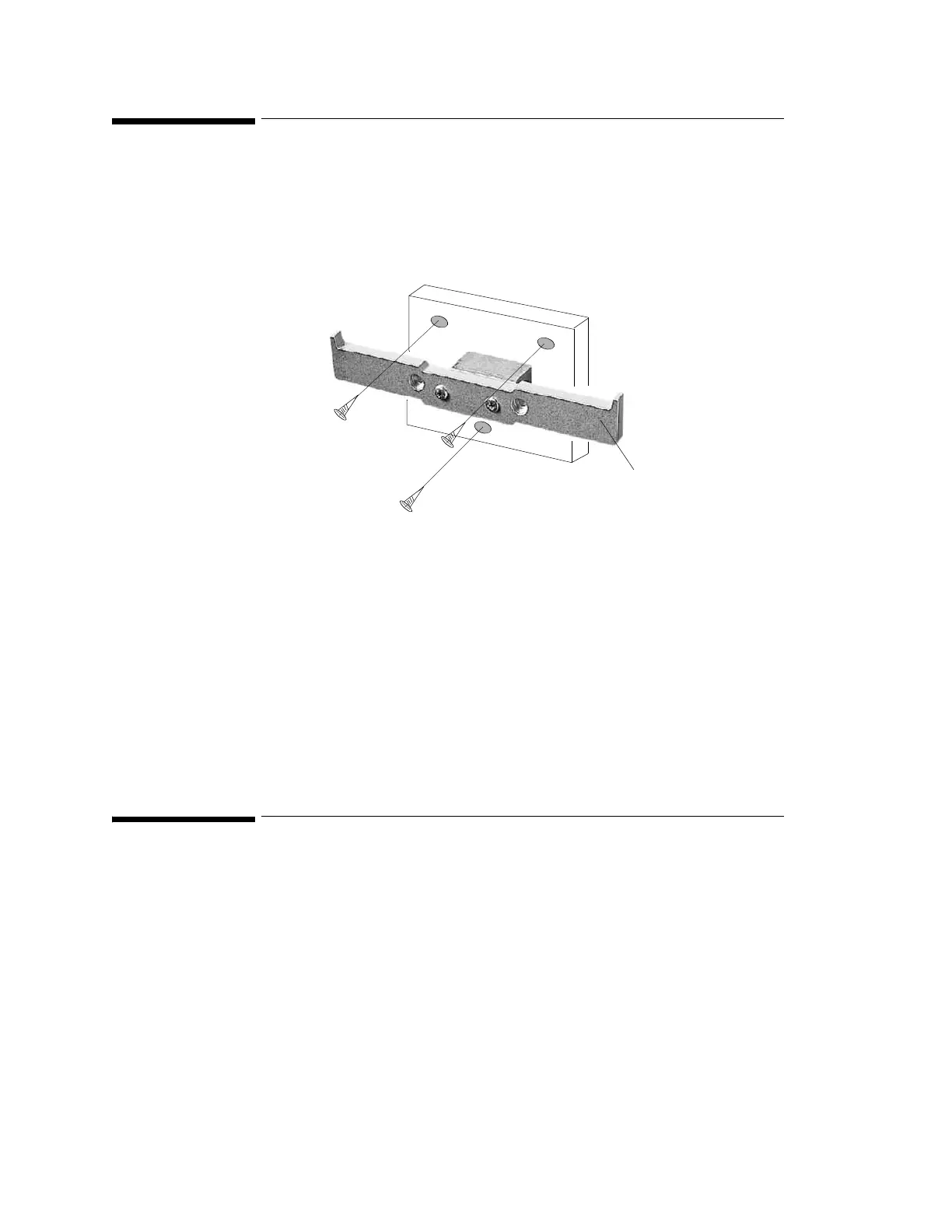
Installing the Wall Rail (M3080A #A13)
Installin
the Instrument
101
Installing the Wall Rail (M3080A #A13)
The wall rail is intended for use with the Universal Bed Hanger (#A11). To mount the rail
securely, you need 3 screws. These are not provided because the type of surface dictates the
type of screw used.
Step 1 Unpack the Wall Rail and check all parts are available.
Step 2 Select 3 screws (appropriate to surface material).
Step 3 Insert the 3 screws through the screw holes provided in the plate.
Step 4 Tighten the screws.
Step 5 Hang the bed hanger over the wall rail.
Installing the Tilt/Swivel Mount (M3080A #A14)
The Tilt/Swivel mount can be used in the following situations:
• Screwed directly to a wall.
• Mounted to the GCX Wall Channel #A15 (described in the following section).
• Attached to the Universal Pole Clamp.
• Attached directly to the Monitor.
Rail











 To Next Page