Refit Procedures for the M3015A Measurement Server Extension
238 Re
airin
the Instrument
Refitting the Pump
To refit the Pump, do the following:
Step 1 Gently connect the power lead to the Extension.
NOTE The power lead can only be connected one way. Do not try to force the power lead into
position. Instead, align it correctly and connect it gently.
Step 2 Connect the flow tubing to the Pump.
NOTE Be sure to reconnect the inlet tube to the inlet valve and the outlet tube to the outlet valve.
Step 3 Being careful not to touch anything else in the Extension, insert the pump into the
bracket on the PC board. Make sure that the pump is horizontal and does not touch
the PC board. (Vibration from the pump in operation will damage the Extension if
the pump touches the PC board.)
Step 4 Replace the top part of the bracket and screw firmly into position.
NOTE After replacing the Pump, reset the value displayed on the Reset PumpOpTime selection to
zero (Service Mode>CO
2
Setup). When the PumpOpTime has been reset an INOP will be
generated: “CO
2
OCCLUSION”. To clear this INOP you must perform a flow check and
store the flow in Service Mode (select “Store Flow”).
Refitting the Extension Bottom Cover
To refit the Extension bottom cover, do the following:
Step 1 Latch the link bar end into place then press-click the bottom cover back into place
covering the interior of the Extension.
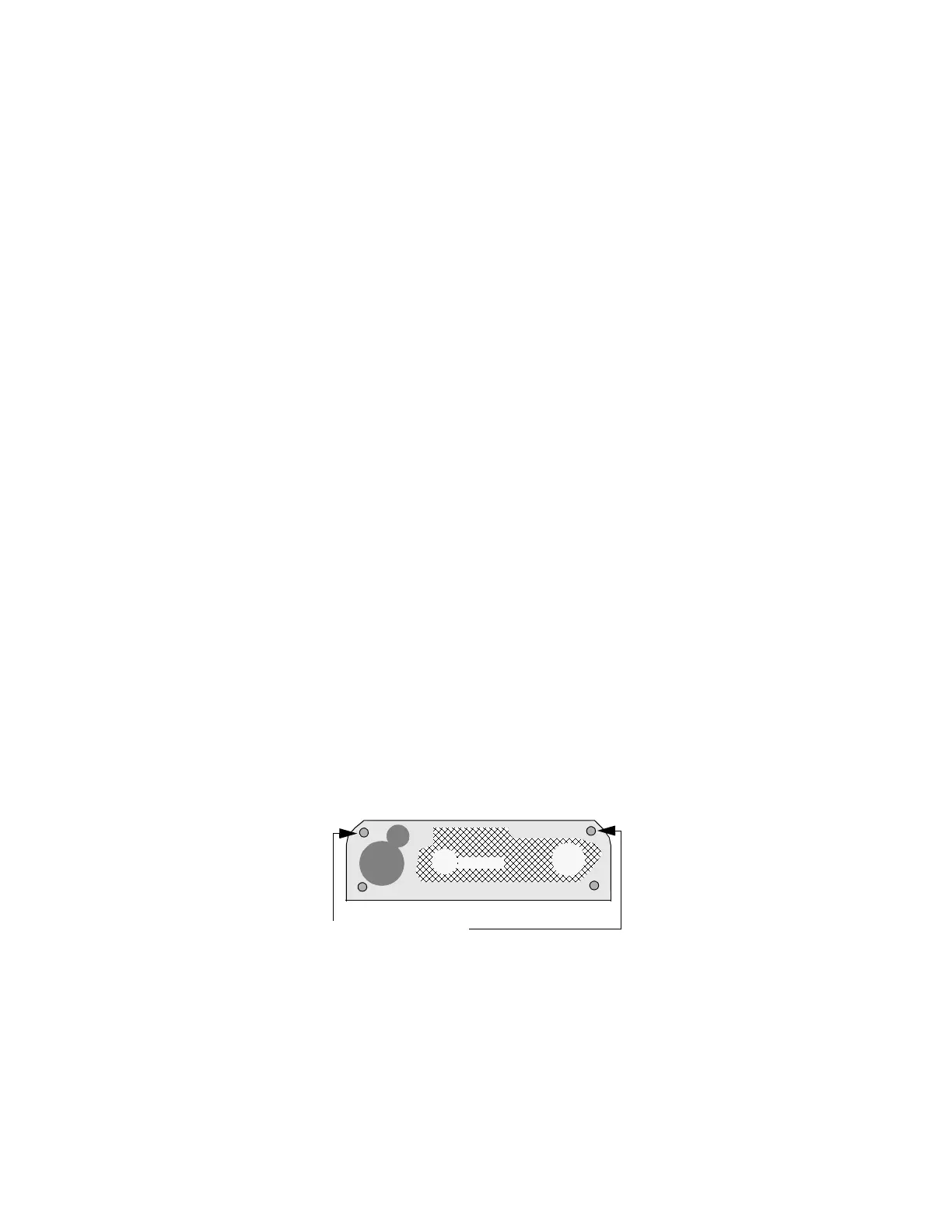
Step 2 Holding the bottom cover firmly in place, thread the two long mounting pins back
into the Extension making sure to thread them all the way to the end.
Refitting the Front Cover
To refit the front cover, press-click it back into place over the measurement connector
hardware.
2 Long Mounting Pins











 To Next Page