Disassembly Procedures for the M8043A Battery Charger and Conditioner
240 Re
airin
the Instrument
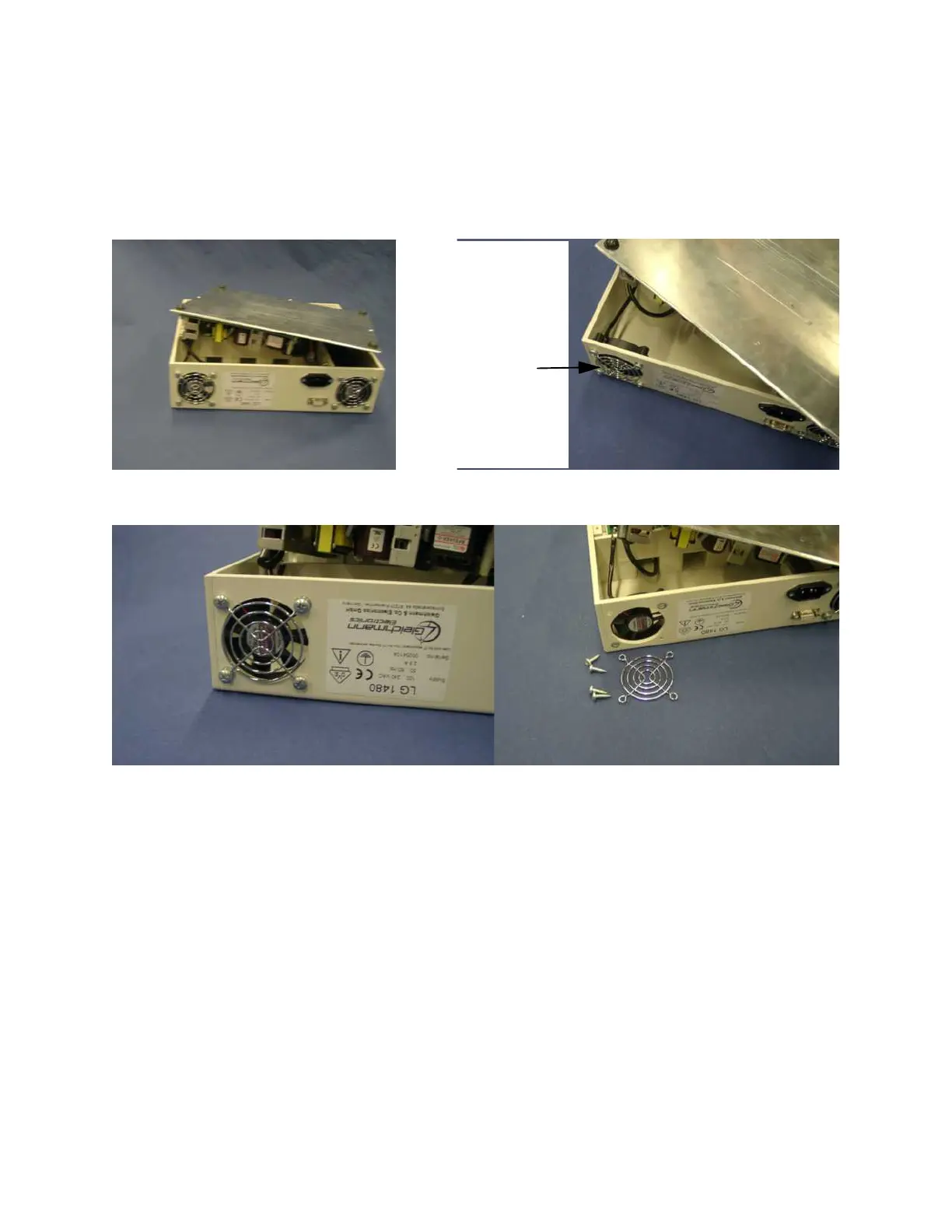
Removing the Cooling Fans
Step 1 Open the housing (see “Opening the Housing” on page 239).
Step 2 Carefully manouvre the baseplate to gain internal access to the left-hand cooling
fan.
Step 3 Remove the four screws holding the cooling fan and grill.
Step 4 Disconnect the two-pin plug (A) connecting the cooling fan cable to the printed
circuit board. Free the cable from the cable guide (B).
Left-hand
Cooling Fan











 To Next Page