Disassembly Procedures for the M8043A Battery Charger and Conditioner
Re
airin
the Instrument 241
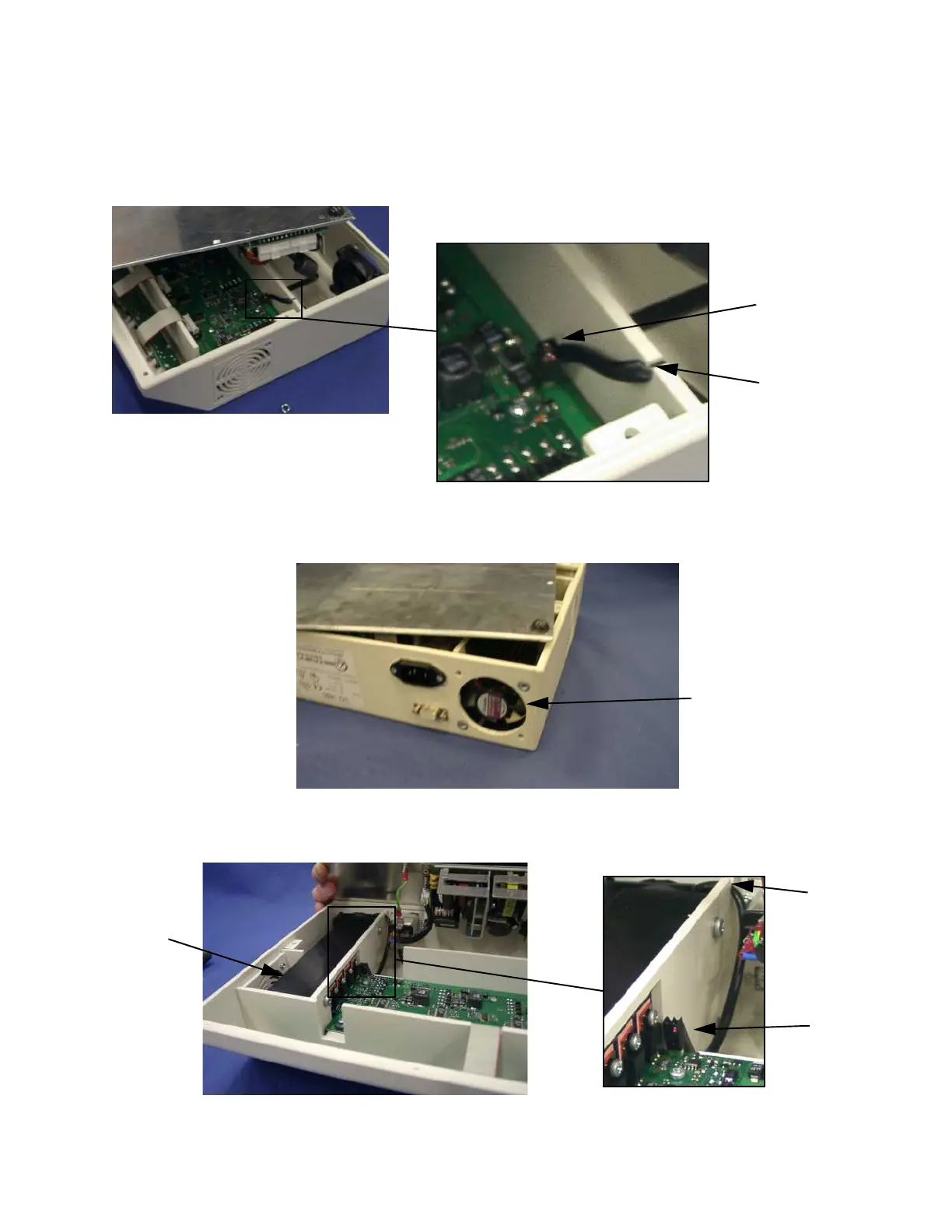
Step 5 Remove the left-hand cooling fan.
Note: When reconnecting the two-pin plug, ensure that the red wire faces the left
side of the housing.
Step 6 Remove the four screws holding the right-hand cooling fan and grill.
Step 7 Disconnect the two-pin plug (D) connecting the cooling fan cable to the printed
circuit board. Free the cable from the cable guide (C).
A
B
Right-hand
Cooling Fan
C
D
Heat
Sink











 To Next Page