Disassembly Procedures for the M3015A Measurement Server Extension
236 Re
airin
the Instrument
Removing the Pump
To remove the Pump, do the following:
Step 1 Locate the Pump in the Extension.
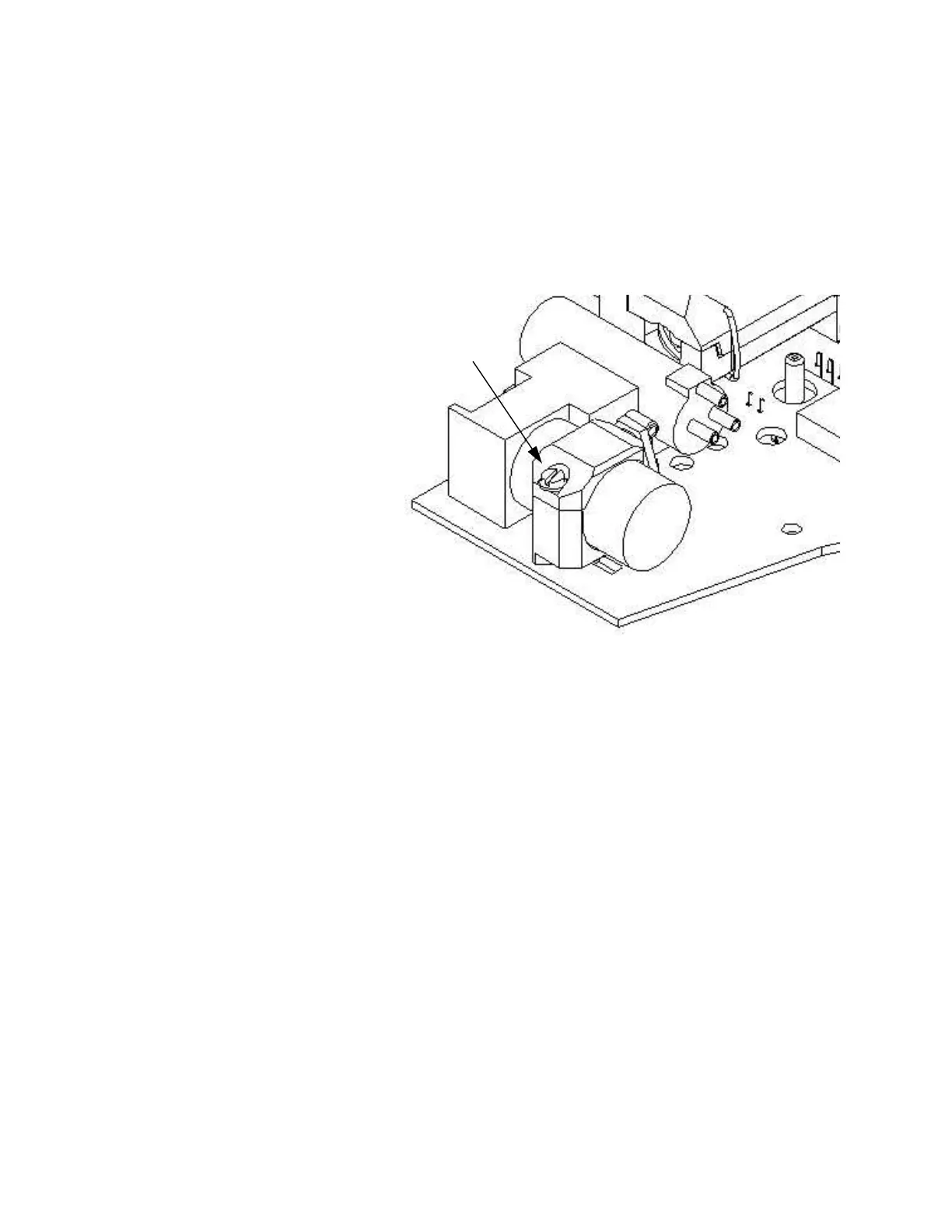
Step 2 Being careful not to touch anything else in the Extension, unscrew the screw
holding the pump bracket in position. Lift the top part of the bracket away and lift
out the pump.
Step 3 Gently disconnect the flow tubing attached to the Extension from the Pump.
NOTE Be sure to note which tube attaches to the inlet and which tube attaches to the outlet.
Step 4 Gently disconnect the power lead which attaches the Pump to the Extension.
Step 5 Remove the Pump.
NOTE After replacing the Pump, reset the value displayed on the Reset PumpOpTime selection to
zero (Service Mode>CO
2
Setup). When the PumpOpTime has been reset an INOP will be
generated: “CO
2
OCCLUSION”. To clear this INOP you must perform a flow check and
store the flow in Service Mode (select “Store Flow”)
Screw holding
pump bracket











 To Next Page