Testing Wireless Network Connectivity
204
Troubleshootin
the Instrument
Testing Wireless Network Connectivity
Using the Site Survey Tool
1
you can check the antenna functionality.
Antenna Check
This test gives a Received Signal Strength Indication (RSSI) and will indicate if the antenna
is in order.
Setup
1 The M3046A should be approximately 15 feet away from the test PC.
2 Configure the Wireless LAN assembly of the M3/M4 and the Site Survey & Configura-
tion Tool for the same Domain and Security ID. Configure using the Wireless Configura-
tion Tool available on the Philips Information Center CD-ROM.
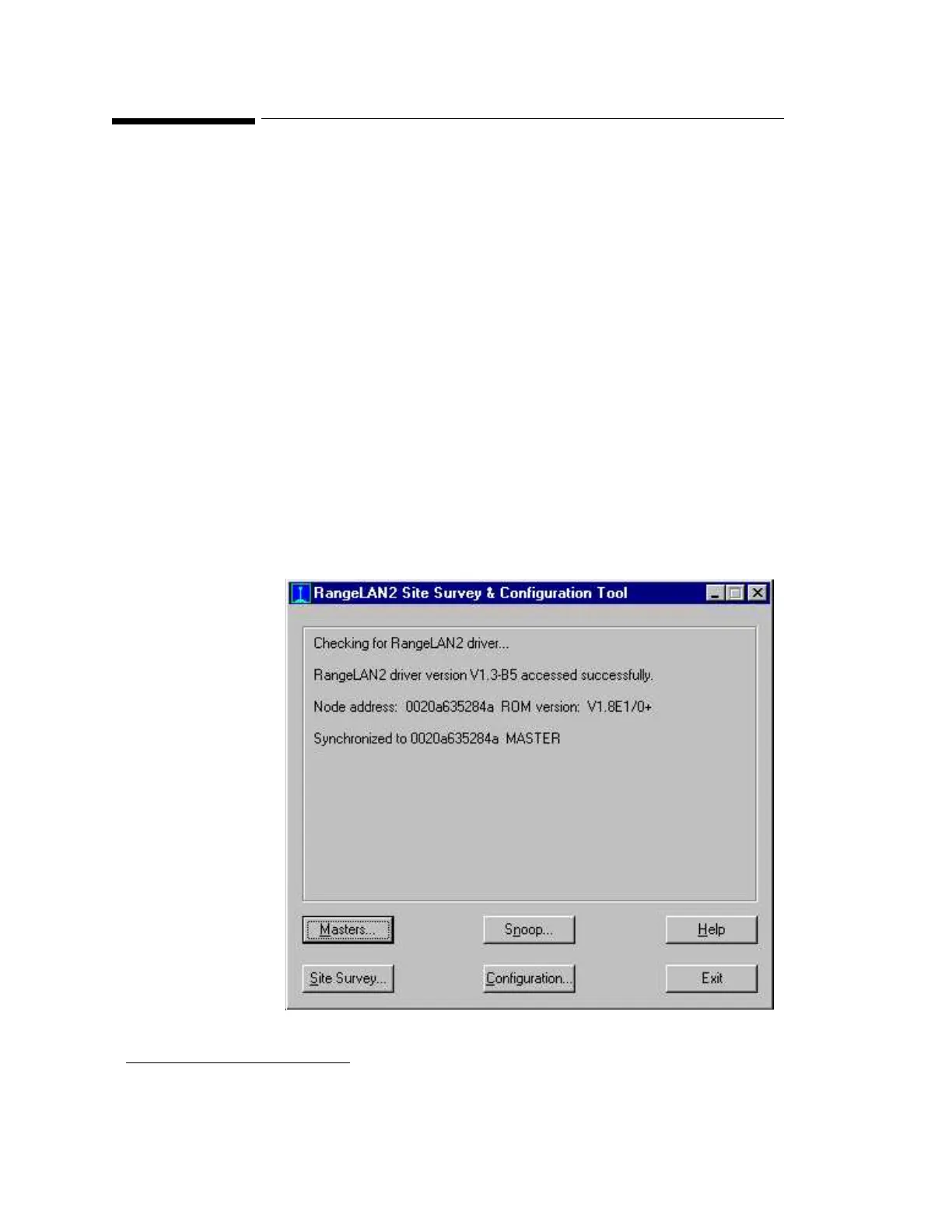
3 Check that the RangeLAN2 Site Survey and Configuration tool is running (if not, double
click on the RangeLAN2 Configuration Icon to start it).
The main window appears as shown below:
1. The recommended Site Survey Tool is available from Connectronics (www.connectronics.com). The part
number is 82-6332 7402-05, Range LAN2/PCMCIA Card (One-piece with Snap-on antenna).











 To Next Page