Testing Wireless Network Connectivity
Troubleshootin
the Instrument
205
Procedure
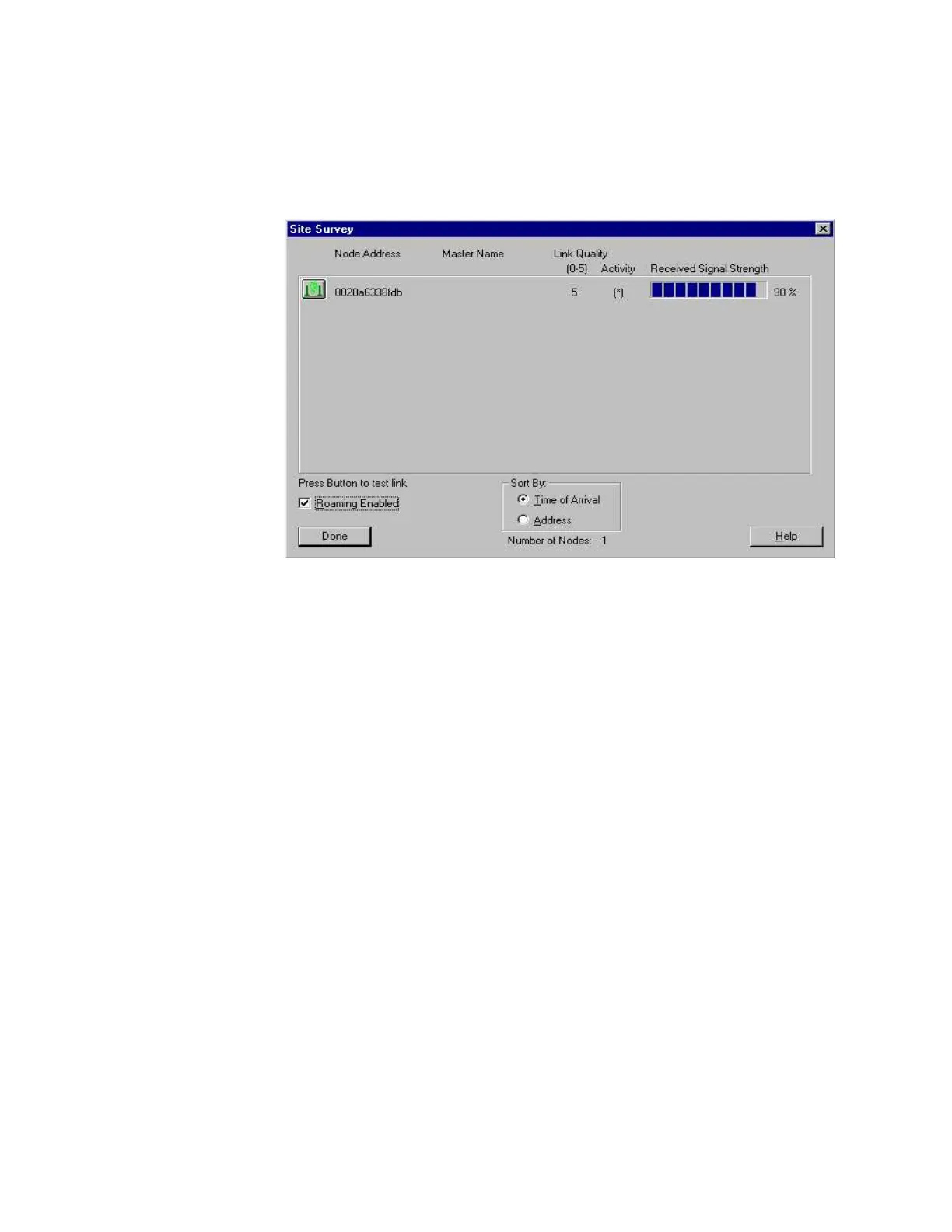
1 Click on the Site Survey button in the main window to bring up the Site Survey window,
which appears as shown below:
In this example, the Node Address shows one unit (this is the MAC address of the radio
board 0020a6338fdb) with a Received Signal Strength of 90%. The number to the right of the
bar graph is the indicator.
Acceptance Criteria:
The RSSI should be greater than 80%. If it is less than 80%, check the antenna cable
connection to the Radio board inside the M3046A to see that it is mated properly.
When the test is completed, click on Done in the Site Survey window, then on Exit
in the RangeLAN2 Site Survey and Configuration Tool window.











 To Next Page