Disassembly for the Monitor
222 Re
airin
the Instrument
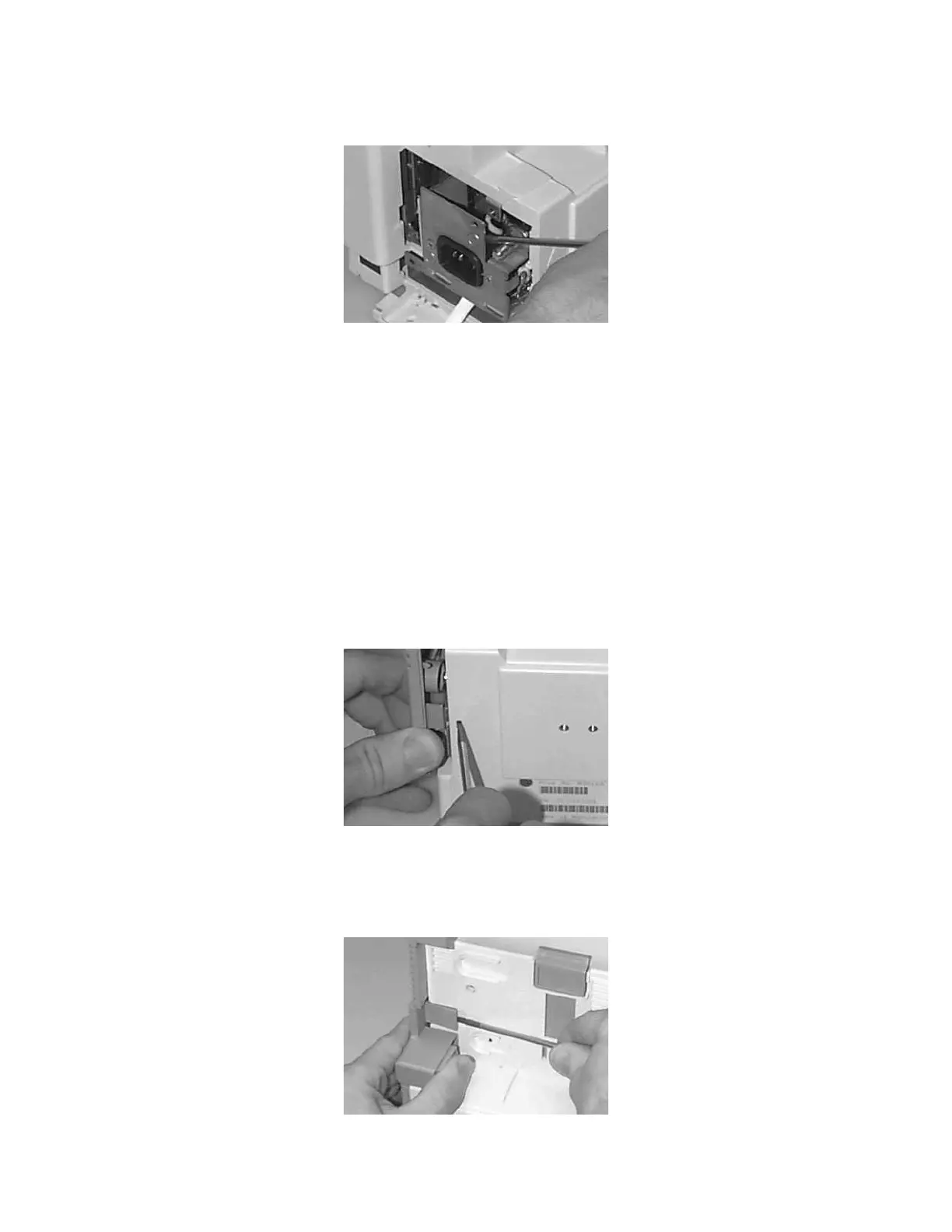
Step 7 Slide out the Power Supply:
Removing the Chassis
Read the warnings at the beginning of this chapter.
To remove the chassis, do the following:
Step 1 Remove the Server.
Step 2 Remove the battery.
Step 3 Switch the Instrument on and disconnect the AC power cord from the Instrument
and the mains power source (after 20 seconds, the capacitors on the Power Supply
board are drained).
Step 4 Push a thin-bladed screwdriver into the hole next to the cover:
Step 5 Release the cover.
Step 6 Prise open the clip on the Server-to-Monitor link bar and slide it off. On newer
monitors just turn the catch (holding the link bar) into the vertical position:











 To Next Page