Installation of Wireless Infrastructure
86
Installin
the Instrument
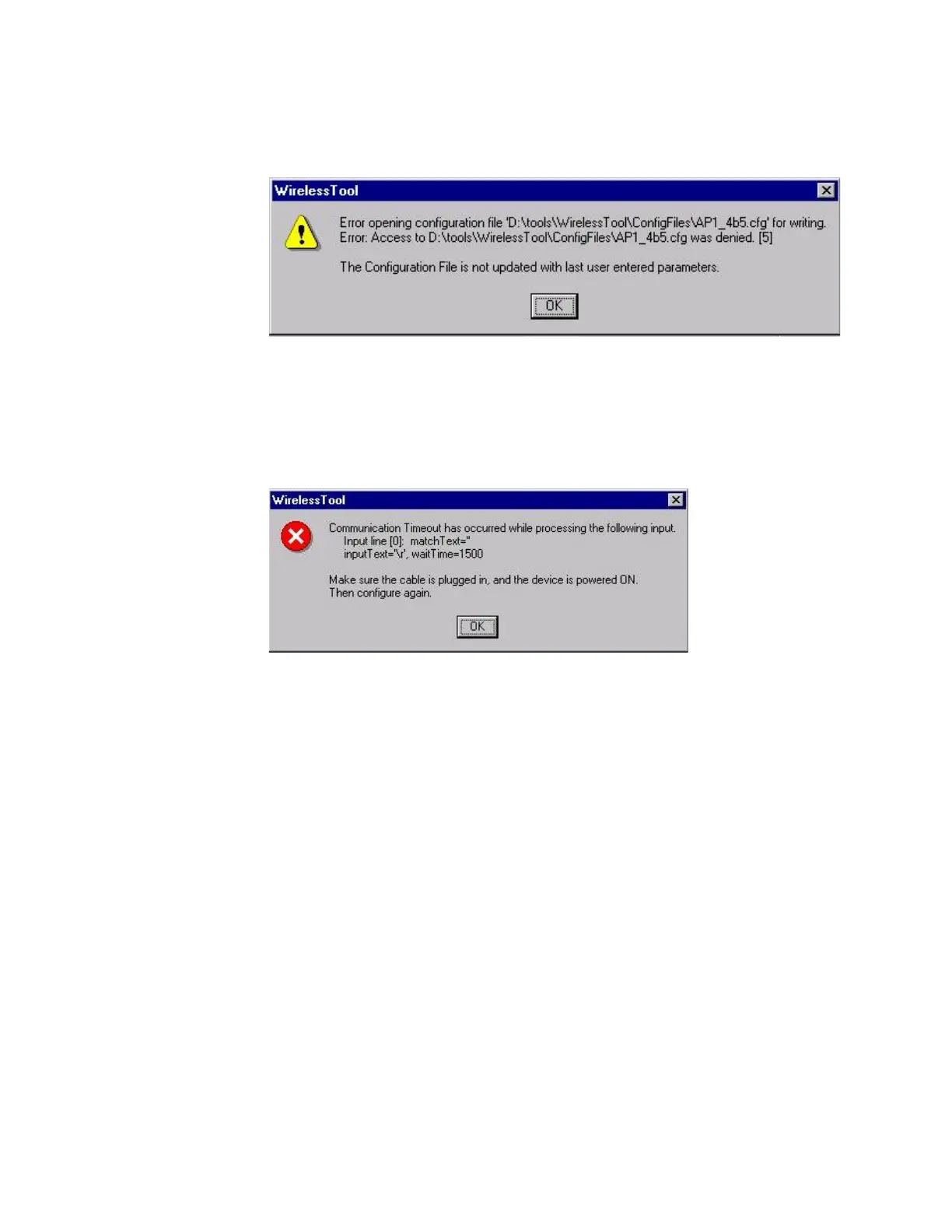
If the Read-only attribute has not been removed from the configuration tool files, the
following error message will be displayed.
• Click OK to exit the tool and remove the Read-only attribute following the procedure
described in Making the Config Files Writeable.
If the serial cable connecting the configuring PC to the device or the PC’s COM port is
inaccessible or not working, one of the following windows will be displayed:
• Check the serial cable and its connections carefully to assure that a good interconnection is
being made
• Ensure that no other applications in the configuring PC have control of its Serial Port (e.g.
Hyperterminal). Close all other applications.
• Ensure that the proper COM port is selected in the Configuration Tool window.
If configuring a Wireless Adapter:
Turn the Wireless M3/M4 Monitor Off and then On and ensure that it passes its self-test.
Restart the Configuration Tool and try the procedure again.
For Wireless Adapter











 To Next Page