Part 1 Troubleshooting Checklists
172
Troubleshootin
the Instrument
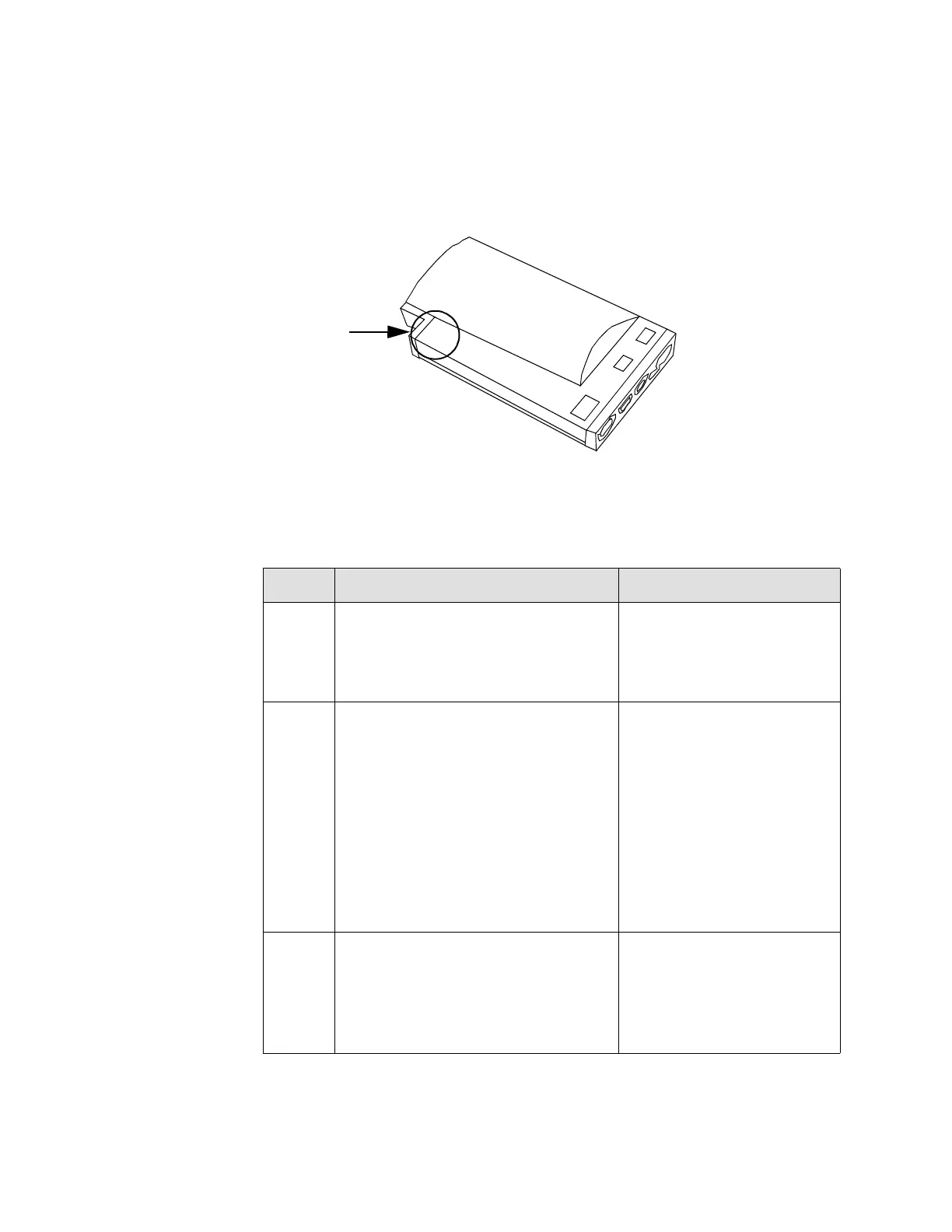
Troubleshooting the Measurement Server LEDs
The Measurement Server LEDs can be seen from the rear view of the Instrument.
The functions of the three LEDs in the Server are identical to the three LEDs on the
Instrument System Board:
LED Description Defect Condition
Green +5V power LED—When on, this
LEd indicates the presence of +5V.
Off: Check Power Supply
and associated cabling.
Go to the troubleshooting
section.
Yel-
low
Main CPU status LED—When on
and blinking, this LED indicates
normal CPU operation.
Starts to blink 2 times per second
after the red Error LED switches
off then slows down to blink 1 time
per second after the red Error LED
switches off when the system boot
has finished (approximately 2 sec-
onds).
If permanently on or off,
indicates a hung CPU.
- Reload software
- Exchange system board.
Red Error LED—When on, this LED
indicates an error.
This LED switches on for about 1
second after a System Board reset
then switches off.
If permanently on, the
Server is probably defec-
tive.
Measurement Server LEDs
.
.
.
Red
Yellow
Green
.
.
.











 To Next Page