User Manual
E727T0005, valid for E-727
BRO, 2019-06-28
Physik Instrumente (PI) GmbH & Co. KG, Auf der Roemerstrasse 1, 76228 Karlsruhe, Germany Page 211 / 240
Phone +49 721 4846-0, Fax +49 721 4846-1019, Email info@pi.ws, www.pi.ws
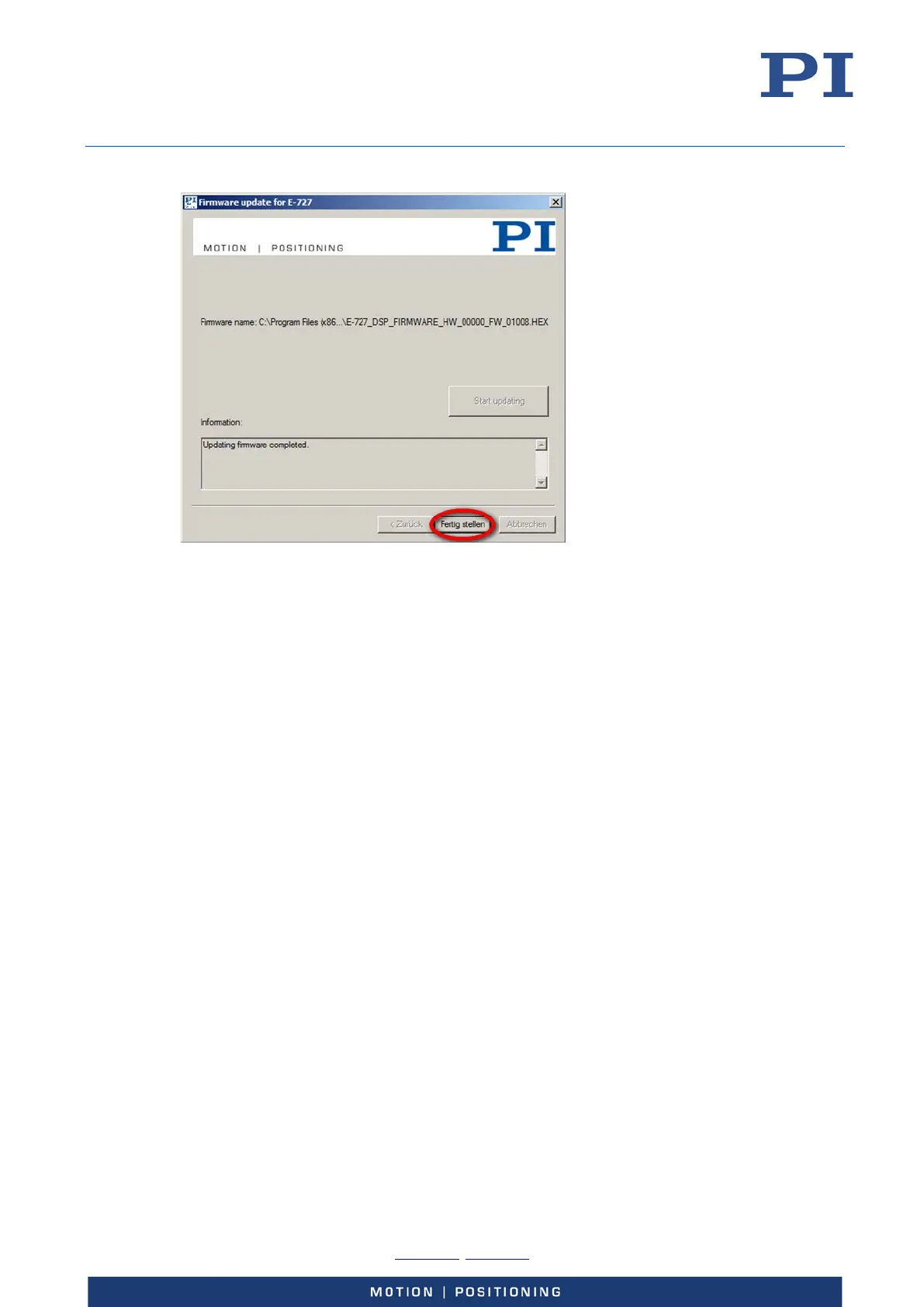
15. Click Finish to close the PI Firmware Update Wizard (Fertig stellen means Finish).
Troubleshouting
Case 1: The E-727 does not reboot automatically:
Do not power cycle the E-727 but proceed as follows:
a) Close the PI Firmware Update Wizard (if it is still open).
b) Repeat the firmware update beginning with step 5 of “Updating the firmware“ (p. 205).
Case 2: The PI Firmware Update Wizard ends with an error message, and the E-727 does not
reboot automatically:
Follow the procedure described for case 1.
Case 3: After reboot or power cycling of the E-727, at least one of the following LEDs indicates a
failed firmware update (e.g. due to power failure or communication error):
Ch1/2 OFL is permanently flashing while all other LEDs are off: FPGA firmware does
not work
Ch3/4 OFL is permanently flashing while all other LEDs are off: DSP firmware does
not work
Proceed as follows for every firmware that does not work:
1. Close the PI Firmware Update Wizard (if it is still open).
2. Repeat the firmware update beginning with step 5 of “Updating the firmware“ (p. 205).



 To Next Page