Proxima, Libra firmware ver. 2.12.xx
rev. 2.12.01
9. User Zone
Each extension user has access to the User zone from the web browser level. The
User Zone allows you to verify:
• call forwarding settings,
• Hunt Group settings,
• voicemail status,
• outgoing and incoming call log,
• access codes to server functions.
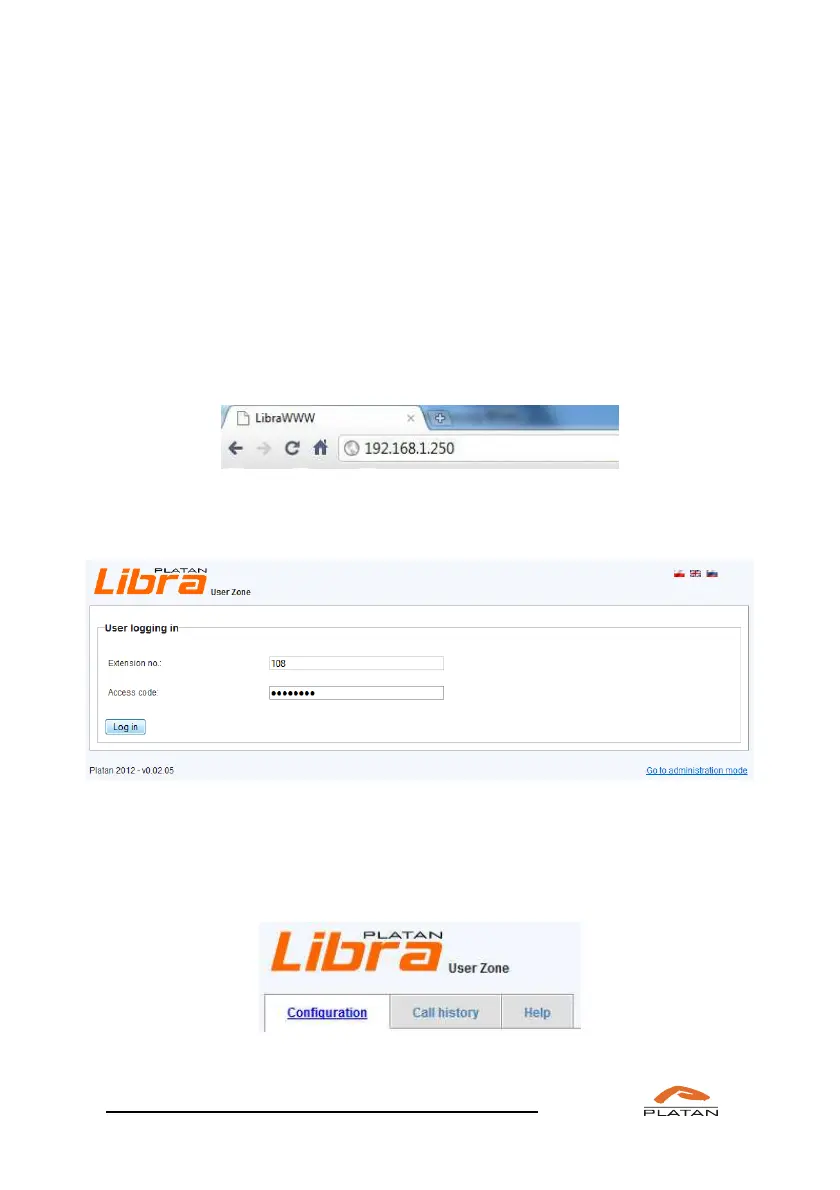
To invoke the User Zone, enter the Proxima or Libra server IP (by default:
192.168.1.250) in the browser address bar.
The login box will be displayed. Enter the user's extension number and the
password (telephone block code).
When logged in, you have access to three tabs:
• Configuration,
• Call history,
• Help.



 To Next Page