Proxima, Libra firmware ver. 2.12.xx
rev. 2.12.01
In the course of programming, the HOLD button functions as the BACKSPACE. It
may be used to delete the digits entered by mistake.
The server makes it possible to capture a call directly from the proprietary
phone and console speed dialling buttons. However, it is required for the
called number to be defined “under” the speed dialling button.
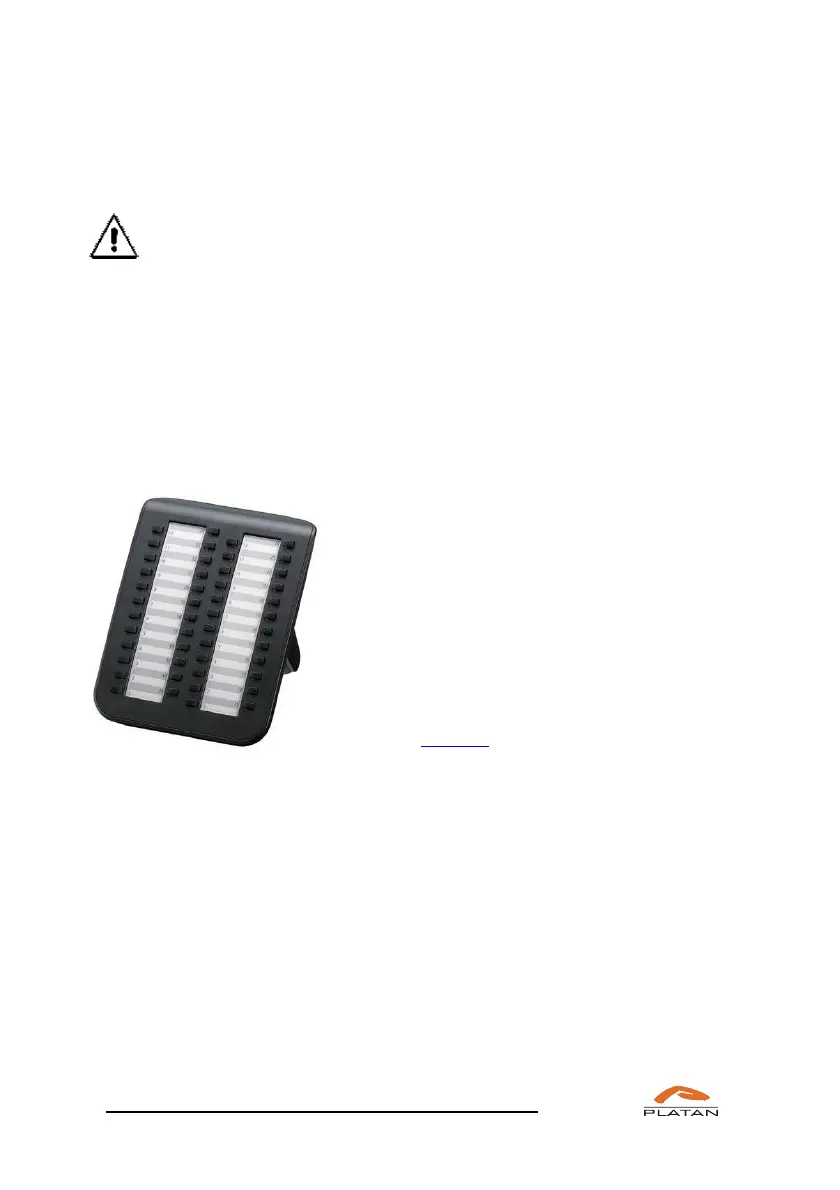
5.1.4 Direct Station Selection (DSS) console – key functions (Libra
PBX Server only)
The Direct Station Selection (DSS) console makes it possible to observe the line
status and the connection with the server user by means of a single button.
If a given extension user is engaged, e.g. is having
an outgoing or incoming call, the key ascribed to
them will be backlit red. If a server user is idle, the
button will not be backlit.
If you press a console button representing an idle
user line (without picking up the phone), the
speakerphone (linked with this console) will be
activated within the proprietary phone (the
AutoSpeaker option should be switched on in the
computer program).
Front panel of the KX-DT590 DSS console
To each DSS console key and busy lamp field (BLF) as well as to each function
key and to F1-F16 LEDs, an extension or outside party’s number or any sever
function may be assigned.
The method of programming keys and BLFs using the telephone is described later
in this section. The description of the procedure of programming keys and LEDs
within proprietary phones and consoles using the computer program is described in
the LibraWeb program operation manual.



 To Next Page